WiFi Chess PC
KSOLVES
GameLoopエミュレーターを使用してPCにWiFi Chessをダウンロードします
WiFi Chess PC版
開発者KSOLVESからのWiFi Chessは、過去にAndroidsystermで実行されています。
これで、GameLoopを搭載したPCでWiFi Chessをスムーズにプレイできます。
GameLoopライブラリまたは検索結果にダウンロードしてください。 バッテリーに目を向けたり、間違った時間にイライラしたりすることはもうありません。
大画面でWiFi ChessPCを無料でお楽しみください!
WiFi Chess 序章
Get tired of apps which cost you loss of internet data then this app is for you.This app connects two friends to each other for playing chess without using internet. Only user have to do is turn on device’s WIFI and app will show the list of users available nearby although users can accept or decline the request to play with.
-> Now you can play chess on two different devices without any loss of your internet data.
-> One tap and connect with nearby friend through wifi / hotspot.
-> No matter your device has internet connection or not, play with your friends offline.
-> Forgot about compatibility issue, this app is compatible with both Android and iOS devices.
This Game interface allows you :
-> To play game with available friends around you
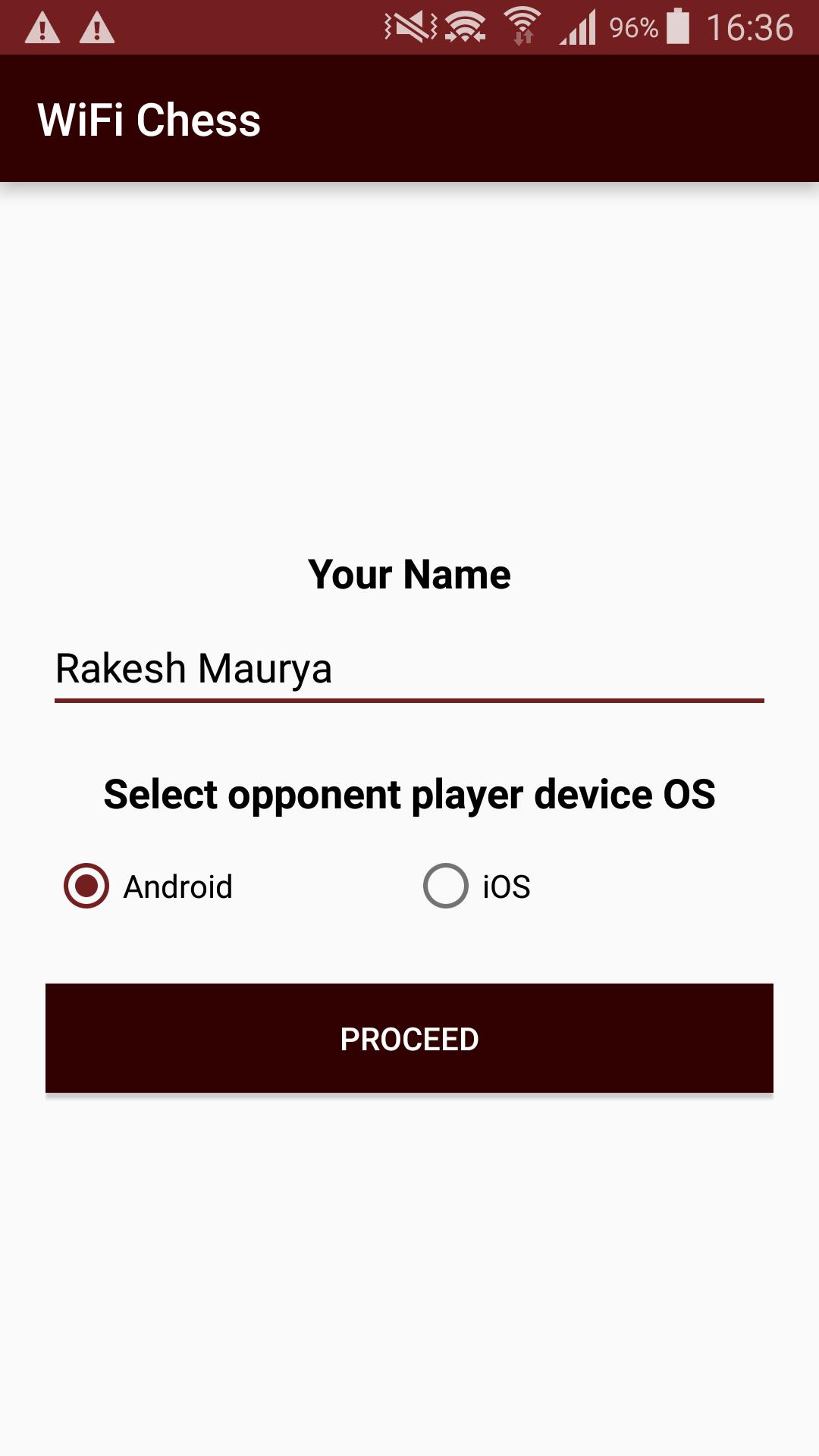
-> To choose mobile interfaces between Android and iOS.
-> To send request to stranger for invitation to play.
-> Accept / decline stranger to play with
See captured pieces for both users.
プレビュー
情報
デベロッパー
KSOLVES
最新バージョン
1.9
最終更新
2019-09-16
カテゴリー
ボード
上で利用可能
Google Play
もっと見せる
PCでGameLoopを使用してWiFi Chessをプレイする方法
1. 公式WebサイトからGameLoopをダウンロードし、exeファイルを実行してGameLoopをインストールします
2. GameLoopを開いて「WiFi Chess」を検索し、検索結果でWiFi Chessを見つけて、「インストール」をクリックします。
3. GameLoopでWiFi Chessを楽しんでください
Minimum requirements
OS
Windows 8.1 64-bit or Windows 10 64-bit
GPU
GTX 1050
CPU
i3-8300
Memory
8GB RAM
Storage
1GB available space
Recommended requirements
OS
Windows 8.1 64-bit or Windows 10 64-bit
GPU
GTX 1050
CPU
i3-9320
Memory
16GB RAM
Storage
1GB available space