Gamestar App&Play PC
Gamestar Gaming Inc
GameLoopエミュレーターを使用してPCにGamestar App&Playをダウンロードします
Gamestar App&Play PC版
開発者Gamestar Gaming IncからのGamestar App&Playは、過去にAndroidsystermで実行されています。
これで、GameLoopを搭載したPCでGamestar App&Playをスムーズにプレイできます。
GameLoopライブラリまたは検索結果にダウンロードしてください。 バッテリーに目を向けたり、間違った時間にイライラしたりすることはもうありません。
大画面でGamestar App&PlayPCを無料でお楽しみください!
Gamestar App&Play 序章
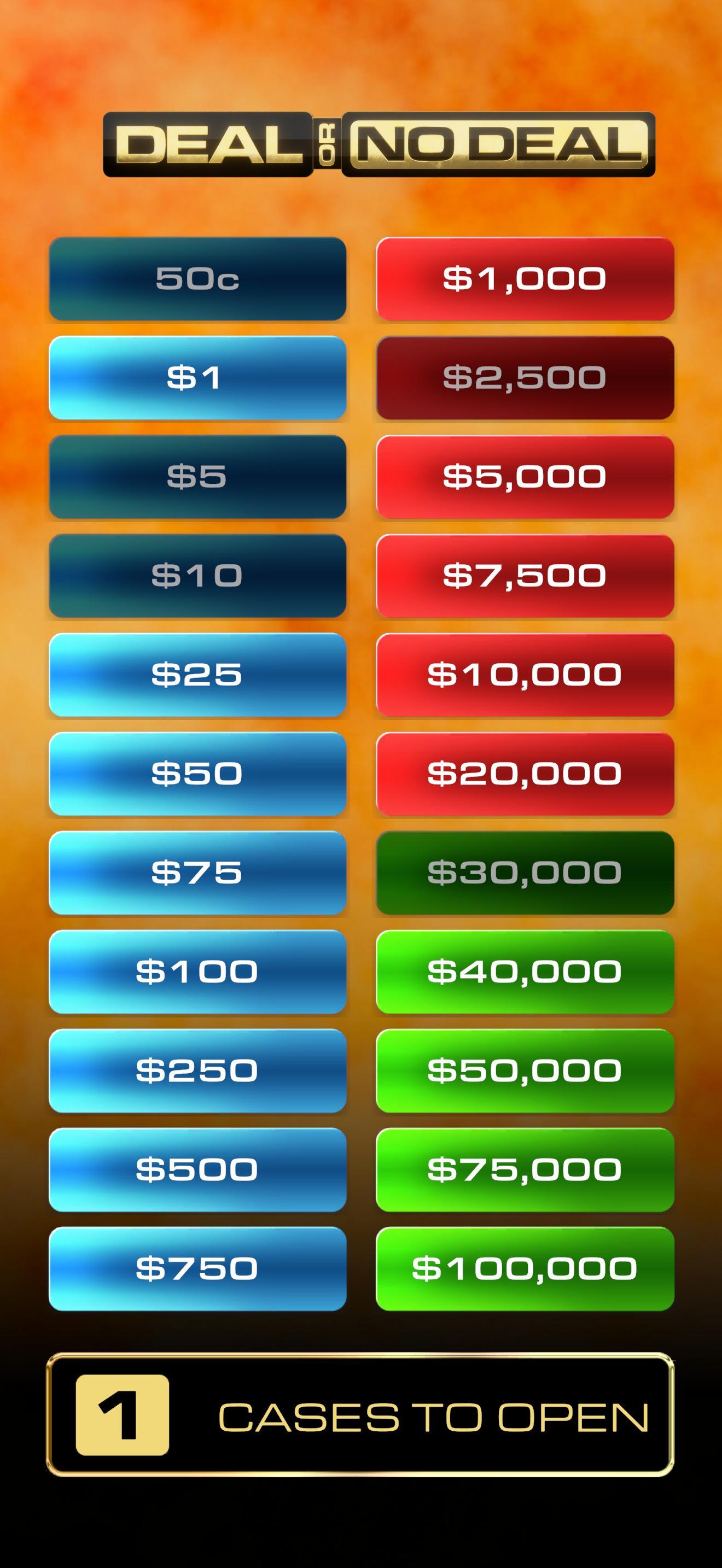
GamestarのApp&Play Appcessoryは、Imagination Gamingのボードゲーム「Deal or No Deal」、「Family Fortunes」、ボードゲーム「Supermarket Sweep」に対応しています。さらに、定番ボードゲーム「Feud Masters」と「Grocery Run」も開発しました。
Gamestarの無料App&Play Appcessoryで、テレビのゲーム番組のボードゲームをワンランクアップ!テレビで人気のゲーム番組の公式インタラクティブ要素で、ゲームをさらに充実させましょう。
免責事項:Gamestarの無料App&Play Appcessoryでプレイできるゲームは、単体ではプレイできません。Imagination Gamingの対応するボードゲームが必要です。
プレビュー

タグ
ボード情報
デベロッパー
Gamestar Gaming Inc
最新バージョン
1.6.9
最終更新
2025-08-12
カテゴリー
ボード
上で利用可能
Google Play
もっと見せる
PCでGameLoopを使用してGamestar App&Playをプレイする方法
1. 公式WebサイトからGameLoopをダウンロードし、exeファイルを実行してGameLoopをインストールします
2. GameLoopを開いて「Gamestar App&Play」を検索し、検索結果でGamestar App&Playを見つけて、「インストール」をクリックします。
3. GameLoopでGamestar App&Playを楽しんでください
Minimum requirements
OS
Windows 8.1 64-bit or Windows 10 64-bit
GPU
GTX 1050
CPU
i3-8300
Memory
8GB RAM
Storage
1GB available space
Recommended requirements
OS
Windows 8.1 64-bit or Windows 10 64-bit
GPU
GTX 1050
CPU
i3-9320
Memory
16GB RAM
Storage
1GB available space