
Photo Video Editor With Transitions PC
Apps Impulses
GameLoopエミュレーターを使用してPCにPhoto Video Editor With Transitionsをダウンロードします
Photo Video Editor With Transitions PC版
開発者Apps ImpulsesからのPhoto Video Editor With Transitionsは、過去にAndroidsystermで実行されています。
これで、GameLoopを搭載したPCでPhoto Video Editor With Transitionsをスムーズにプレイできます。
GameLoopライブラリまたは検索結果にダウンロードしてください。 バッテリーに目を向けたり、間違った時間にイライラしたりすることはもうありません。
大画面でPhoto Video Editor With TransitionsPCを無料でお楽しみください!
Photo Video Editor With Transitions 序章
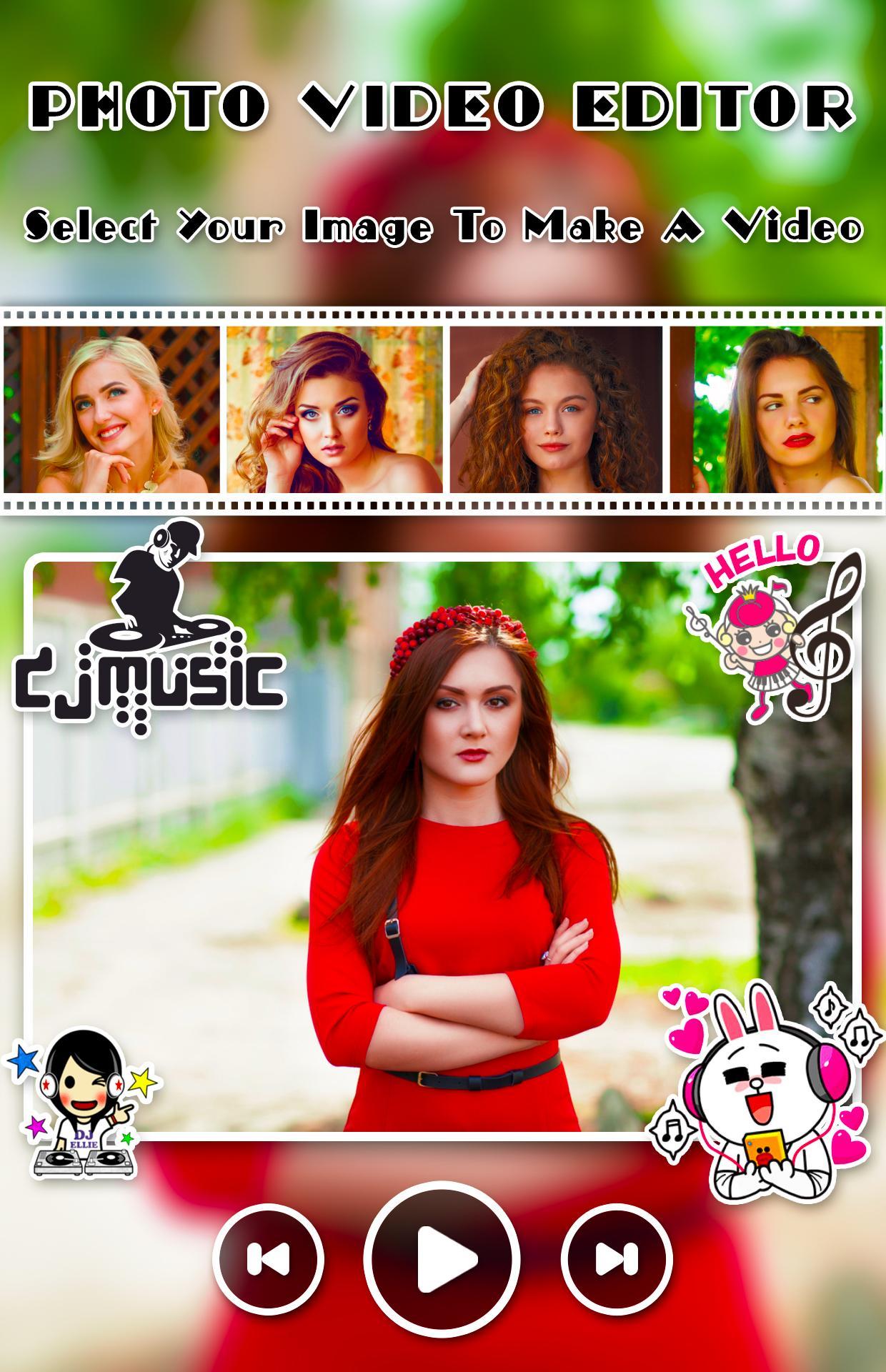
Creating and editing video from images, music and share amazing music video story
Create amazing movie with your photos, music and amazing animation effects. Photo Video Editor With Transitionsprovide nice animation effect, predefined sounds to give better effect.
Photo Video Editor With Transitions app helps you to make videos with you and your loved one photos with adding a song and convert them into a beautiful video. Create your own greetings with beautiful and lovely themes that are available in this app to integrate it with multiple photos and share it with your loved ones.
Photo Video Editor With Transitions is one of the power full video maker application. Everything you need to make an awesome video
Application Freatures
- Add music to video and pictures, adjust the volume of music
- GIF maker from picture and video
- Text on video editor: write on video and edit font & color with text to video maker function.
- Add subtitle to video easily in slideshow with music maker app
- Add sticker in video sticker editor function and draw on video
- Crop and trim video, merge videos together editor
- Video cut and join and add music to video
- Zoom, video rotation, copy, rewind
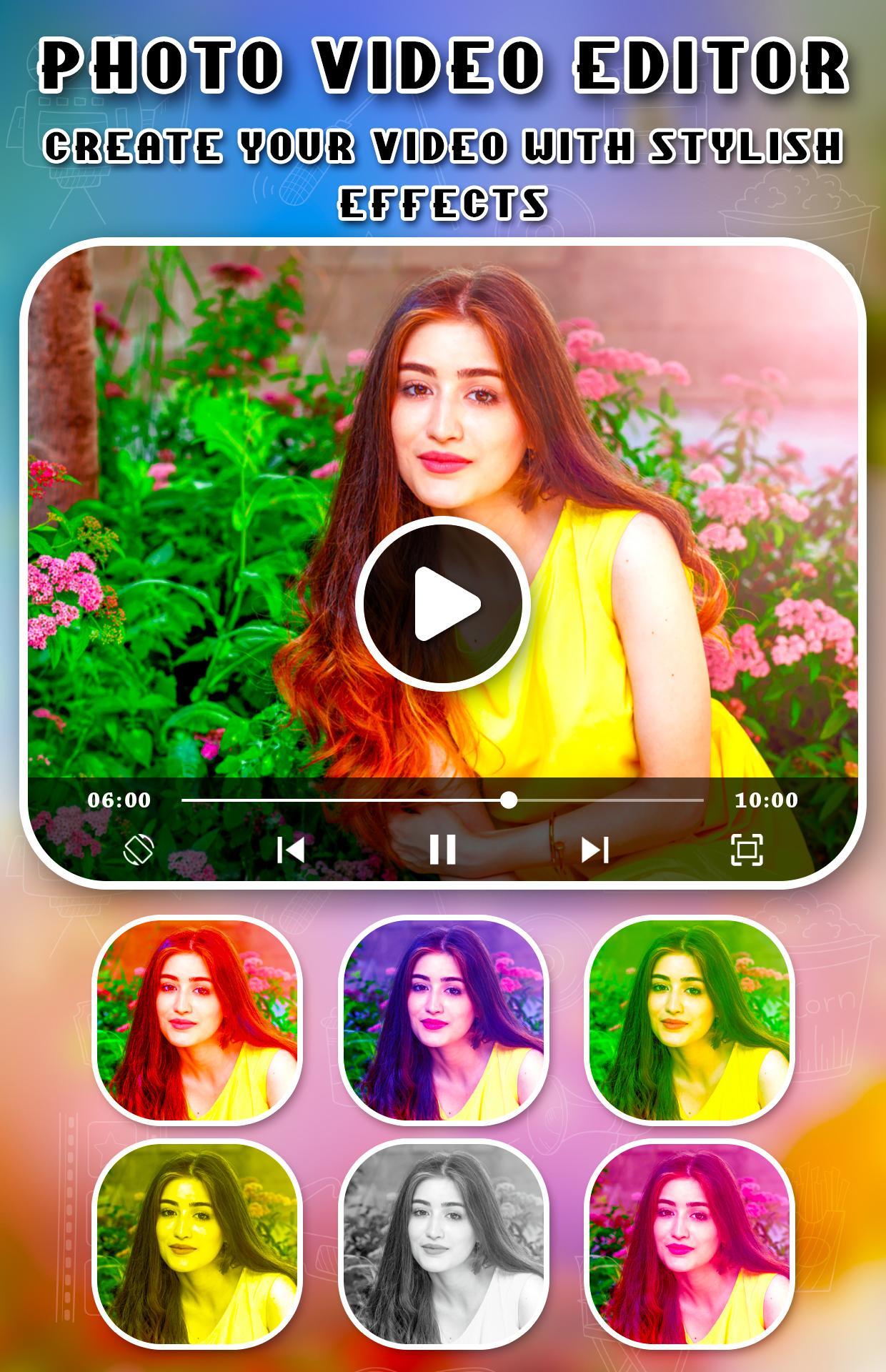
- Over 30 different video filters for you
- Add your voice to video or mute voice
- Over 20 video transition effects
- Add lightning or foam effect to video
プレビュー
情報
デベロッパー
Apps Impulses
最新バージョン
1.1
最終更新
2019-07-20
カテゴリー
美容
上で利用可能
Google Play
もっと見せる
PCでGameLoopを使用してPhoto Video Editor With Transitionsをプレイする方法
1. 公式WebサイトからGameLoopをダウンロードし、exeファイルを実行してGameLoopをインストールします
2. GameLoopを開いて「Photo Video Editor With Transitions」を検索し、検索結果でPhoto Video Editor With Transitionsを見つけて、「インストール」をクリックします。
3. GameLoopでPhoto Video Editor With Transitionsを楽しんでください
Minimum requirements
OS
Windows 8.1 64-bit or Windows 10 64-bit
GPU
GTX 1050
CPU
i3-8300
Memory
8GB RAM
Storage
1GB available space
Recommended requirements
OS
Windows 8.1 64-bit or Windows 10 64-bit
GPU
GTX 1050
CPU
i3-9320
Memory
16GB RAM
Storage
1GB available space