Undertales coloring book Sans PC
Art Mood
GameLoopエミュレーターを使用してPCにUndertales coloring book Sansをダウンロードします
Undertales coloring book Sans PC版
開発者Art MoodからのUndertales coloring book Sansは、過去にAndroidsystermで実行されています。
これで、GameLoopを搭載したPCでUndertales coloring book Sansをスムーズにプレイできます。
GameLoopライブラリまたは検索結果にダウンロードしてください。 バッテリーに目を向けたり、間違った時間にイライラしたりすることはもうありません。
大画面でUndertales coloring book SansPCを無料でお楽しみください!
Undertales coloring book Sans 序章
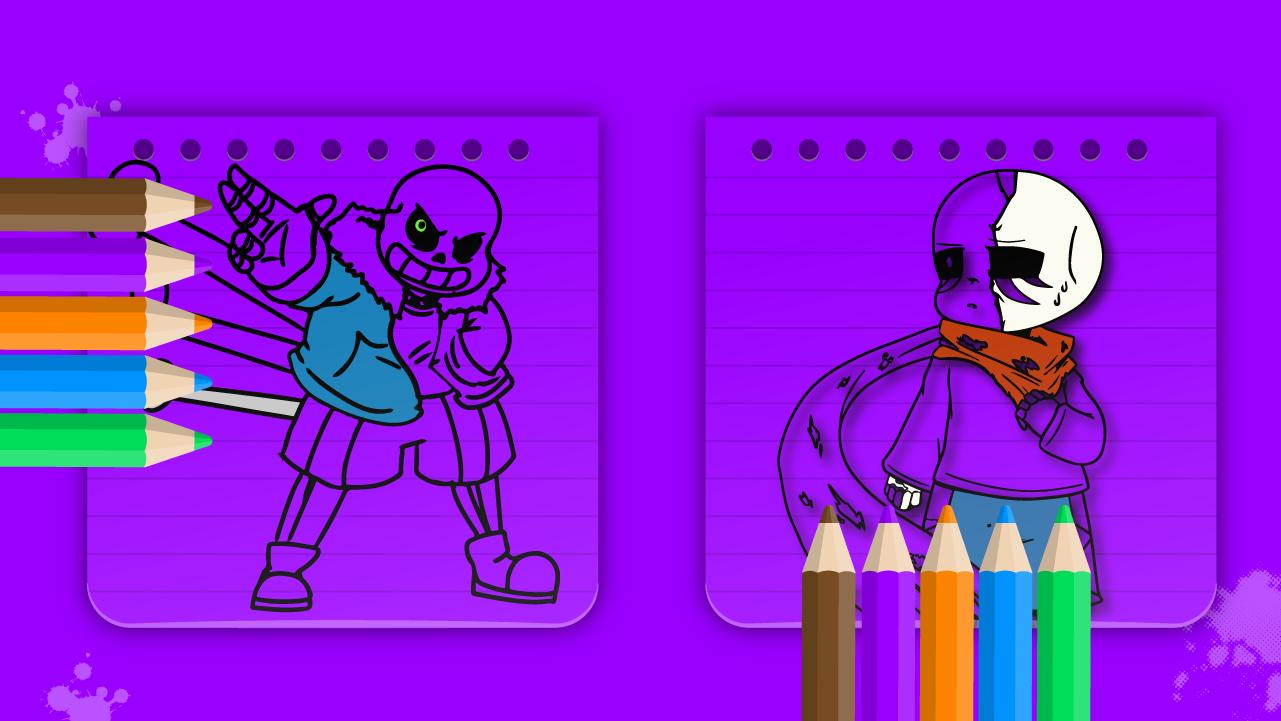
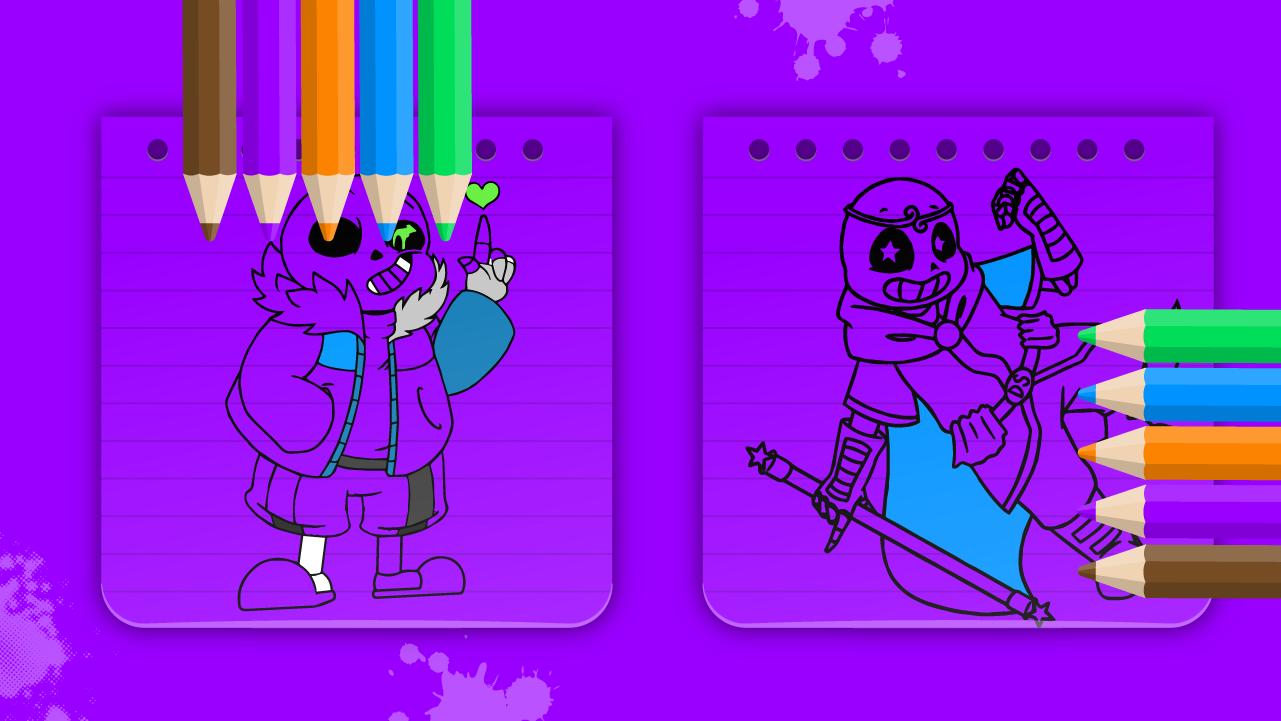
Perfect for everyone especially for kids who love sans to relax and be creative.
Everyone wants to have their own cartoons, so we are offering you high-quality undertales and sanc coloring books.
Sanse coloring book is extremely easy to use and FREE!
Features of this app :
- Best-quality coloring pages.
- Collected many varied drawing lessons.
- Top-quality sans book coloring pages, that you simply will wish to paint.
- Zoom In or Out essential functionality for drawing.
- Cool user interface for coloring games lovers.
- Easily save Undertale pictures to your phone.
- Display with Chara style be ready to see many characters on one screen.
under tale coloring book sanc colors for girls and boys allows your children to precise themselves creatively.
Enjoy coloring with stickers of sanse!
プレビュー
タグ
Art-&情報
デベロッパー
Art Mood
最新バージョン
0.1
最終更新
2022-03-26
カテゴリー
Art-design
上で利用可能
Google Play
もっと見せる
PCでGameLoopを使用してUndertales coloring book Sansをプレイする方法
1. 公式WebサイトからGameLoopをダウンロードし、exeファイルを実行してGameLoopをインストールします
2. GameLoopを開いて「Undertales coloring book Sans」を検索し、検索結果でUndertales coloring book Sansを見つけて、「インストール」をクリックします。
3. GameLoopでUndertales coloring book Sansを楽しんでください
Minimum requirements
OS
Windows 8.1 64-bit or Windows 10 64-bit
GPU
GTX 1050
CPU
i3-8300
Memory
8GB RAM
Storage
1GB available space
Recommended requirements
OS
Windows 8.1 64-bit or Windows 10 64-bit
GPU
GTX 1050
CPU
i3-9320
Memory
16GB RAM
Storage
1GB available space