
Sketcher Studio PC
FErlop Ferqw
GameLoopエミュレーターを使用してPCにSketcher Studioをダウンロードします
Sketcher Studio PC版
開発者FErlop FerqwからのSketcher Studioは、過去にAndroidsystermで実行されています。
これで、GameLoopを搭載したPCでSketcher Studioをスムーズにプレイできます。
GameLoopライブラリまたは検索結果にダウンロードしてください。 バッテリーに目を向けたり、間違った時間にイライラしたりすることはもうありません。
大画面でSketcher StudioPCを無料でお楽しみください!
Sketcher Studio 序章
Sketcher Studio is an award—winning application for creating sketches, paintings and drawings for everyone who loves to draw.
Artists and illustrators love Sketcher Studio for its professional feature set and customizable tools.
Everyone loves Sketcher Studio for its elegant interface and natural drawing process, which does not distract, allowing you to focus on the implementation and expression of your ideas.
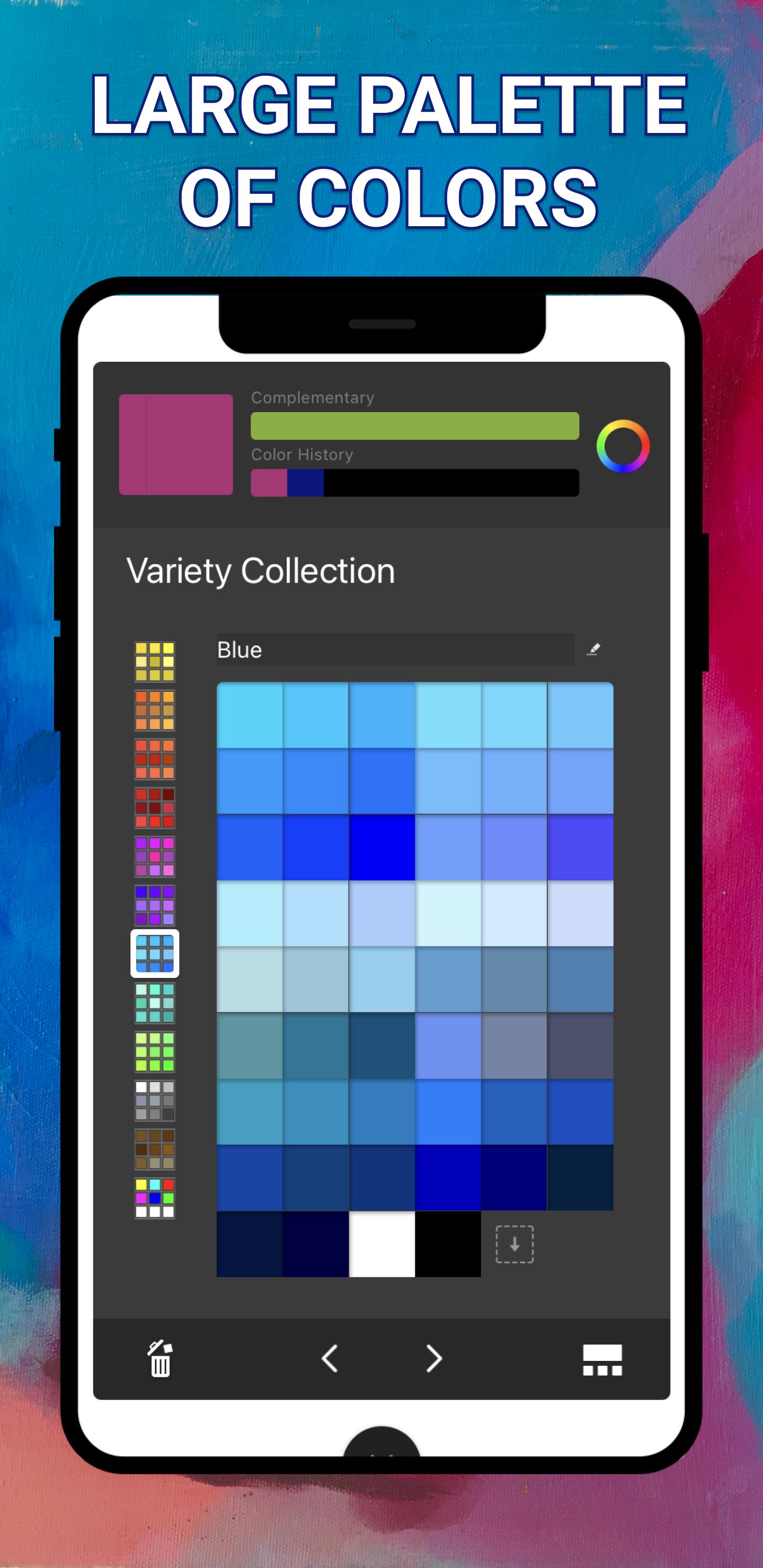
The Sketcher Studio drawing program has 5 digital modes with which you can draw art: a children's panel, a sketch book, doodles, coloring and photos.
This app is suitable for users of any age.
APPLICATION FUNCTIONS:
- Smooth, maximum 60 frames per second.
- More than 15,000 kinds of brushes, such as G-pen, pen, digital pen, air brush, round brush, flat brush, pencil, oil paint, charcoal, pencil, stamp.
- Various brush parameters such as initial/final thickness, initial/final opacity and initial/final angle of the brush.
- Quick slider with brush thickness and brush transparency ready to go.
- Brush preview that can be checked in real time.
- Full set of brush types: pencils-markers, airbrushes, brushstrokes and others that look and feel exactly the same as their physical counterparts.
- The brushes are easily customizable, so you can create exactly the image you need.
- Guides, rulers and stroke tools provide precision when you need it.
- Layers with a full set of overlay modes provide flexibility when creating and studying drawings and colors.
- Concise and unobtrusive interface, specially designed for sketching, allows you to focus on drawing.
This drawing application is a full-fledged package for creating art.
プレビュー

タグ
Art-&情報
デベロッパー
FErlop Ferqw
最新バージョン
8.2
最終更新
2022-10-14
カテゴリー
Art-design
上で利用可能
Google Play
もっと見せる
PCでGameLoopを使用してSketcher Studioをプレイする方法
1. 公式WebサイトからGameLoopをダウンロードし、exeファイルを実行してGameLoopをインストールします
2. GameLoopを開いて「Sketcher Studio」を検索し、検索結果でSketcher Studioを見つけて、「インストール」をクリックします。
3. GameLoopでSketcher Studioを楽しんでください
Minimum requirements
OS
Windows 8.1 64-bit or Windows 10 64-bit
GPU
GTX 1050
CPU
i3-8300
Memory
8GB RAM
Storage
1GB available space
Recommended requirements
OS
Windows 8.1 64-bit or Windows 10 64-bit
GPU
GTX 1050
CPU
i3-9320
Memory
16GB RAM
Storage
1GB available space