Gaming Logo Maker - Esport video games logo maker PC
Red Cliff Apps Studio
GameLoopエミュレーターを使用してPCにGaming Logo Maker - Esport video games logo makerをダウンロードします
Gaming Logo Maker - Esport video games logo maker PC版
開発者Red Cliff Apps StudioからのGaming Logo Maker - Esport video games logo makerは、過去にAndroidsystermで実行されています。
これで、GameLoopを搭載したPCでGaming Logo Maker - Esport video games logo makerをスムーズにプレイできます。
GameLoopライブラリまたは検索結果にダウンロードしてください。 バッテリーに目を向けたり、間違った時間にイライラしたりすることはもうありません。
大画面でGaming Logo Maker - Esport video games logo makerPCを無料でお楽しみください!
Gaming Logo Maker - Esport video games logo maker 序章
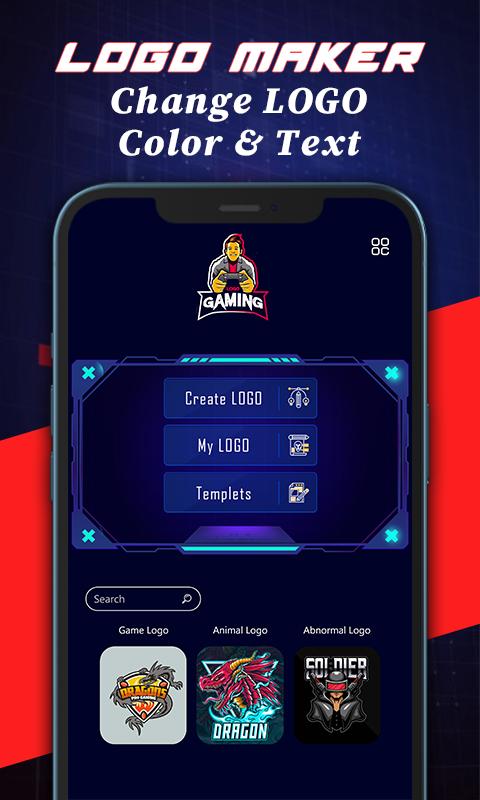
Are you a video games lover? If yes then you must need a professional gaming logo for your gaming profile here is the gamer logo maker editor app with the help of which you can easily create a professional gaming logo within a few minutes. You will find here in the gamer logo maker with name different types of templates and logos. Plus you can easily put your gaming name and design it with different gaming fonts which is built in the gamer logo maker editor and color it according you gaming logo design.
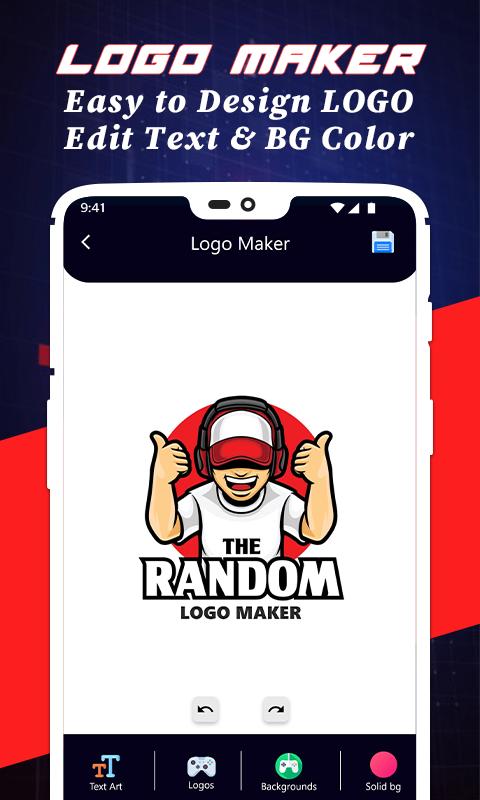
You will find here in the ready gaming logo design ideas templates also in which you can just put you gaming name and save it as an esport gaming logo. Otherwise you will find lots of gaming logo and edit your logo custom just select gaming logo and drag to place it at the right place and chose background color then if you want write your name below the gaming logo just write and place it and save it. It save in yours phone gallery after that you can share it where ever you want to share it or use it as you gaming logo.
here is few step to create gaming logo
1. Open the gaming logo editor and select create logo.
2. If you want ready gaming logo then just select template.
3. If you want you custom logo then just select you favorite gaming logo avatar.
4. Then select background color for your gaming logo wallpaper.
5. Write you gaming name below your logo esport images.
6. After set it up then just click on save icon.
After following the above steps you will finally create logo sticker design and find that gaming logo design in your phone gallery or in the gaming logo editor app in by clicking my logo button. In my logo section of the logo maker app you will find all the gaming logos which you had created.
プレビュー
タグ
Art-&情報
デベロッパー
Red Cliff Apps Studio
最新バージョン
1.3
最終更新
2021-07-08
カテゴリー
Art-design
上で利用可能
Google Play
もっと見せる
PCでGameLoopを使用してGaming Logo Maker - Esport video games logo makerをプレイする方法
1. 公式WebサイトからGameLoopをダウンロードし、exeファイルを実行してGameLoopをインストールします
2. GameLoopを開いて「Gaming Logo Maker - Esport video games logo maker」を検索し、検索結果でGaming Logo Maker - Esport video games logo makerを見つけて、「インストール」をクリックします。
3. GameLoopでGaming Logo Maker - Esport video games logo makerを楽しんでください
Minimum requirements
OS
Windows 8.1 64-bit or Windows 10 64-bit
GPU
GTX 1050
CPU
i3-8300
Memory
8GB RAM
Storage
1GB available space
Recommended requirements
OS
Windows 8.1 64-bit or Windows 10 64-bit
GPU
GTX 1050
CPU
i3-9320
Memory
16GB RAM
Storage
1GB available space