
Iconic: Logo & Icon Maker PC
Funs Tech
GameLoopエミュレーターを使用してPCにIconic: Logo & Icon Makerをダウンロードします
Iconic: Logo & Icon Maker PC版
開発者Funs TechからのIconic: Logo & Icon Makerは、過去にAndroidsystermで実行されています。
これで、GameLoopを搭載したPCでIconic: Logo & Icon Makerをスムーズにプレイできます。
GameLoopライブラリまたは検索結果にダウンロードしてください。 バッテリーに目を向けたり、間違った時間にイライラしたりすることはもうありません。
大画面でIconic: Logo & Icon MakerPCを無料でお楽しみください!
Iconic: Logo & Icon Maker 序章
Full description:
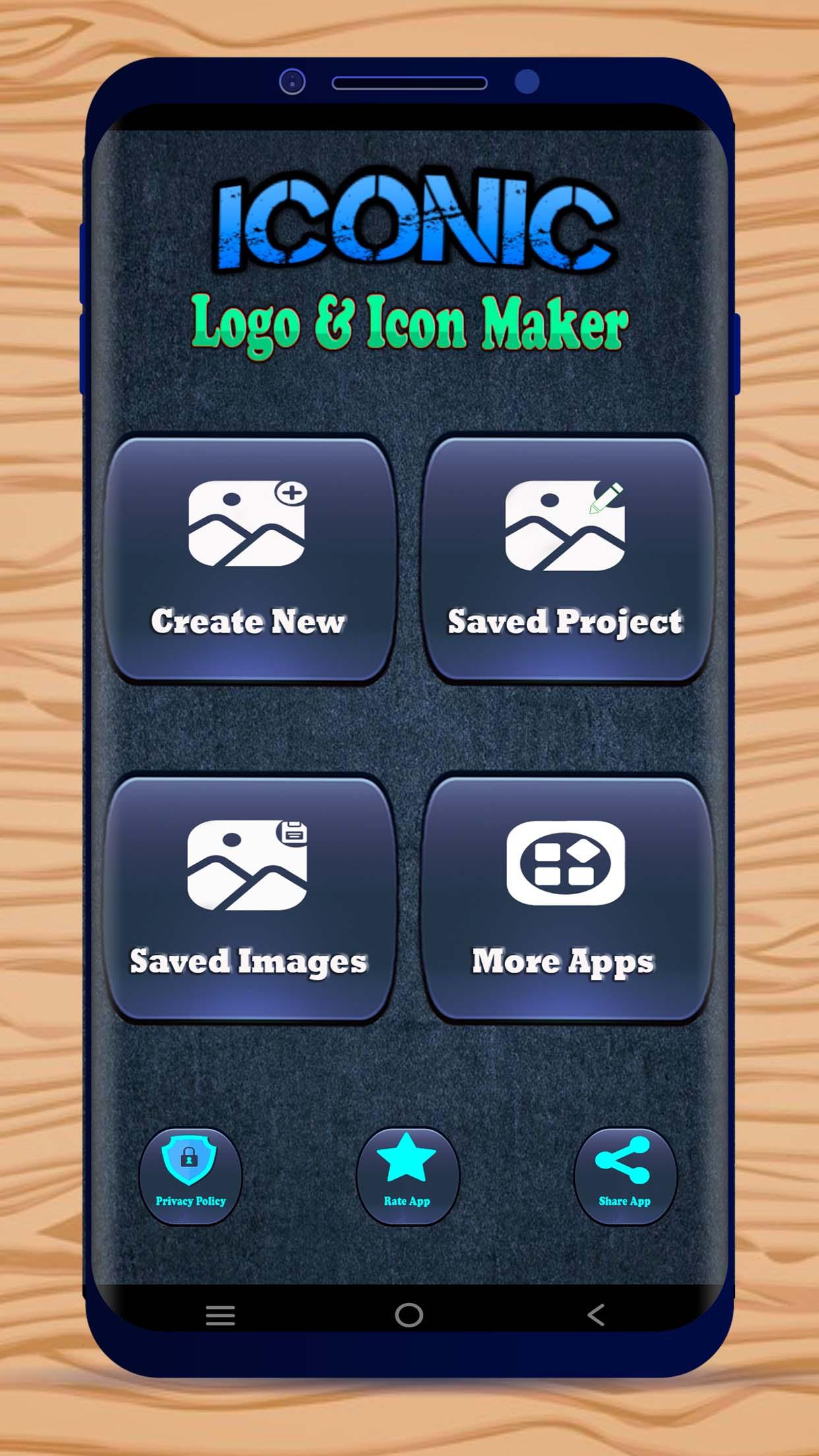
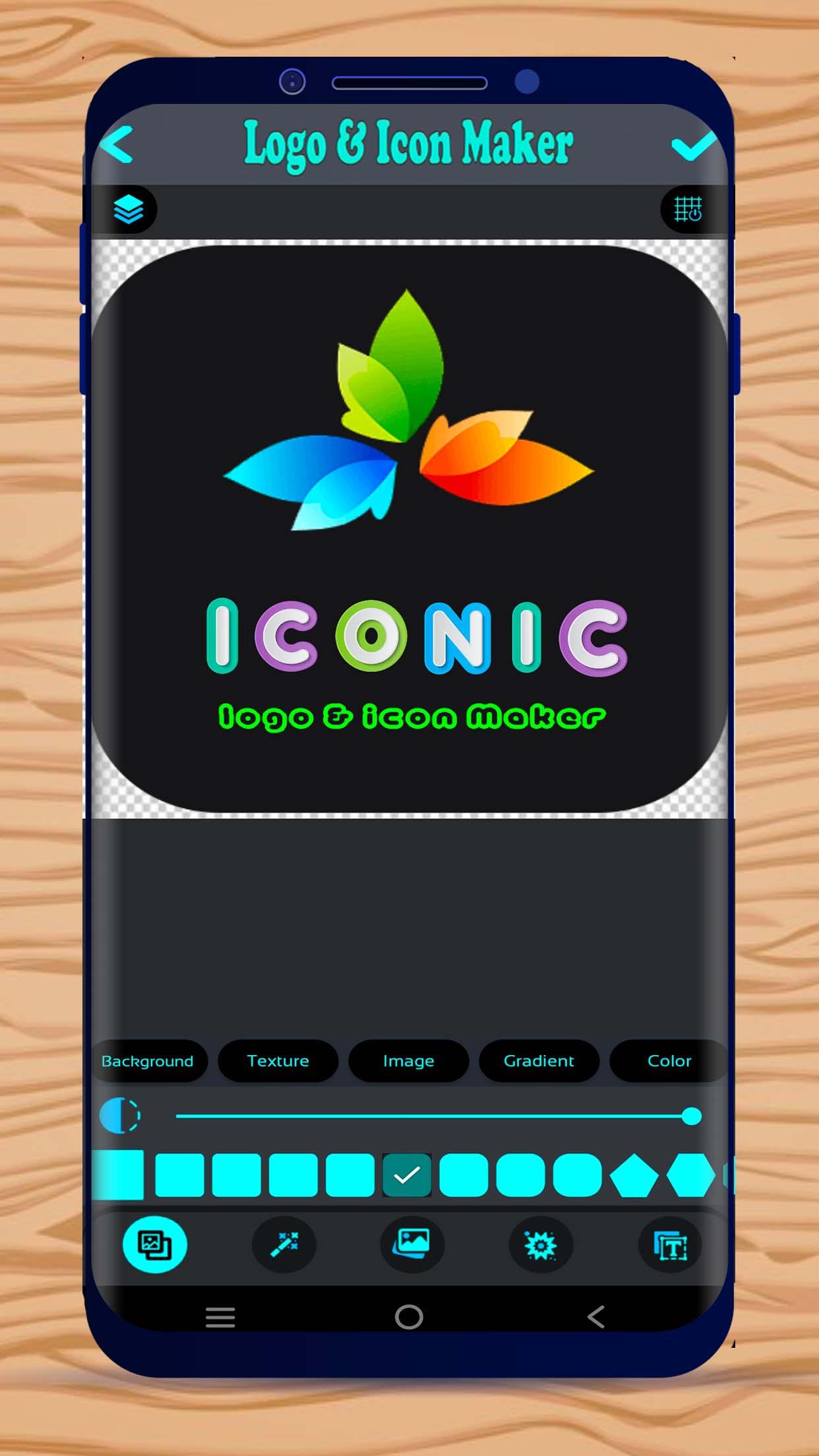
Create professional logo and icon in just a few seconds. No graphics design skills are needed. Anyone can create attractive logo & icon just by few taps. This logo & icon designer is built for the users on the go. You can make a fully customized logo or icon by this Logo & Icon creator app.
Features:
• Logo creator
• Icon creator
• Icon maker for apps
• Logo maker for your company or website
• Icon & Logo maker for different usage
• Fully customizable icon or logo design
• Free to use
• Thousands of attractive sticker
• Hundreds of text design
• Save as template
• Save as PNG
• Transparent background
• Hundreds of shape design
Thank You
Please rate the Iconic: logo & icon maker app and give your valuable feedback to help us improving and creating many more apps for you.
プレビュー
タグ
Art-&情報
デベロッパー
Funs Tech
最新バージョン
1.0
最終更新
2022-08-15
カテゴリー
Art-design
上で利用可能
Google Play
もっと見せる
PCでGameLoopを使用してIconic: Logo & Icon Makerをプレイする方法
1. 公式WebサイトからGameLoopをダウンロードし、exeファイルを実行してGameLoopをインストールします
2. GameLoopを開いて「Iconic: Logo & Icon Maker」を検索し、検索結果でIconic: Logo & Icon Makerを見つけて、「インストール」をクリックします。
3. GameLoopでIconic: Logo & Icon Makerを楽しんでください
Minimum requirements
OS
Windows 8.1 64-bit or Windows 10 64-bit
GPU
GTX 1050
CPU
i3-8300
Memory
8GB RAM
Storage
1GB available space
Recommended requirements
OS
Windows 8.1 64-bit or Windows 10 64-bit
GPU
GTX 1050
CPU
i3-9320
Memory
16GB RAM
Storage
1GB available space