
Cut Paste Photo PC
Voodamdee
GameLoopエミュレーターを使用してPCにCut Paste Photoをダウンロードします
Cut Paste Photo PC版
開発者VoodamdeeからのCut Paste Photoは、過去にAndroidsystermで実行されています。
これで、GameLoopを搭載したPCでCut Paste Photoをスムーズにプレイできます。
GameLoopライブラリまたは検索結果にダウンロードしてください。 バッテリーに目を向けたり、間違った時間にイライラしたりすることはもうありません。
大画面でCut Paste PhotoPCを無料でお楽しみください!
Cut Paste Photo 序章
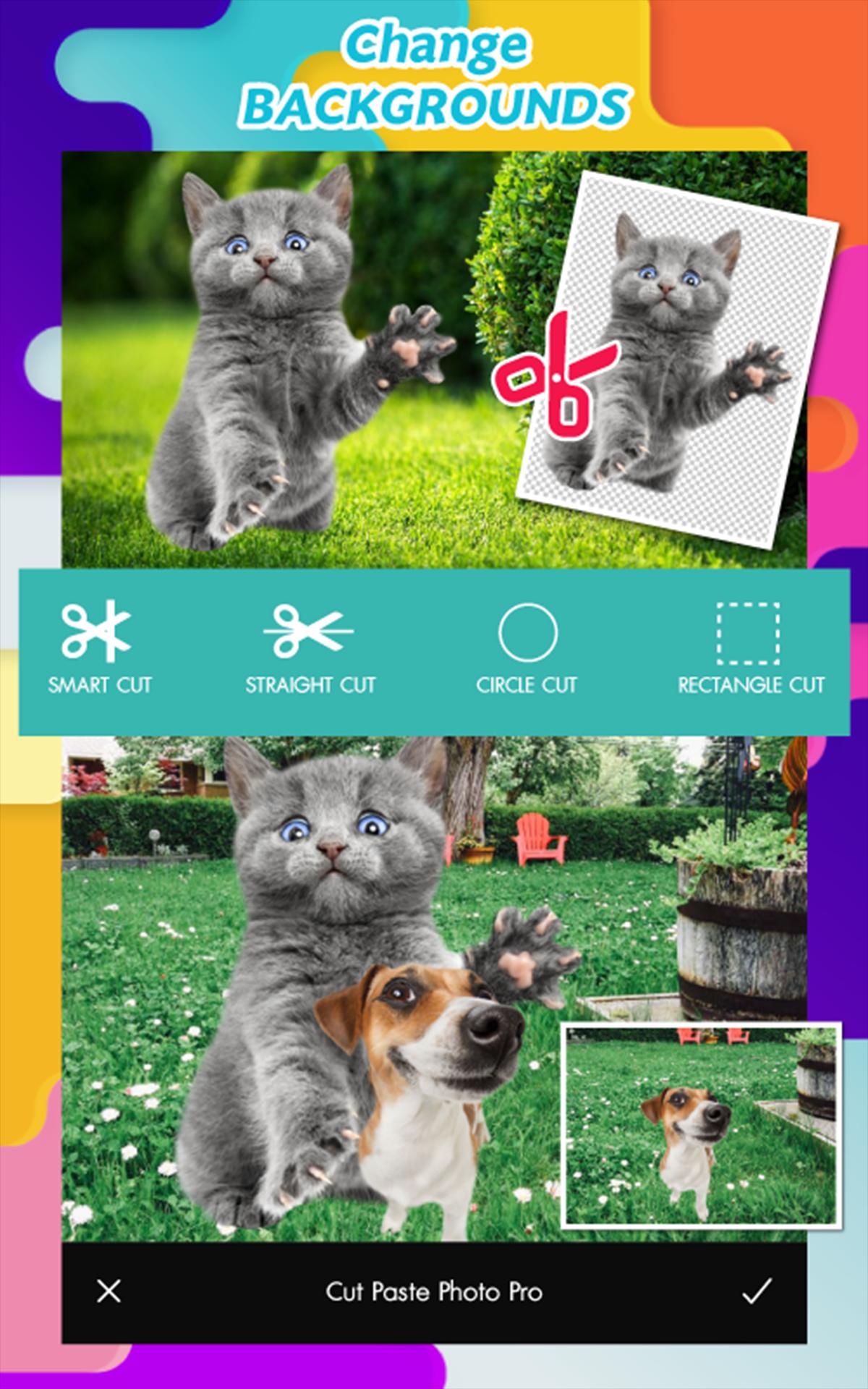
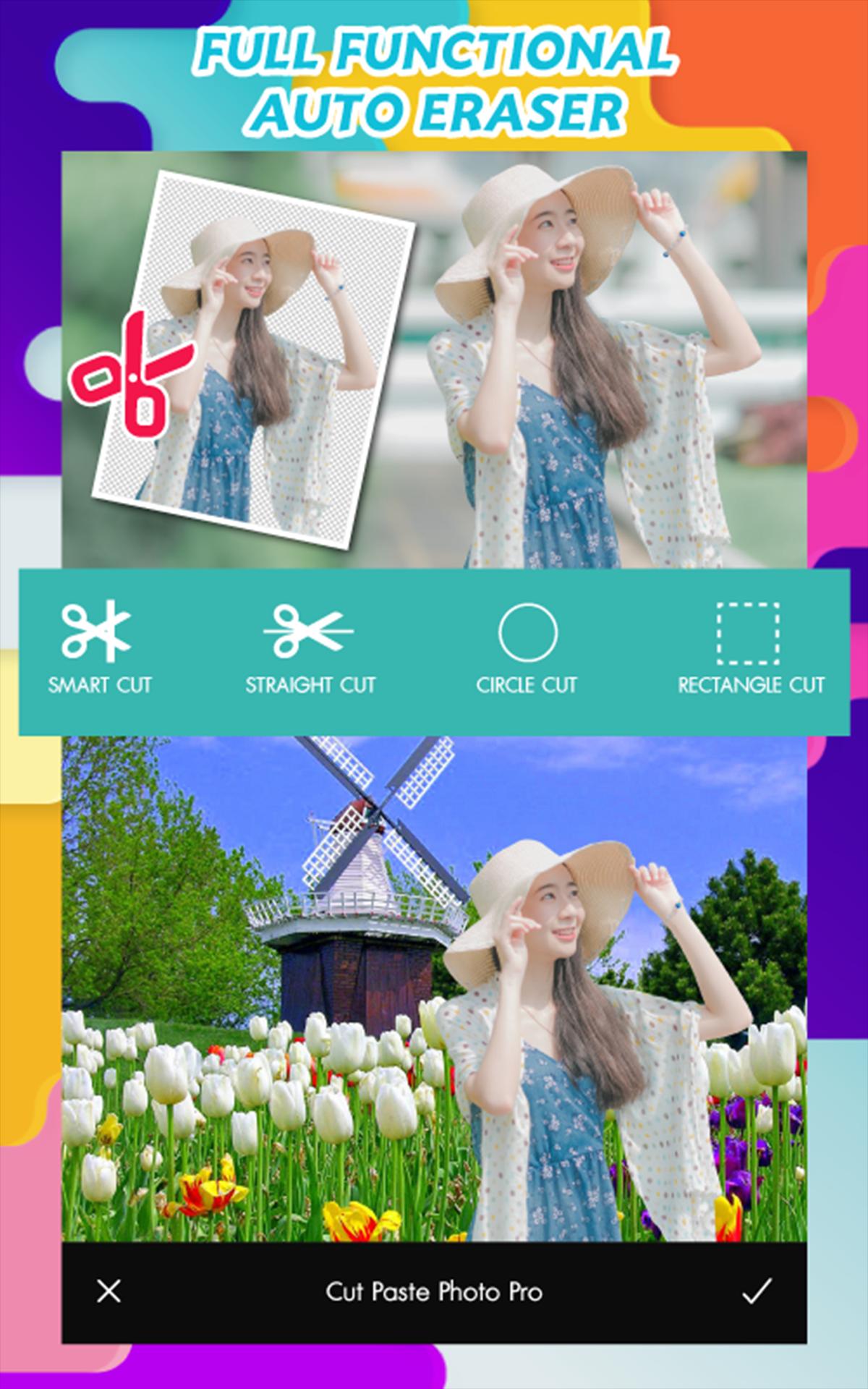
💙💜 One such Cut Paste Photo app photo editor cut and paste faces that offers you a range of features is Cut Paste Photo Editor. It is available for android. Image customization is easy with his software. 😍😘
How to use Cut Paste Photo App:
✂ Select the image you want to cut. Or will take pictures with the camera of the application.
✂ Choose the size of the image as needed.
✂ Choose dragging your finger along the direction you want to cut.
✂ able to edit images in many free formats.
✂ Select the arrow on the top right corner to continue.
✂ Choose the Background you want and adjust the Effect as needed.
✂ In addition, you can go back to edit or change the picture as needed.
✂ You can also add images, add words and add images. As needed.
✂ Share images from real photo editing Can be in social media.
プレビュー
タグ
Art-&情報
デベロッパー
Voodamdee
最新バージョン
1.12
最終更新
2022-09-12
カテゴリー
Art-design
上で利用可能
Google Play
もっと見せる
PCでGameLoopを使用してCut Paste Photoをプレイする方法
1. 公式WebサイトからGameLoopをダウンロードし、exeファイルを実行してGameLoopをインストールします
2. GameLoopを開いて「Cut Paste Photo」を検索し、検索結果でCut Paste Photoを見つけて、「インストール」をクリックします。
3. GameLoopでCut Paste Photoを楽しんでください
Minimum requirements
OS
Windows 8.1 64-bit or Windows 10 64-bit
GPU
GTX 1050
CPU
i3-8300
Memory
8GB RAM
Storage
1GB available space
Recommended requirements
OS
Windows 8.1 64-bit or Windows 10 64-bit
GPU
GTX 1050
CPU
i3-9320
Memory
16GB RAM
Storage
1GB available space