
Online Chinese chess PC
RoyalGame Studio
GameLoopエミュレーターを使用してPCにOnline Chinese chessをダウンロードします
Online Chinese chess PC版
開発者RoyalGame StudioからのOnline Chinese chessは、過去にAndroidsystermで実行されています。
これで、GameLoopを搭載したPCでOnline Chinese chessをスムーズにプレイできます。
GameLoopライブラリまたは検索結果にダウンロードしてください。 バッテリーに目を向けたり、間違った時間にイライラしたりすることはもうありません。
大画面でOnline Chinese chessPCを無料でお楽しみください!
Online Chinese chess 序章
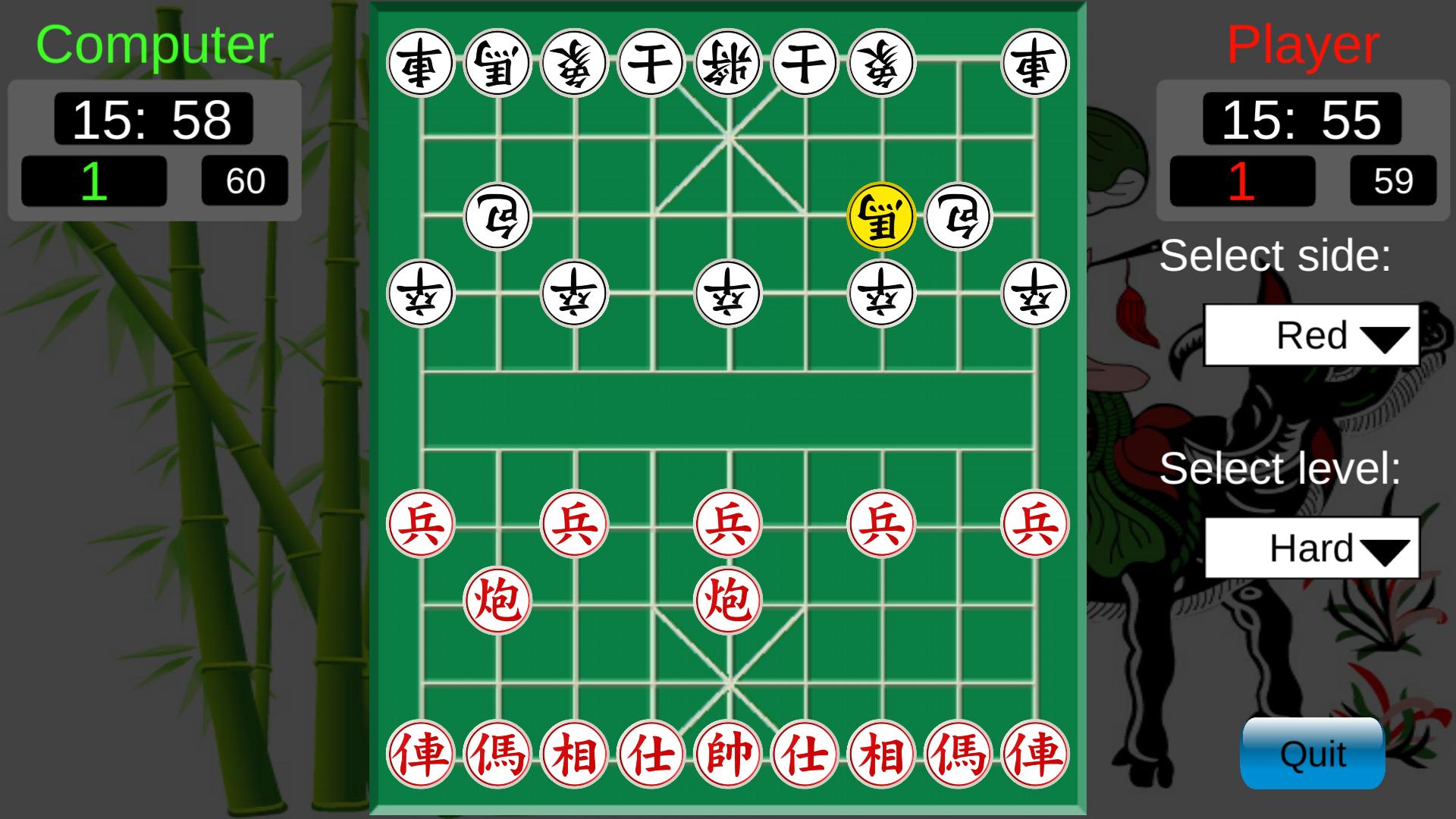
Easy to play, simple and friendly interface.
HOW TO PLAY:
1. Create a personal account with any name
2. Create a new room or joint to an available room
3. Choose start button to play
RULES TO PLAY:
1. The moving not be let king the face to face, must not checkmate more 10 times continuously
2. Player is added one win/lose point with one match win/lose
3. Time to playing a match is 15 minute 59' in default mode or 5 minute 59' in fast mode.
This game is FREE and not register.
プレビュー

タグ
アーケード情報
デベロッパー
RoyalGame Studio
最新バージョン
9.0.0
最終更新
2022-10-25
カテゴリー
アーケード
上で利用可能
Google Play
もっと見せる
PCでGameLoopを使用してOnline Chinese chessをプレイする方法
1. 公式WebサイトからGameLoopをダウンロードし、exeファイルを実行してGameLoopをインストールします
2. GameLoopを開いて「Online Chinese chess」を検索し、検索結果でOnline Chinese chessを見つけて、「インストール」をクリックします。
3. GameLoopでOnline Chinese chessを楽しんでください
Minimum requirements
OS
Windows 8.1 64-bit or Windows 10 64-bit
GPU
GTX 1050
CPU
i3-8300
Memory
8GB RAM
Storage
1GB available space
Recommended requirements
OS
Windows 8.1 64-bit or Windows 10 64-bit
GPU
GTX 1050
CPU
i3-9320
Memory
16GB RAM
Storage
1GB available space