Magic Craft: Crafting Game PC
ogojur
GameLoopエミュレーターを使用してPCにMagic Craft: Crafting Gameをダウンロードします
Magic Craft: Crafting Game PC版
開発者ogojurからのMagic Craft: Crafting Gameは、過去にAndroidsystermで実行されています。
これで、GameLoopを搭載したPCでMagic Craft: Crafting Gameをスムーズにプレイできます。
GameLoopライブラリまたは検索結果にダウンロードしてください。 バッテリーに目を向けたり、間違った時間にイライラしたりすることはもうありません。
大画面でMagic Craft: Crafting GamePCを無料でお楽しみください!
Magic Craft: Crafting Game 序章
Welcome to the world of vivid sensations!
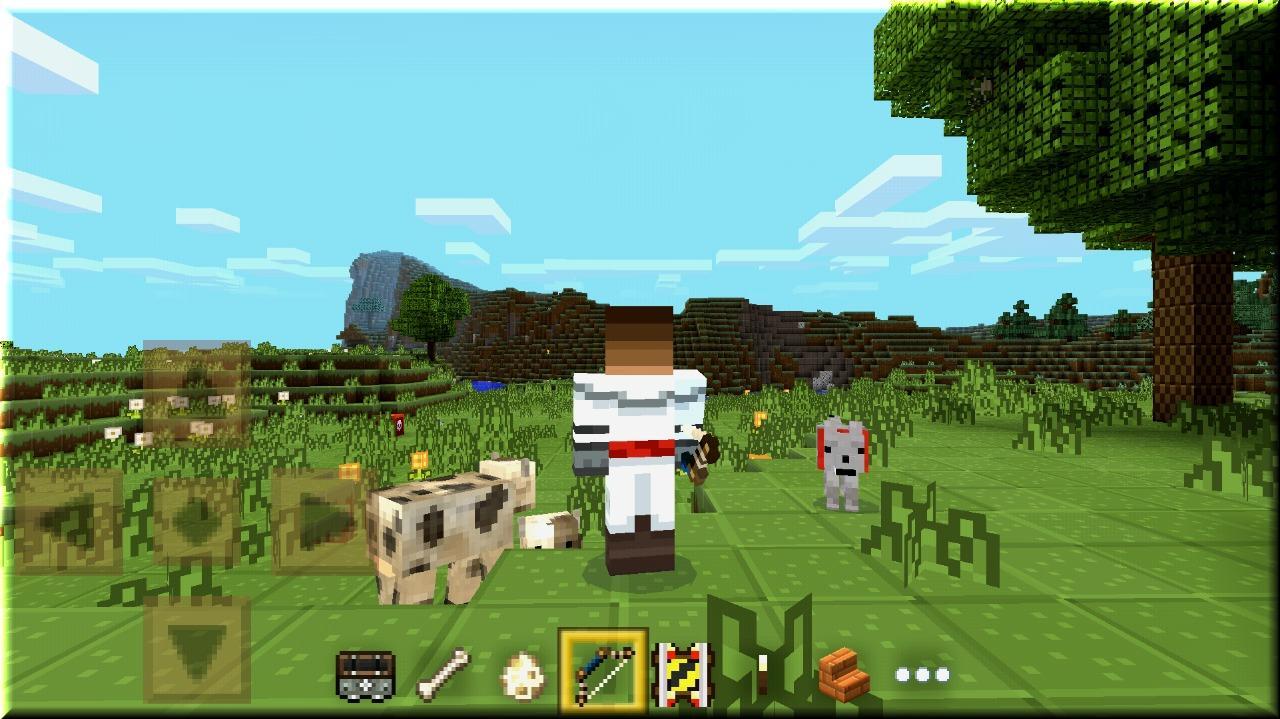
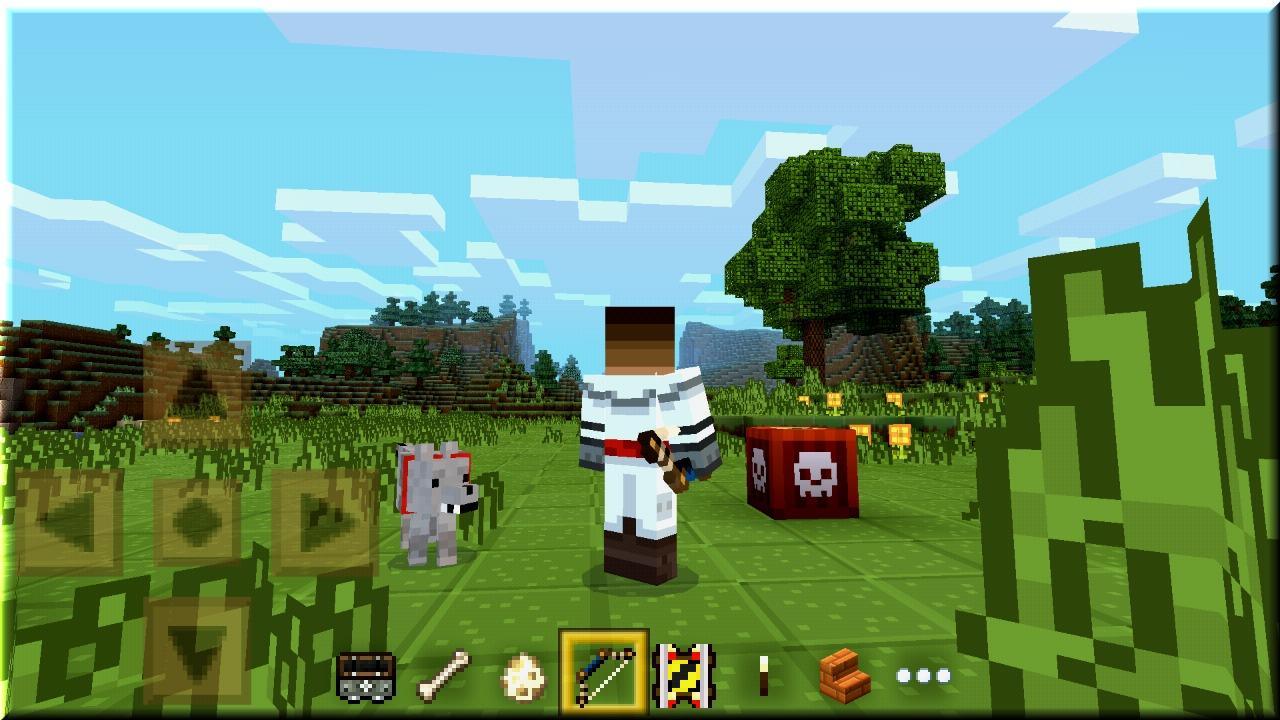
Plunge into a mysterious forest, inspect all of the island, Manage to conquer all the mountain tops and swim all the rivers and the sea! Learn to fly above the beautiful cubic world! Advanced colorful graphics, even more gaming opportunities, more interesting and more fun! Come into the role of a brave traveler, hunter, builder, architect, researcher, expert in survival!
This game will reveal your creativity, and contribute to the development of your creativity!
Benefits:
- Very nice texture in high resolution
- Unsurpassed interface
- Very handy and convenient game controls
- High FPS, without compromise
- Even more options for creativity without limits
- For children and adults
プレビュー
情報
デベロッパー
ogojur
最新バージョン
1.000.1.12
最終更新
2018-02-11
カテゴリー
アーケード
上で利用可能
Google Play
もっと見せる
PCでGameLoopを使用してMagic Craft: Crafting Gameをプレイする方法
1. 公式WebサイトからGameLoopをダウンロードし、exeファイルを実行してGameLoopをインストールします
2. GameLoopを開いて「Magic Craft: Crafting Game」を検索し、検索結果でMagic Craft: Crafting Gameを見つけて、「インストール」をクリックします。
3. GameLoopでMagic Craft: Crafting Gameを楽しんでください
Minimum requirements
OS
Windows 8.1 64-bit or Windows 10 64-bit
GPU
GTX 1050
CPU
i3-8300
Memory
8GB RAM
Storage
1GB available space
Recommended requirements
OS
Windows 8.1 64-bit or Windows 10 64-bit
GPU
GTX 1050
CPU
i3-9320
Memory
16GB RAM
Storage
1GB available space