Aggressive Driving: 2D Car Shooting Adventure PC
Galatia420
GameLoopエミュレーターを使用してPCにAggressive Driving: 2D Car Shooting Adventureをダウンロードします
Aggressive Driving: 2D Car Shooting Adventure PC版
開発者Galatia420からのAggressive Driving: 2D Car Shooting Adventureは、過去にAndroidsystermで実行されています。
これで、GameLoopを搭載したPCでAggressive Driving: 2D Car Shooting Adventureをスムーズにプレイできます。
GameLoopライブラリまたは検索結果にダウンロードしてください。 バッテリーに目を向けたり、間違った時間にイライラしたりすることはもうありません。
大画面でAggressive Driving: 2D Car Shooting AdventurePCを無料でお楽しみください!
Aggressive Driving: 2D Car Shooting Adventure 序章
Aggressive Driving
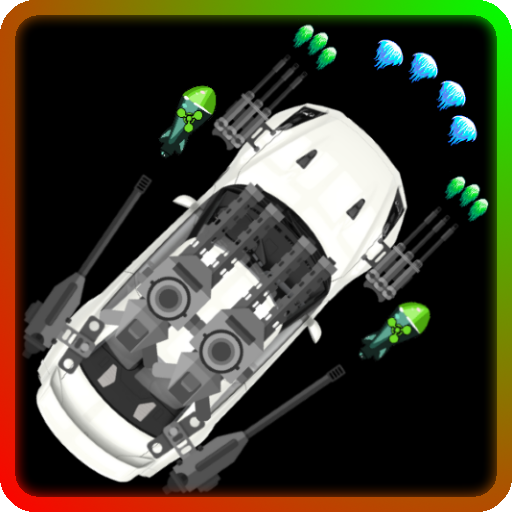
Take control of the road in this 2D car shooting adventure! Challenge yourself today and shoot some cars for fun. Take your armed car down the road while getting attacked and dodging enemy fire from motorcycles. And for an extra challenge defeat bosses too!
Good luck and have a safe drive!
Aggressive Driving Features:
• Ten levels that increasing get harder.
• Four difficulties of gameplay.
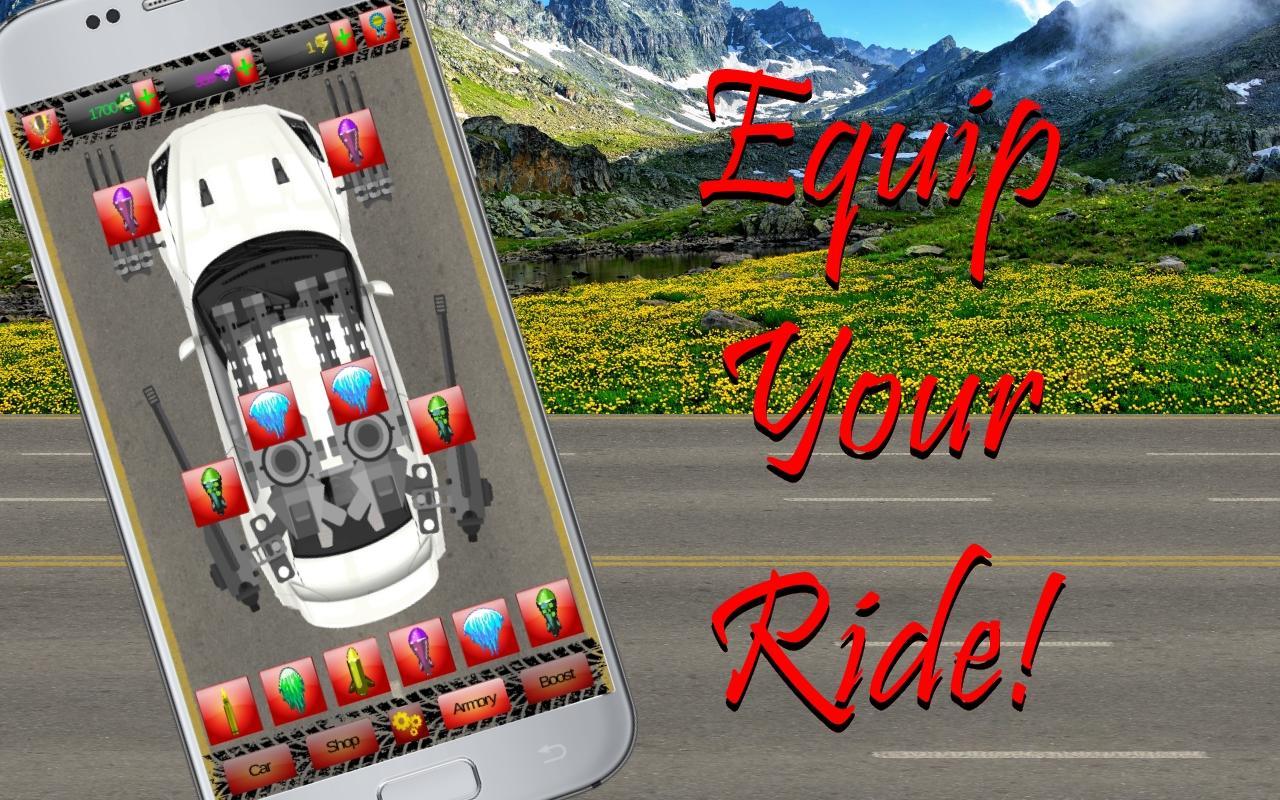
• Upgrade your car with stat points.
• Unlock extra guns for your car!
• Unlock lots of projectiles.
• In-game shop for your convenience.
• Use boosts during levels to get farther.
• Customise your equipment!
• Many achievements to unlock.
• Compete for a high score on the leaderboard!
プレビュー

タグ
アーケード情報
デベロッパー
Galatia420
最新バージョン
1.0
最終更新
2019-04-04
カテゴリー
アーケード
上で利用可能
Google Play
もっと見せる
PCでGameLoopを使用してAggressive Driving: 2D Car Shooting Adventureをプレイする方法
1. 公式WebサイトからGameLoopをダウンロードし、exeファイルを実行してGameLoopをインストールします
2. GameLoopを開いて「Aggressive Driving: 2D Car Shooting Adventure」を検索し、検索結果でAggressive Driving: 2D Car Shooting Adventureを見つけて、「インストール」をクリックします。
3. GameLoopでAggressive Driving: 2D Car Shooting Adventureを楽しんでください
Minimum requirements
OS
Windows 8.1 64-bit or Windows 10 64-bit
GPU
GTX 1050
CPU
i3-8300
Memory
8GB RAM
Storage
1GB available space
Recommended requirements
OS
Windows 8.1 64-bit or Windows 10 64-bit
GPU
GTX 1050
CPU
i3-9320
Memory
16GB RAM
Storage
1GB available space