MyCraft My Adventure Games PC
Yudha Best Tried
GameLoopエミュレーターを使用してPCにMyCraft My Adventure Gamesをダウンロードします
MyCraft My Adventure Games PC版
開発者Yudha Best TriedからのMyCraft My Adventure Gamesは、過去にAndroidsystermで実行されています。
これで、GameLoopを搭載したPCでMyCraft My Adventure Gamesをスムーズにプレイできます。
GameLoopライブラリまたは検索結果にダウンロードしてください。 バッテリーに目を向けたり、間違った時間にイライラしたりすることはもうありません。
大画面でMyCraft My Adventure GamesPCを無料でお楽しみください!
MyCraft My Adventure Games 序章
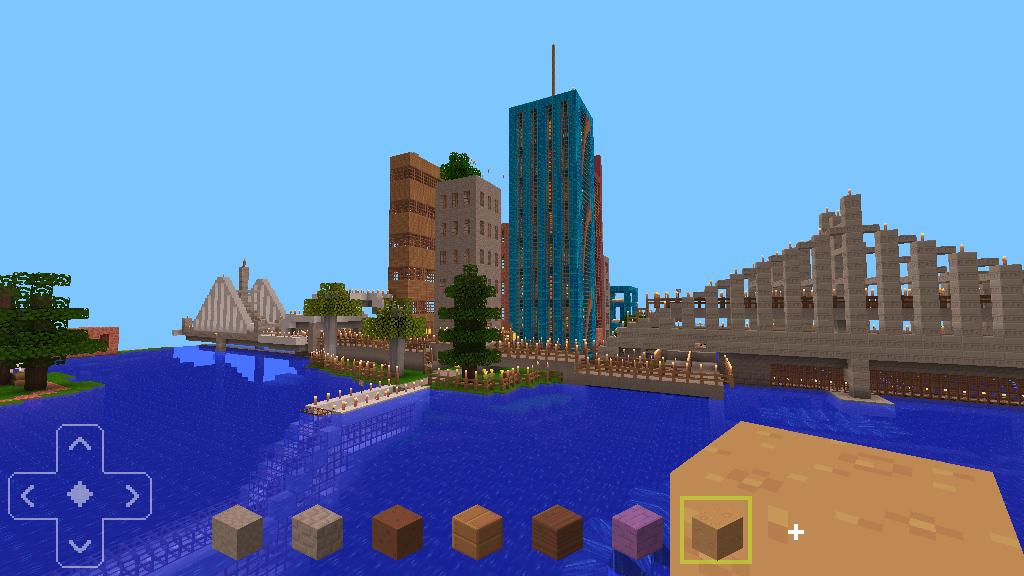
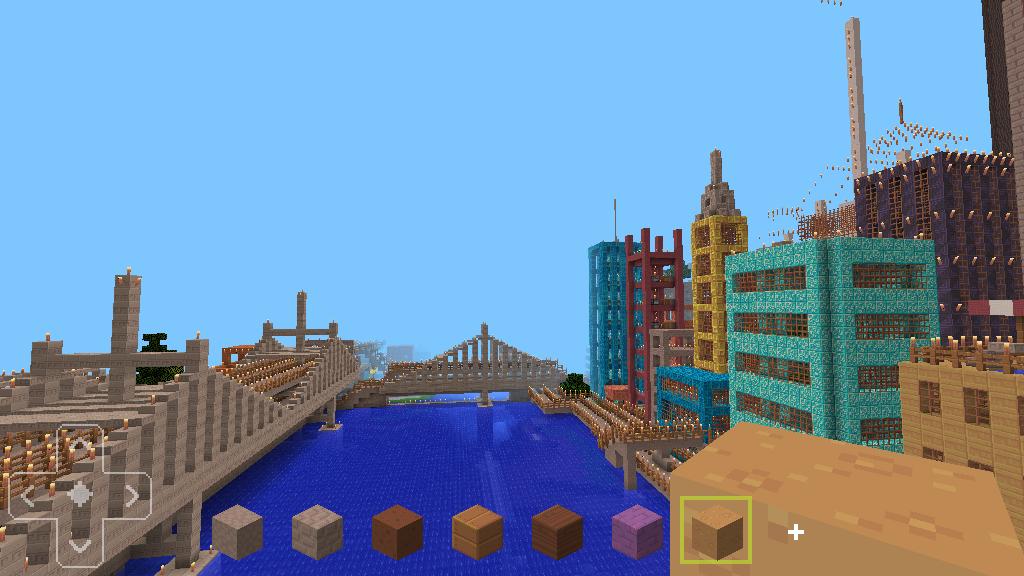
MyCraft My Adventure Games is a game that can activate survival and creative modes, in this game there are several maps that you can use, such as maps of small cities but have many skyscrapers, airports, entertainment and many other sources to make city standards. The central part of the city combines with shops, office buildings and skyscrapers with very unique color combinations. or a map of a large city that is still running. MyCraft My Adventure Games, Best Survival and Exploration Games in Voxel World is a challenging city with lots of different areas to explore. Some include suburbs, airports that are interesting because they have many things to explore.
プレビュー
情報
デベロッパー
Yudha Best Tried
最新バージョン
6.7
最終更新
2019-04-11
カテゴリー
アドベンチャー
上で利用可能
Google Play
もっと見せる
PCでGameLoopを使用してMyCraft My Adventure Gamesをプレイする方法
1. 公式WebサイトからGameLoopをダウンロードし、exeファイルを実行してGameLoopをインストールします
2. GameLoopを開いて「MyCraft My Adventure Games」を検索し、検索結果でMyCraft My Adventure Gamesを見つけて、「インストール」をクリックします。
3. GameLoopでMyCraft My Adventure Gamesを楽しんでください
Minimum requirements
OS
Windows 8.1 64-bit or Windows 10 64-bit
GPU
GTX 1050
CPU
i3-8300
Memory
8GB RAM
Storage
1GB available space
Recommended requirements
OS
Windows 8.1 64-bit or Windows 10 64-bit
GPU
GTX 1050
CPU
i3-9320
Memory
16GB RAM
Storage
1GB available space