
TapTapArrow : Phantom Hunter PC
Dayday
GameLoopエミュレーターを使用してPCにTapTapArrow : Phantom Hunterをダウンロードします
TapTapArrow : Phantom Hunter PC版
開発者DaydayからのTapTapArrow : Phantom Hunterは、過去にAndroidsystermで実行されています。
これで、GameLoopを搭載したPCでTapTapArrow : Phantom Hunterをスムーズにプレイできます。
GameLoopライブラリまたは検索結果にダウンロードしてください。 バッテリーに目を向けたり、間違った時間にイライラしたりすることはもうありません。
大画面でTapTapArrow : Phantom HunterPCを無料でお楽しみください!
TapTapArrow : Phantom Hunter 序章
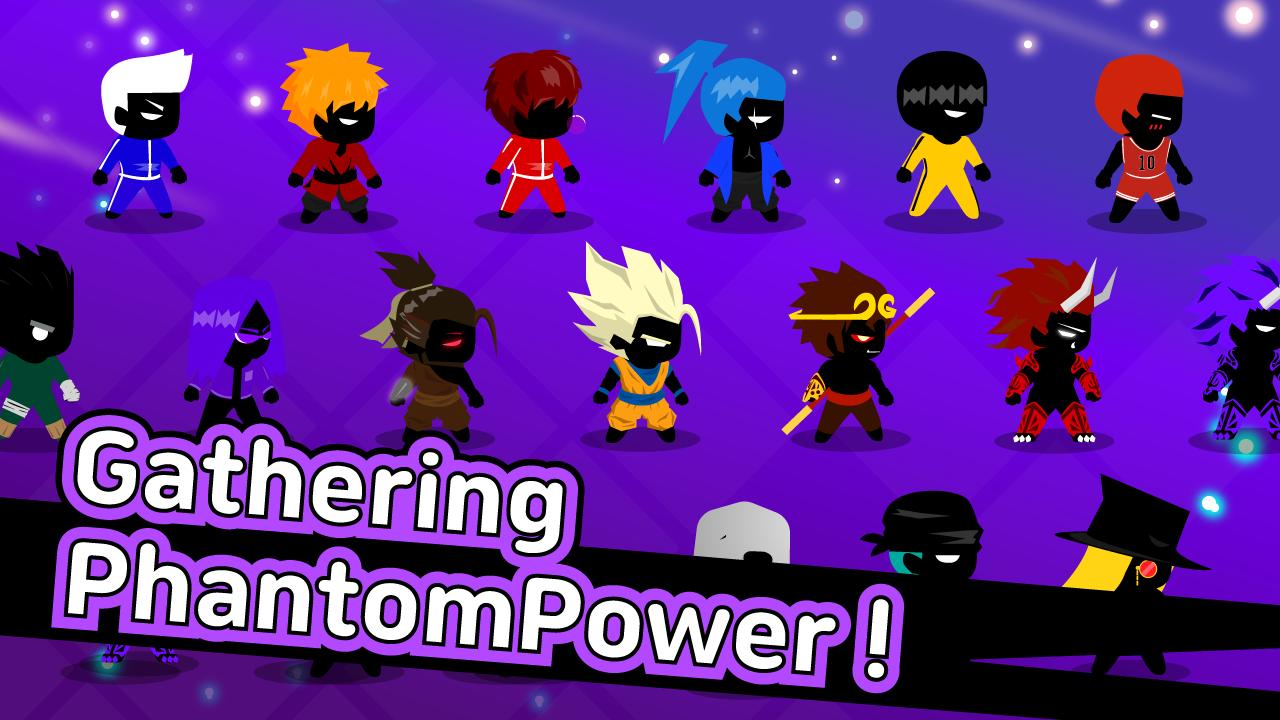
You are the descendant of the Phantom Archer who saved the world with the power of the soul!
The power of the sealed magic wakes up and starts to control the creatures again !?
Find a powerful bow and use your more powerful phantom to defeat the enemy!
* Unique world view and numerous contents!
* Physics-based shooting
* Collect and combine weapons to become stronger!
* Please check the ranking on the leaderboard
==
※ Access permission
[Required Access Rights]
- Storage space: used to store and share game data on the device
[Select access right]
- Phone: used to keep the device's authentication status and to read its ID
- Camera: Used to provide game screen shooting and sharing functions.
- Location: Used by location-based services to share location information, localize games in-game, and localize video ads.
* You can use the app even if you do not accept the opt-in permission.
==
プレビュー

情報
デベロッパー
Dayday
最新バージョン
2.61
最終更新
2019-05-23
カテゴリー
アクション
上で利用可能
Google Play
もっと見せる
PCでGameLoopを使用してTapTapArrow : Phantom Hunterをプレイする方法
1. 公式WebサイトからGameLoopをダウンロードし、exeファイルを実行してGameLoopをインストールします
2. GameLoopを開いて「TapTapArrow : Phantom Hunter」を検索し、検索結果でTapTapArrow : Phantom Hunterを見つけて、「インストール」をクリックします。
3. GameLoopでTapTapArrow : Phantom Hunterを楽しんでください
Minimum requirements
OS
Windows 8.1 64-bit or Windows 10 64-bit
GPU
GTX 1050
CPU
i3-8300
Memory
8GB RAM
Storage
1GB available space
Recommended requirements
OS
Windows 8.1 64-bit or Windows 10 64-bit
GPU
GTX 1050
CPU
i3-9320
Memory
16GB RAM
Storage
1GB available space