SpongeBob SquarePants - Sweet Victory - Piano Tune PC
Game Changers LT
GameLoopエミュレーターを使用してPCにSpongeBob SquarePants - Sweet Victory - Piano Tuneをダウンロードします
SpongeBob SquarePants - Sweet Victory - Piano Tune PC版
開発者Game Changers LTからのSpongeBob SquarePants - Sweet Victory - Piano Tuneは、過去にAndroidsystermで実行されています。
これで、GameLoopを搭載したPCでSpongeBob SquarePants - Sweet Victory - Piano Tuneをスムーズにプレイできます。
GameLoopライブラリまたは検索結果にダウンロードしてください。 バッテリーに目を向けたり、間違った時間にイライラしたりすることはもうありません。
大画面でSpongeBob SquarePants - Sweet Victory - Piano TunePCを無料でお楽しみください!
SpongeBob SquarePants - Sweet Victory - Piano Tune 序章
If you are a fan of music then you will very well enjoy playing this awesome piano game!
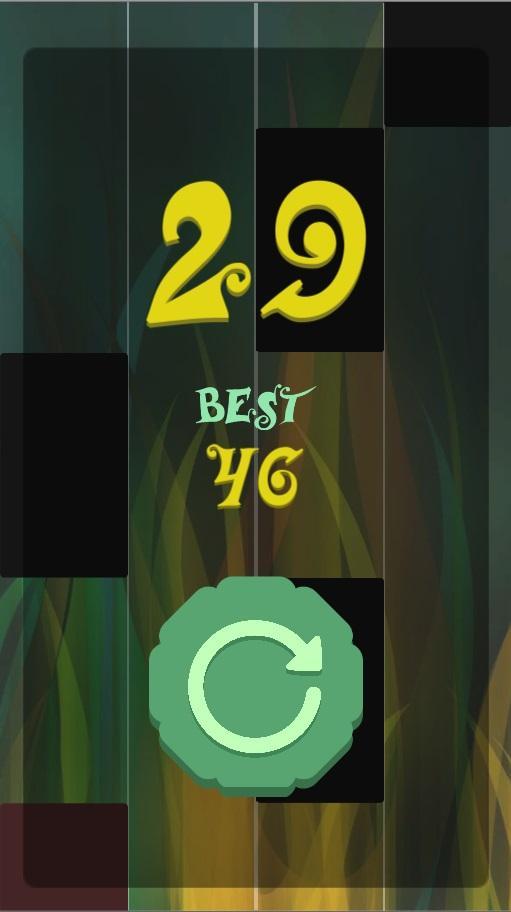
Challenge your friends to see how can tap faster and get the best score!
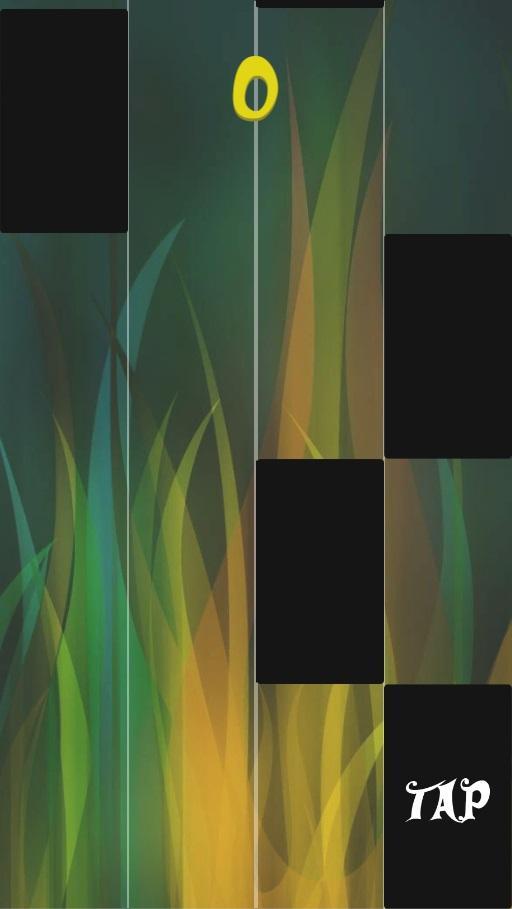
Listen to your most liked artist's song and enjoy playing our beautifuly designed game. Just tap on black tiles and don't let any go past the bottom line!
IMPORTANT!
Songs are created with individual piano notes by our team!
Songs are created with individual piano notes by our team!
This game was made for people to enjoy.
プレビュー
情報
デベロッパー
Game Changers LT
最新バージョン
1.0
最終更新
2018-09-21
カテゴリー
アクション
上で利用可能
Google Play
もっと見せる
PCでGameLoopを使用してSpongeBob SquarePants - Sweet Victory - Piano Tuneをプレイする方法
1. 公式WebサイトからGameLoopをダウンロードし、exeファイルを実行してGameLoopをインストールします
2. GameLoopを開いて「SpongeBob SquarePants - Sweet Victory - Piano Tune」を検索し、検索結果でSpongeBob SquarePants - Sweet Victory - Piano Tuneを見つけて、「インストール」をクリックします。
3. GameLoopでSpongeBob SquarePants - Sweet Victory - Piano Tuneを楽しんでください
Minimum requirements
OS
Windows 8.1 64-bit or Windows 10 64-bit
GPU
GTX 1050
CPU
i3-8300
Memory
8GB RAM
Storage
1GB available space
Recommended requirements
OS
Windows 8.1 64-bit or Windows 10 64-bit
GPU
GTX 1050
CPU
i3-9320
Memory
16GB RAM
Storage
1GB available space