
🎮 Genesis & PCE Emulator - Play Retro Games Free PC
Play Retro Classic Games Studio
GameLoopエミュレーターを使用してPCに🎮 Genesis & PCE Emulator - Play Retro Games Freeをダウンロードします
🎮 Genesis & PCE Emulator - Play Retro Games Free PC版
開発者Play Retro Classic Games Studioからの🎮 Genesis & PCE Emulator - Play Retro Games Freeは、過去にAndroidsystermで実行されています。
これで、GameLoopを搭載したPCで🎮 Genesis & PCE Emulator - Play Retro Games Freeをスムーズにプレイできます。
GameLoopライブラリまたは検索結果にダウンロードしてください。 バッテリーに目を向けたり、間違った時間にイライラしたりすることはもうありません。
大画面で🎮 Genesis & PCE Emulator - Play Retro Games FreePCを無料でお楽しみください!
🎮 Genesis & PCE Emulator - Play Retro Games Free 序章
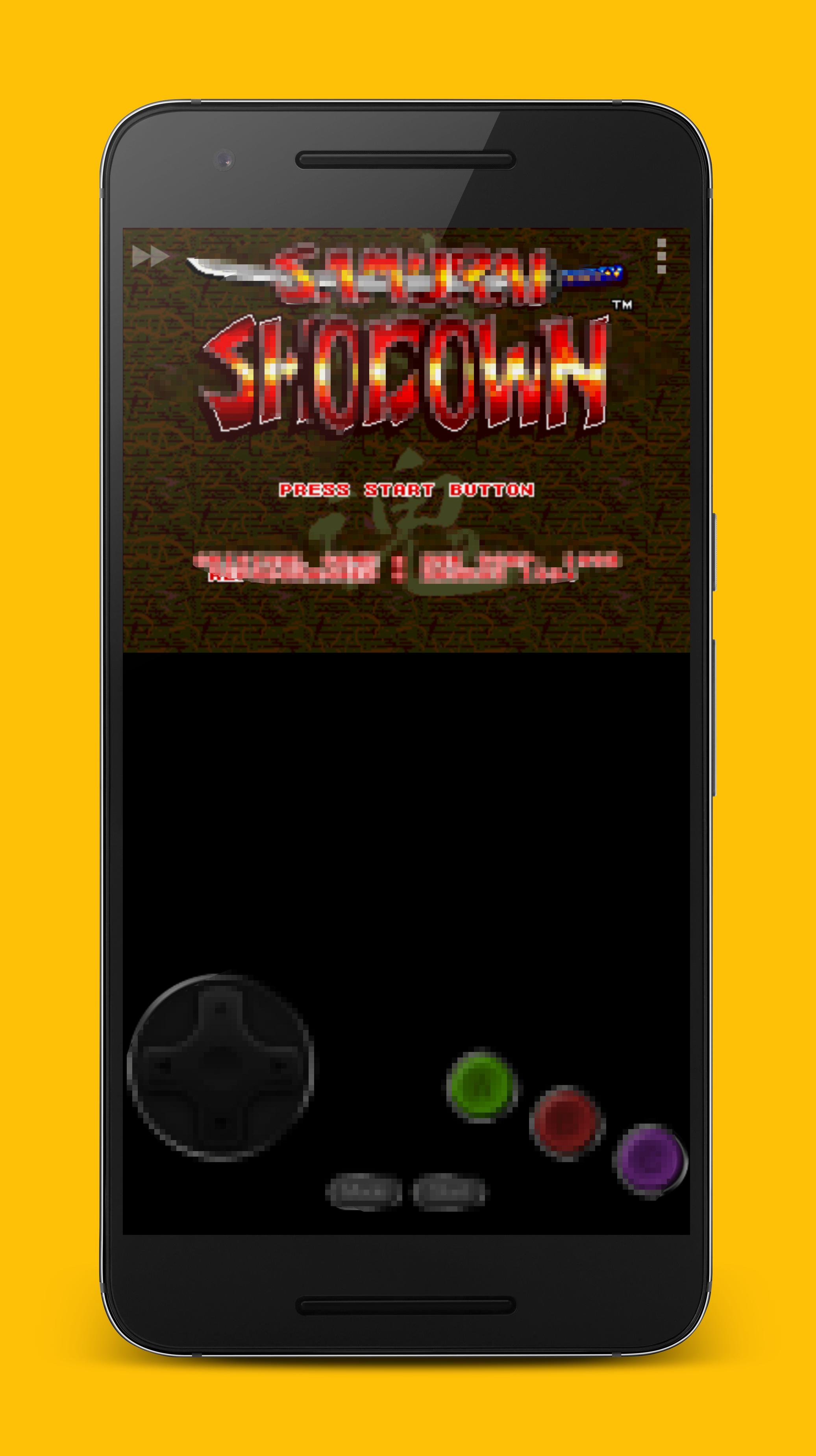
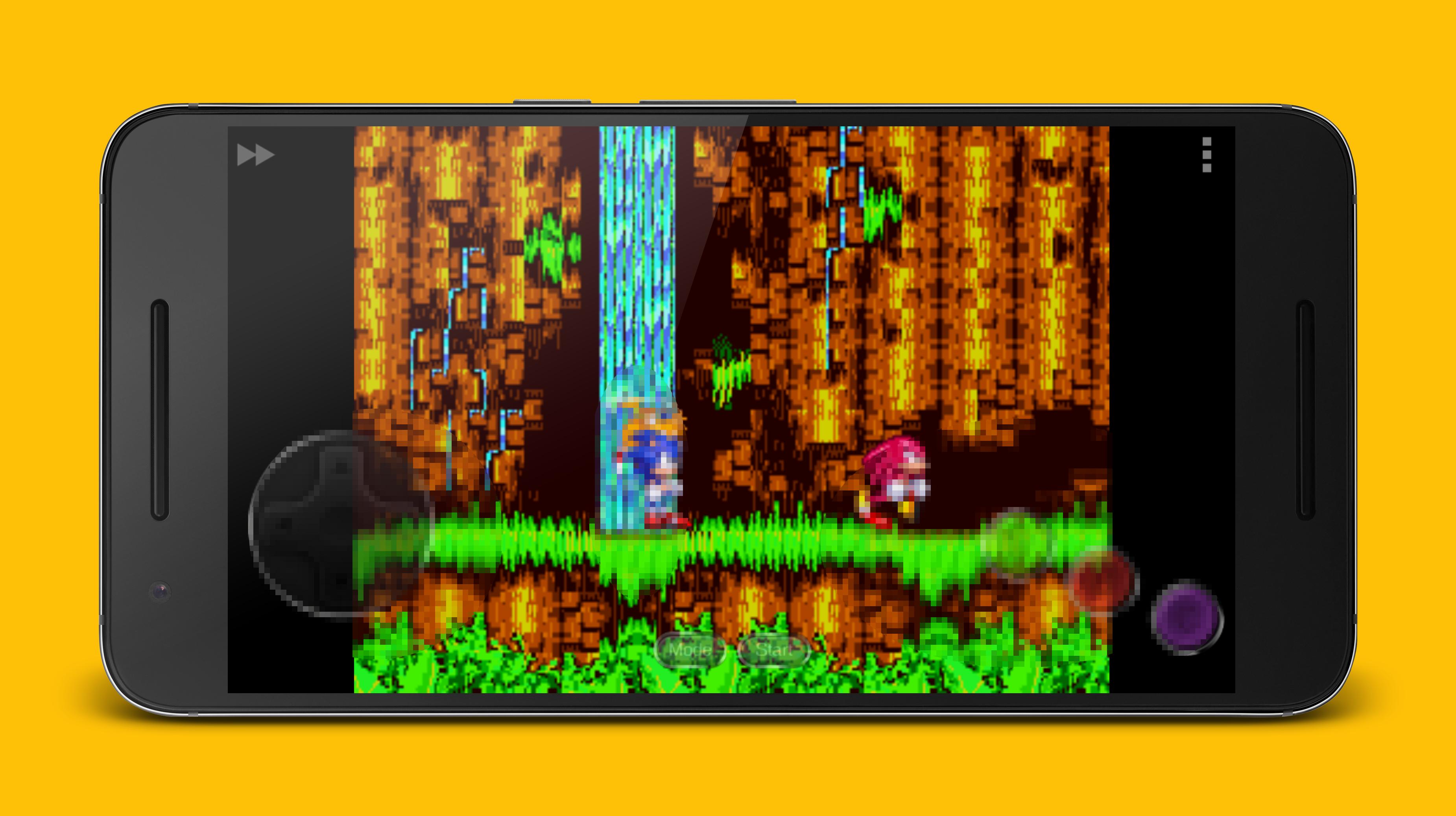
🎮 Retro video game emulator for Sega Mega Drive (Sega Genesis).
Retro classic game emulator for PC Engine.
Supports more than 12000+ games for perfect compatibility.
Emulator Supported:
> Sega Genesis Emulator
> Sega MegaDrive Emulator
> Sega MD Emulator
> PC Engine Emulator
> PCE Emulator
> Sega Sega Master System Emulator
> Sega SMS Emulator
Key Features:
- Hand-crafted optimized code to save battery life
- Physical controllers supported
- XPeria Play support
- Cheat feature support
- Customizable buttons (size and position)
- Easy to use, clean GUI
- Save state supported
プレビュー
情報
デベロッパー
Play Retro Classic Games Studio
最新バージョン
3.3.0
最終更新
2019-10-22
カテゴリー
アクション
上で利用可能
Google Play
もっと見せる
PCでGameLoopを使用して🎮 Genesis & PCE Emulator - Play Retro Games Freeをプレイする方法
1. 公式WebサイトからGameLoopをダウンロードし、exeファイルを実行してGameLoopをインストールします
2. GameLoopを開いて「🎮 Genesis & PCE Emulator - Play Retro Games Free」を検索し、検索結果で🎮 Genesis & PCE Emulator - Play Retro Games Freeを見つけて、「インストール」をクリックします。
3. GameLoopで🎮 Genesis & PCE Emulator - Play Retro Games Freeを楽しんでください
Minimum requirements
OS
Windows 8.1 64-bit or Windows 10 64-bit
GPU
GTX 1050
CPU
i3-8300
Memory
8GB RAM
Storage
1GB available space
Recommended requirements
OS
Windows 8.1 64-bit or Windows 10 64-bit
GPU
GTX 1050
CPU
i3-9320
Memory
16GB RAM
Storage
1GB available space