
10000 words for PC
Sebastian Smitsh
GameLoop एमुलेटर के साथ पीसी पर 10000 words डाउनलोड करें
पीसी पर 10000 words
10000 words, डेवलपर Sebastian Smitsh से आ रहा है, अतीत में Android सिस्टर्म पर चल रहा है।
अब, आप 10000 words को पीसी पर GameLoop के साथ आसानी से खेल सकते हैं।
इसे GameLoop लाइब्रेरी या खोज परिणामों में डाउनलोड करें। अब और गलत समय पर बैटरी या निराशाजनक कॉलों पर ध्यान नहीं देना चाहिए।
बस मुफ्त में बड़ी स्क्रीन पर 10000 words पीसी का आनंद लें!
10000 words परिचय
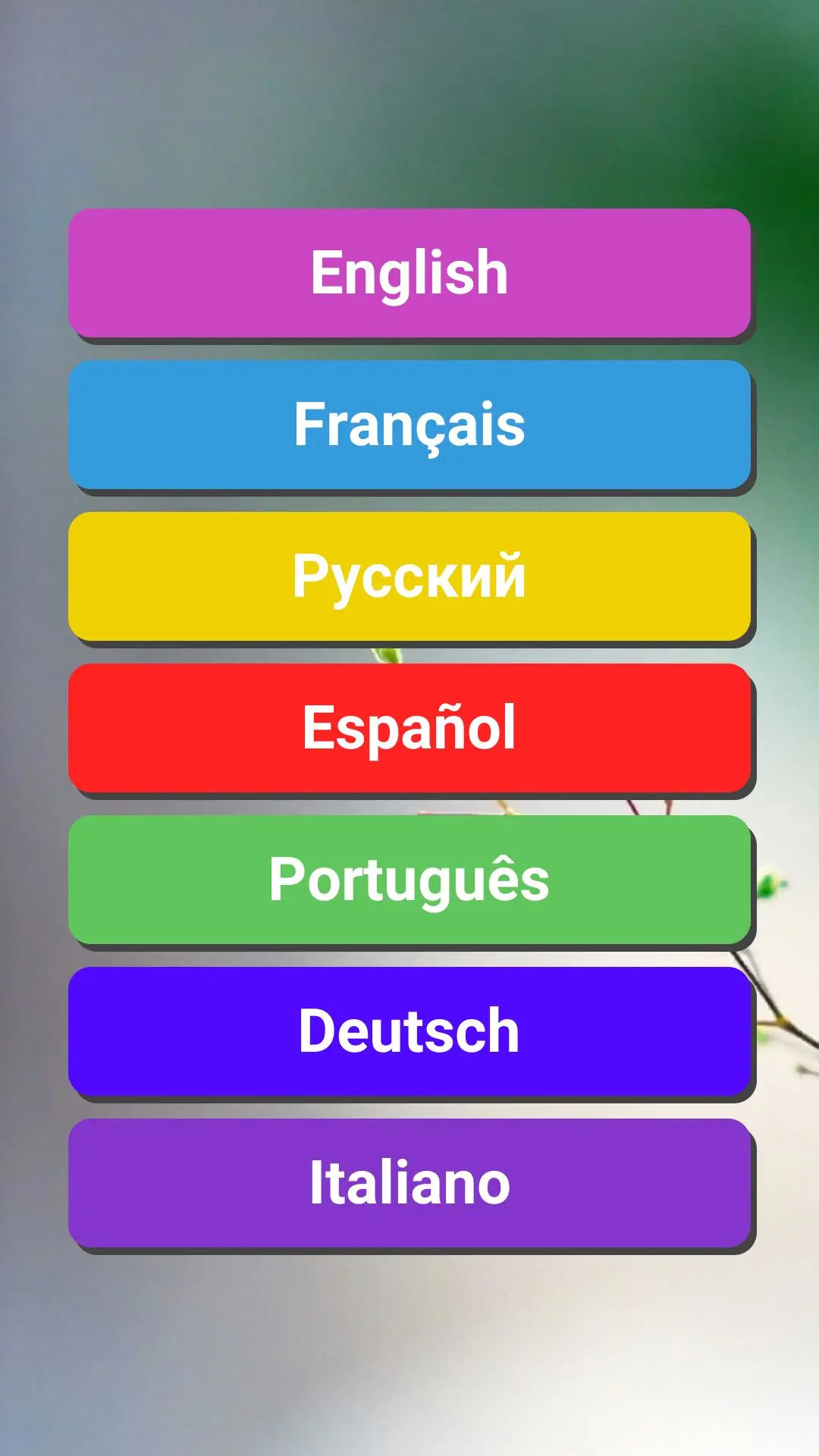
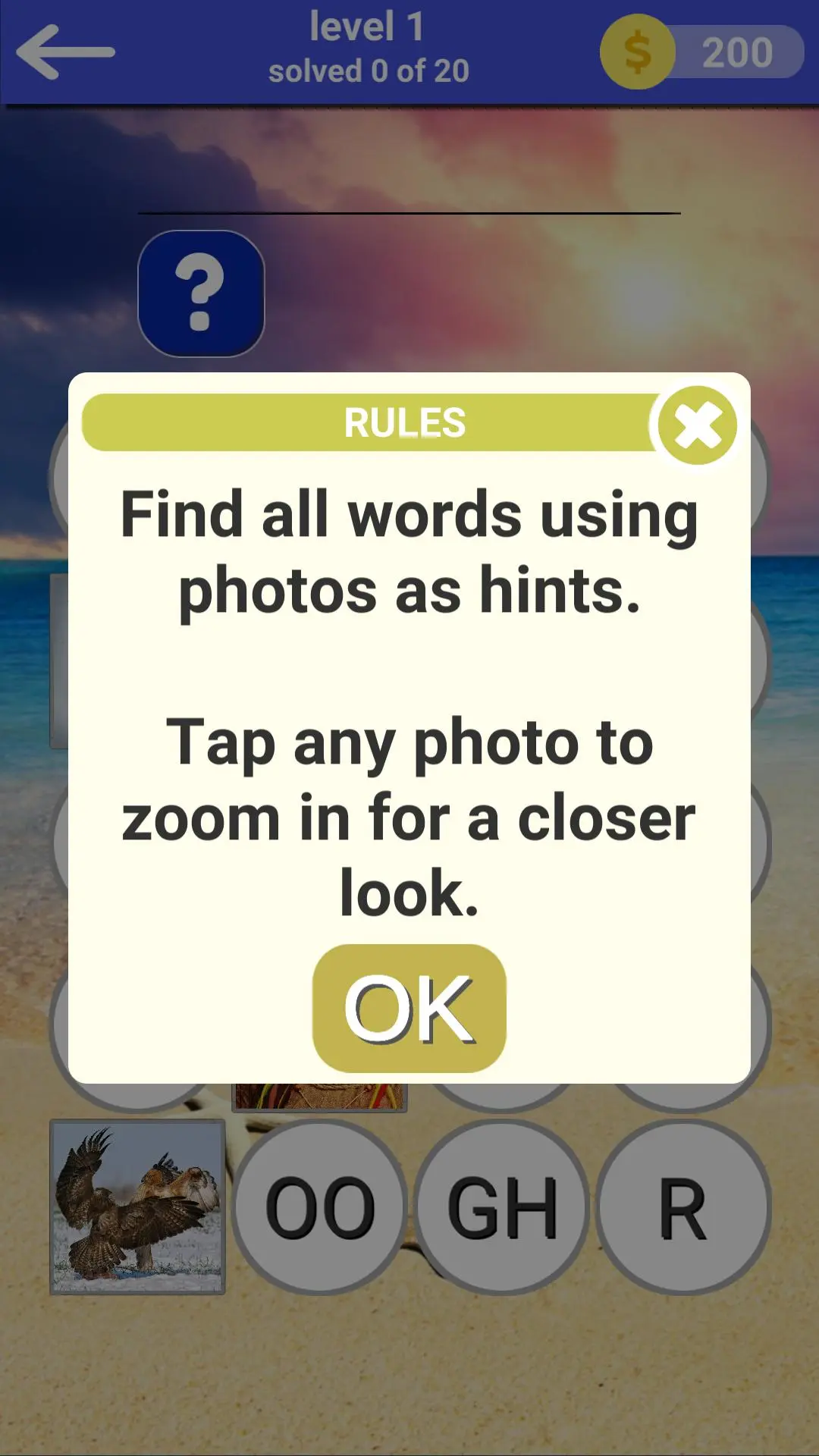
The game process is divided into two types, each level consists of twenty words, the lessons of the game are divided into photos and the answers to them that are broken into syllables, your task is to look at the photo to guess and compose a word from syllables, when you click on any photo the picture can be increased. Play at your choice in: English, French, German, Russian, Italian and Portuguese.
पूर्वावलोकन
जानकारी
डेवलपर
Sebastian Smitsh
नवीनतम संस्करण
1.2
आखरी अपडेट
2021-01-10
श्रेणी
शब्द
पर उपलब्ध
Google Play
और दिखाओ
पीसी पर गेमलूप के साथ 10000 words कैसे खेलें
1. आधिकारिक वेबसाइट से GameLoop डाउनलोड करें, फिर GameLoop को स्थापित करने के लिए exe फ़ाइल चलाएँ।
2. गेमलूप खोलें और "10000 words" खोजें, खोज परिणामों में 10000 words खोजें और "इंस्टॉल करें" पर क्लिक करें।
3. GameLoop पर 10000 words खेलने का आनंद लें।
Minimum requirements
OS
Windows 8.1 64-bit or Windows 10 64-bit
GPU
GTX 1050
CPU
i3-8300
Memory
8GB RAM
Storage
1GB available space
Recommended requirements
OS
Windows 8.1 64-bit or Windows 10 64-bit
GPU
GTX 1050
CPU
i3-9320
Memory
16GB RAM
Storage
1GB available space