
WeCut - Video Editor for PC
Dalionsvii
GameLoop एमुलेटर के साथ पीसी पर WeCut - Video Editor डाउनलोड करें
पीसी पर WeCut - Video Editor
WeCut - Video Editor, डेवलपर Dalionsvii से आ रहा है, अतीत में Android सिस्टर्म पर चल रहा है।
अब, आप WeCut - Video Editor को पीसी पर GameLoop के साथ आसानी से खेल सकते हैं।
इसे GameLoop लाइब्रेरी या खोज परिणामों में डाउनलोड करें। अब और गलत समय पर बैटरी या निराशाजनक कॉलों पर ध्यान नहीं देना चाहिए।
बस मुफ्त में बड़ी स्क्रीन पर WeCut - Video Editor पीसी का आनंद लें!
WeCut - Video Editor परिचय
WeCut Video Editor is one of the best video editor platforms for social media, you can edit your videos in minutes with unlimited times.
WeCut, Theycut and Youcut ! it's Simple, Gocut your videos and enjoy your journey with us.
The App has many powerful tools and features which let users have a great time using this application. Having a great user interface, the app is very easy to use.
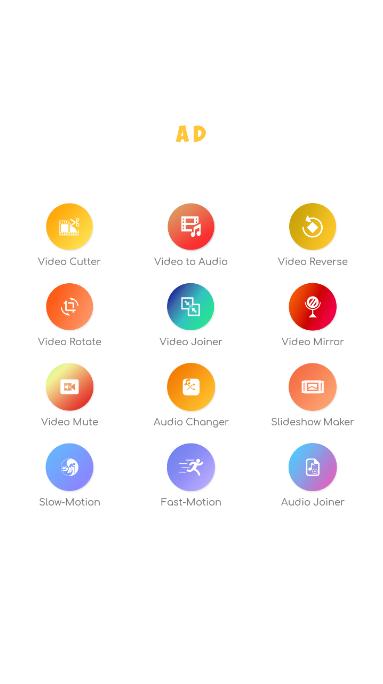
Features:
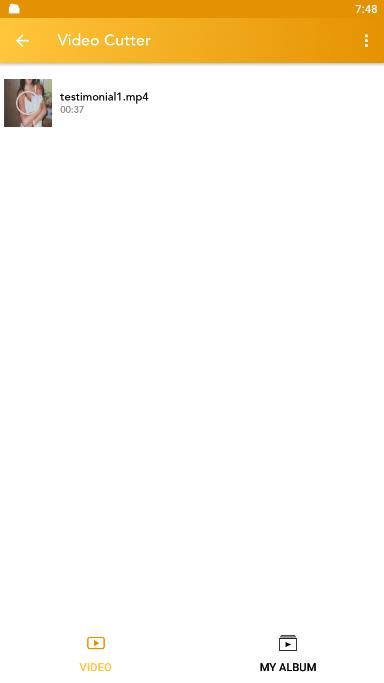
• Video Cutter
• Video To Audio
• Video Reverse
• Video Relate
• Video Joiner
• Video Mirror
• Video Mute
• Video Changer
• Slideshow Maker
• Slow Motion
• Fast Motion
• Audio Joiner
Don't forget to rate us and share the app with your friends, Feel Free to reach us at : Dalionsvii@gmail.com
पूर्वावलोकन
टैग
Video-Playersजानकारी
डेवलपर
Dalionsvii
नवीनतम संस्करण
3.0
आखरी अपडेट
2021-12-24
श्रेणी
Video-players-editors
पर उपलब्ध
Google Play
और दिखाओ
पीसी पर गेमलूप के साथ WeCut - Video Editor कैसे खेलें
1. आधिकारिक वेबसाइट से GameLoop डाउनलोड करें, फिर GameLoop को स्थापित करने के लिए exe फ़ाइल चलाएँ।
2. गेमलूप खोलें और "WeCut - Video Editor" खोजें, खोज परिणामों में WeCut - Video Editor खोजें और "इंस्टॉल करें" पर क्लिक करें।
3. GameLoop पर WeCut - Video Editor खेलने का आनंद लें।
Minimum requirements
OS
Windows 8.1 64-bit or Windows 10 64-bit
GPU
GTX 1050
CPU
i3-8300
Memory
8GB RAM
Storage
1GB available space
Recommended requirements
OS
Windows 8.1 64-bit or Windows 10 64-bit
GPU
GTX 1050
CPU
i3-9320
Memory
16GB RAM
Storage
1GB available space