Tik Tik Video Player for PC
Dood develop
GameLoop एमुलेटर के साथ पीसी पर Tik Tik Video Player डाउनलोड करें
पीसी पर Tik Tik Video Player
Tik Tik Video Player, डेवलपर Dood develop से आ रहा है, अतीत में Android सिस्टर्म पर चल रहा है।
अब, आप Tik Tik Video Player को पीसी पर GameLoop के साथ आसानी से खेल सकते हैं।
इसे GameLoop लाइब्रेरी या खोज परिणामों में डाउनलोड करें। अब और गलत समय पर बैटरी या निराशाजनक कॉलों पर ध्यान नहीं देना चाहिए।
बस मुफ्त में बड़ी स्क्रीन पर Tik Tik Video Player पीसी का आनंद लें!
Tik Tik Video Player परिचय
The Tik-Tik video player of all formats HD video player provides a full format video player which plays 4k HD videos smoothly. You can not only play video in 4k ultra HD video player. There is also a powerful sound quality tik-tik music player.
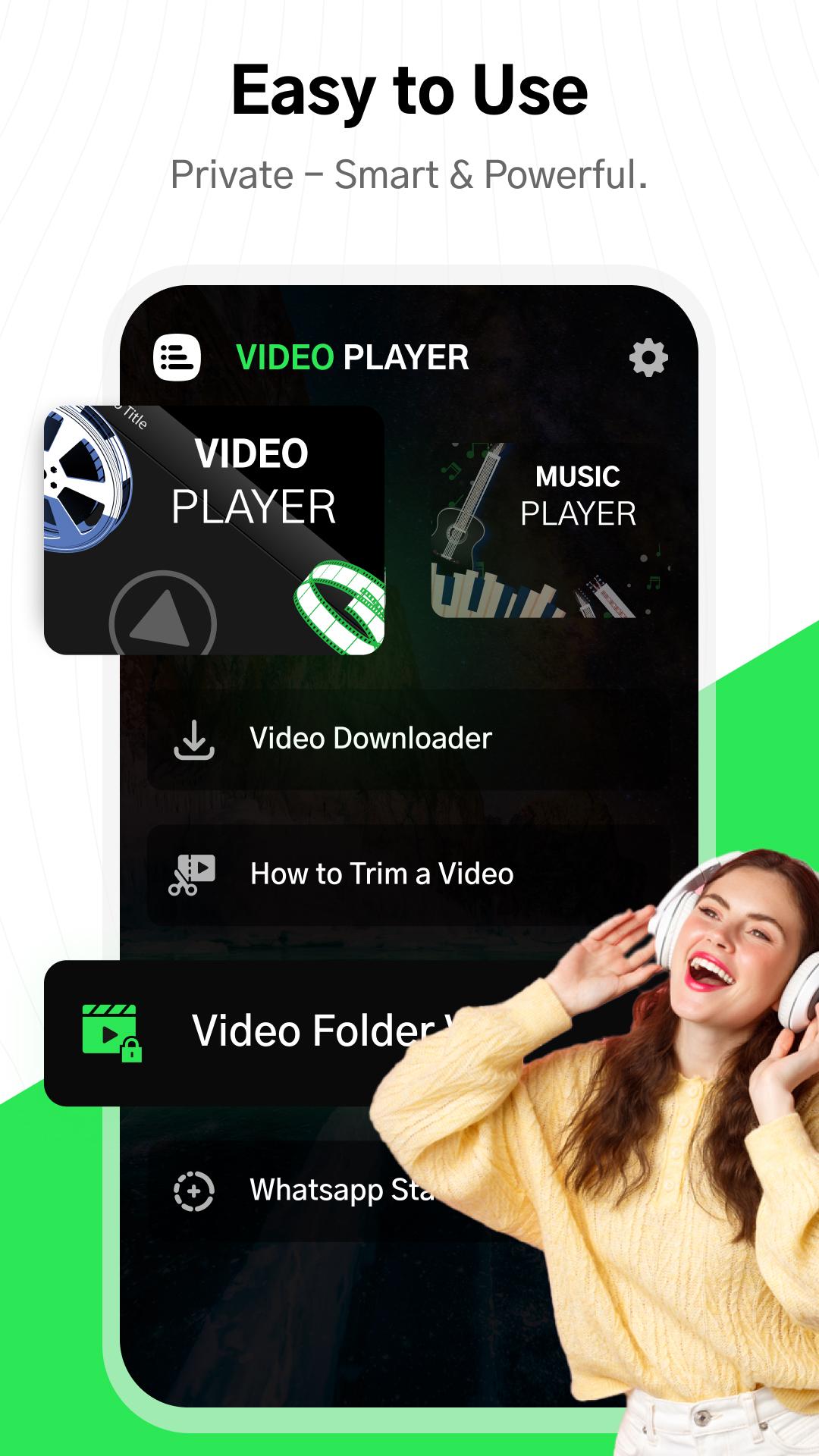
With HD Video Player, you can enjoy fast & stable 4K playback. It is also a video downloader, which helps you get online hot videos with flash speed. And you can even hide your personal videos in the private folder safely with this powerful video player.
Let‘s download some interesting movies and enjoy them in high quality NOW!
🥇TOP FEATURES
● Play HD, Full HD, 1080P, 4K & Ultra 4K videos
● Support ALL Video Formats including: MKV, MP4, M4V, MOV, 3GP, FLV, F4V, WEBM, etc.
● Subtitle & Equalizer supported
● Background Play for playing video like music
● Play in Pop-up Window
● NO.1 hd video player with Video Downloader
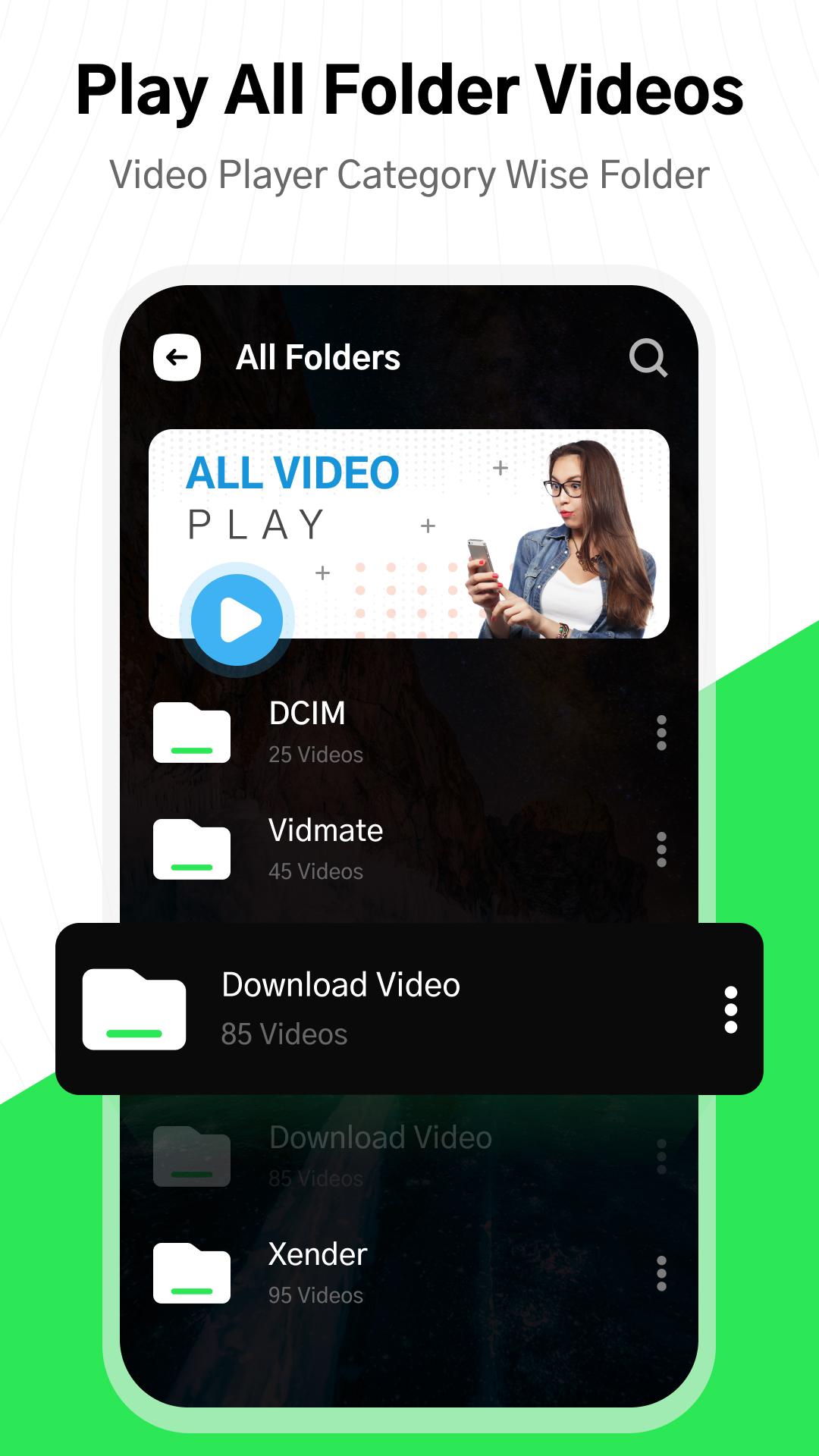
● Automatically detect videos in the phone storage or SD Card
● A-B Repeat & loop mode
● Screen Locker prevent misuse when the video is playing
● Sleep timer
● Smart gesture operation
● Night mode and multi themes
● HD Video Player for both Android Phone and Tablet
Video downloader can download videos with more accuracy and in more efficient way. You can save videos and enjoy them without using internet or you may be able to share on other media app. It lets you safely browse and save all your videos from the internet to your Smart phone with minimum efforts. It is a quickest downloader as compared with others.
Key Features of All:
🔹 Download videos from social media sites
🔹 Background downloading
🔹 Support to download large files
🔹 Video saver from all sites with one click
🔹 SD card supported
🔹 HD videos player and share with easy download
With this magic WA Video Downloader / whatsapp Status Saver, you can easily download your desired posts, fantastic pics, and HD videos. You can browse videos offline and share them to other social media app.
Cut and trim video according to the length you need. Output video to the best quality. You can Easy Cut is a HD video editor app that helps you create amazing short videos, Instagram story, WhatsApp status and so much more! With Easy Cut, you can edit videos.
HD Video Player with Private Folder
This fantastic video player also supports saving your personal videos & movies in a patterns -protected folder. Videos by locking them down with protection. It’s the best place for hiding personal pictures and videos. With Gallery Vault, you can protect your privacy, secure your photos, and save phone space.
Also # Music Player App 🔥Best of 2022 🎧Top Rated App 🌟Free Music App 🎵
Music player app is one of the best mp3 player for android. Music, audio files are played smoothly. It is beautiful and free.App supports music formats: MP3, MP4, WAV, M4A, FLAC, 3GP, OGG, etc Listen to your favorite music with Stylish, Powerful and Fast Music Player. Music Player is The best music player for android with tons of features and beautiful design. This mp3 player built-in top quality equalizer takes your music listening experience to next level.
पूर्वावलोकन
टैग
Video-Playersजानकारी
डेवलपर
Dood develop
नवीनतम संस्करण
1.0
आखरी अपडेट
2022-08-26
श्रेणी
Video-players-editors
पर उपलब्ध
Google Play
और दिखाओ
पीसी पर गेमलूप के साथ Tik Tik Video Player कैसे खेलें
1. आधिकारिक वेबसाइट से GameLoop डाउनलोड करें, फिर GameLoop को स्थापित करने के लिए exe फ़ाइल चलाएँ।
2. गेमलूप खोलें और "Tik Tik Video Player" खोजें, खोज परिणामों में Tik Tik Video Player खोजें और "इंस्टॉल करें" पर क्लिक करें।
3. GameLoop पर Tik Tik Video Player खेलने का आनंद लें।
Minimum requirements
OS
Windows 8.1 64-bit or Windows 10 64-bit
GPU
GTX 1050
CPU
i3-8300
Memory
8GB RAM
Storage
1GB available space
Recommended requirements
OS
Windows 8.1 64-bit or Windows 10 64-bit
GPU
GTX 1050
CPU
i3-9320
Memory
16GB RAM
Storage
1GB available space