
صانع الفيديوهات Video Maker for PC
Salim Tech
GameLoop एमुलेटर के साथ पीसी पर صانع الفيديوهات Video Maker डाउनलोड करें
पीसी पर صانع الفيديوهات Video Maker
صانع الفيديوهات Video Maker, डेवलपर Salim Tech से आ रहा है, अतीत में Android सिस्टर्म पर चल रहा है।
अब, आप صانع الفيديوهات Video Maker को पीसी पर GameLoop के साथ आसानी से खेल सकते हैं।
इसे GameLoop लाइब्रेरी या खोज परिणामों में डाउनलोड करें। अब और गलत समय पर बैटरी या निराशाजनक कॉलों पर ध्यान नहीं देना चाहिए।
बस मुफ्त में बड़ी स्क्रीन पर صانع الفيديوهات Video Maker पीसी का आनंद लें!
صانع الفيديوهات Video Maker परिचय
صانع الفيديوVideo maker
تعرض ميزات تحرير ممتازة للفيديو . مع صانع الأفلام هذا، يمكن لصناع الأفلام تحرير الفيديو مع تمرير النصوص، مؤثرات، ملفات PNG أو الانتقالات العصرية أو دبلجة حية بطريقة مخصصة. اصنع مدونة الفيديو، الميمات الشيقة والفيديوهات المرحة الإبداعية الخاصة بك. سجل لحظاتك الغالية مثل الزفاف/ عيد الميلاد/ عيد الحب/ عيد الشكر/ ليلة رأس السنة/ الهالوين.
لماذا اخترنا صانع الفيديوVideo maker
- إنه تطبيق عملي لتحرير الفيديو وصانع أفلام سينمائية مناسب لكل من المخرجين والمبتدئين. يمكنك تحرير فيديو بخطوات بسيطة.
- مستخرج الصوت: استخرج صوت صافي من أي فيديو، وحول الفيديو إلى موسيقى.
- قم بتصدير بدقة 5K ، احفظ الفيديو عالي الدقة دون فقدان الجودة
- استخدم تراكب الفيديو واعرض عدة مقاطع فيديو في شاشة واحدة. اصنع تأثير عرض مضاعف.
★ برنامج صانع الفيديوVideo maker
أهم الميزات
* سهولة استخدام هذا التطبيق: صانع صور فيديو مع موسيقى
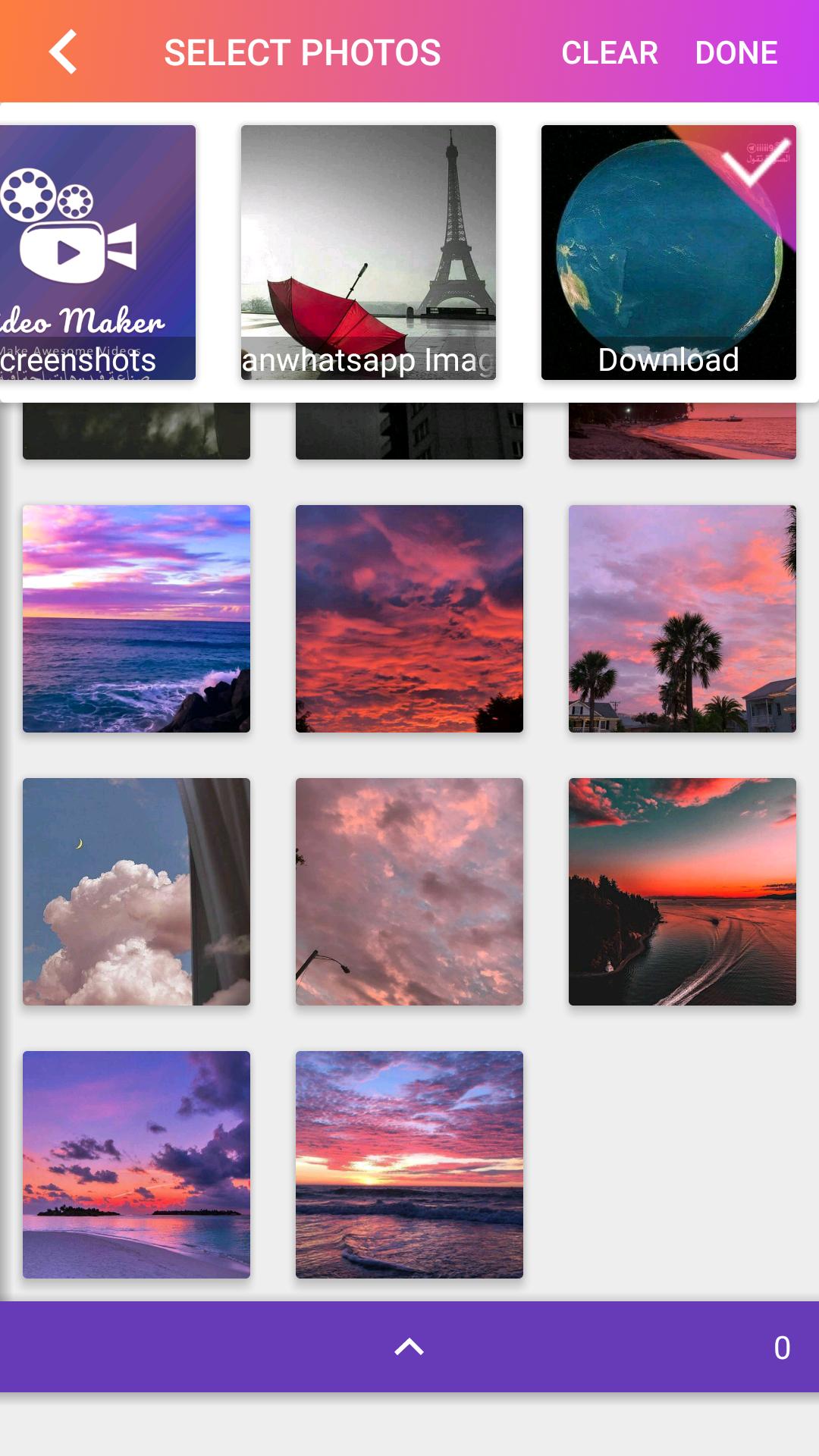
* إنشاء مقاطع فيديو من الصور والموسيقى لحفظ أفضل لحظات الحياة
* تصدير HD ، لا خسارة الجودة
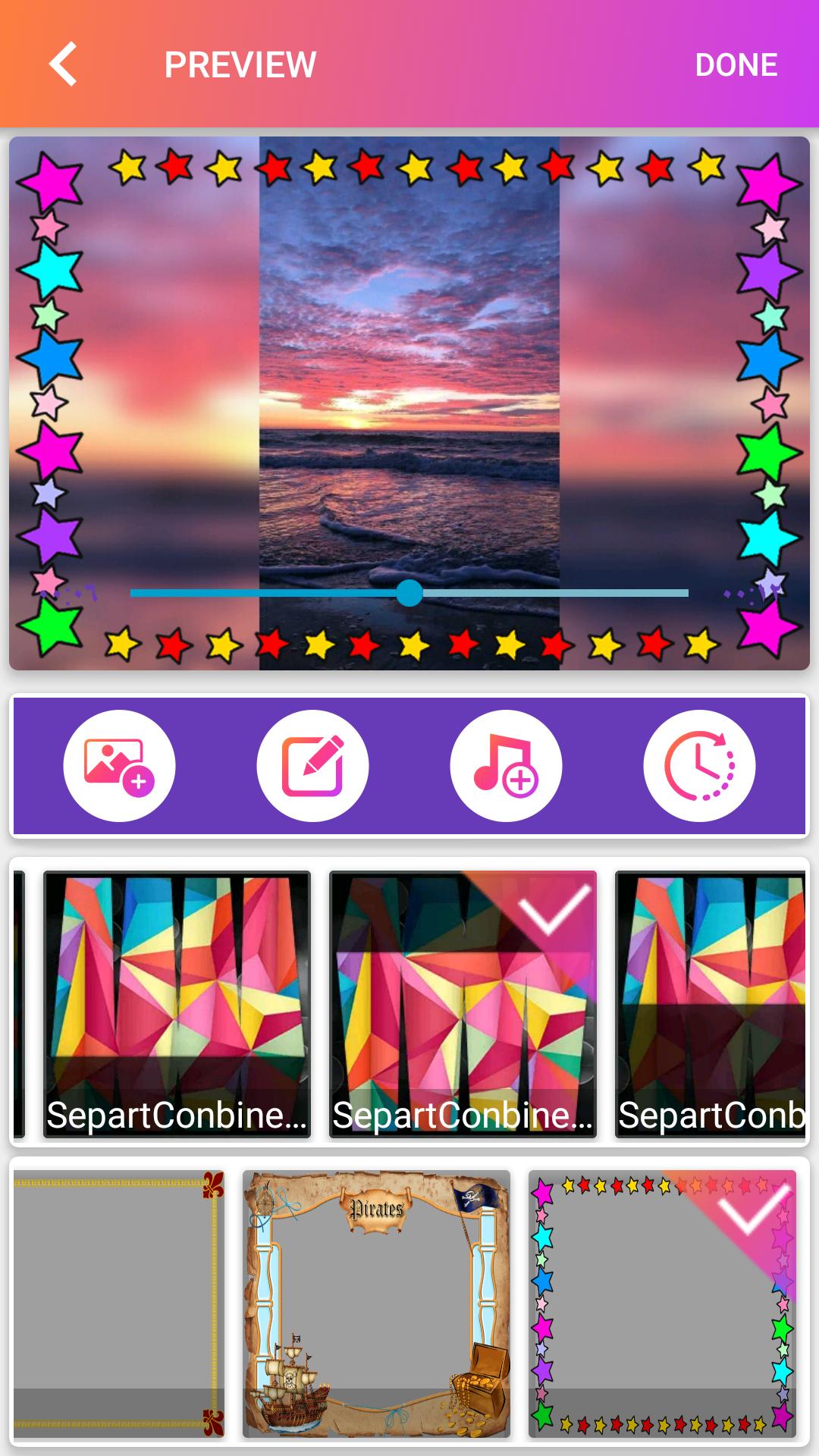
* تغيير وقت الانتقال والتأثيرات بين الصور يجعل الفيديو الخاص بك أكثر تشويقًا وروعة.
* العديد من أنواع الموسيقى المتاحة عبر الإنترنت. يمكنك إضافة الأغاني المحلية من جهازك أيضًا. من السهل تصوير الفيديو أو إنشاء أفلا
محرر الكل في واحد:
- خلفيات موسيقية متنوعة، يمكنك إضافة أغاني محلية من جهازك أيضًا
- تنوع في أنماط النص والخطوط لصنع ترجمات فنية.
- أضف فلاتر شيقة لجعل الفيديو الخاص بك مختلفًا.
- يمكن إضافة موسيقى متعددة، ضبط حجم الموسيقى وخيار رفع/ خفض الموسيقى تدريجيًا
قيم تطبيق محرر الفيديو هذا 5 نجوم في متجر Play أو شارك هذا التطبيق إذا كنت تحب ذلك! يتوفر صانع الفيديو مع الصور والموسيقى دائمًا للتنزيل.
يسعدنا تواصلكم معنا ولطرح اقتراحاتكم على الايميل التالي:
postfixpostfix12@gmail.com
Video makerVideo maker
Offers excellent video editing features. With this movie maker, movie makers can edit video with text scrolling, effects, PNG files, trendy transitions or live dubbing in a custom way. Create your own vlogs, interesting memes and creative fun videos. Record your precious moments like Wedding/Christmas/Valentine's Day/Thanksgiving/New Year's Eve/Halloween.
Why did we choose Video Maker
- It is a practical video editing app and cinematic movie maker suitable for both directors and beginners. You can edit a video with simple steps.
- Audio Extractor: Extract pure audio from any video, and turn the video into music.
- Export in 5K, save HD video without quality loss
- Use video overlay and view multiple videos in one screen. Create a multiplier effect.
★ Video maker
Key Features
* Easy to use this app: Photo Video Maker with Music
* Create videos from photos and music to save life's best moments
* HD export, no quality loss
* Changing transition time and effects between photos makes your video more interesting and awesome.
* Many types of music available online. You can add local songs from your device as well. It's easy to shoot a video or create an avatar
All-in-one editor:
- Various music backgrounds, you can add local songs from your device as well
- Variety of text styles and fonts for making artistic translations.
- Add interesting filters to make your video different.
- Multiple music can be added, music volume adjustment and option to gradually raise/lower music
Rate this video editor app 5 stars on Play Store or share this app if you like it! Video maker with photos and music is always available for download.
We are pleased to contact you and to put your suggestions on the following email:
postfixpostfix12@gmail.com
पूर्वावलोकन
टैग
Video-Playersजानकारी
डेवलपर
Salim Tech
नवीनतम संस्करण
1.0.0
आखरी अपडेट
2022-04-07
श्रेणी
Video-players-editors
पर उपलब्ध
Google Play
और दिखाओ
पीसी पर गेमलूप के साथ صانع الفيديوهات Video Maker कैसे खेलें
1. आधिकारिक वेबसाइट से GameLoop डाउनलोड करें, फिर GameLoop को स्थापित करने के लिए exe फ़ाइल चलाएँ।
2. गेमलूप खोलें और "صانع الفيديوهات Video Maker" खोजें, खोज परिणामों में صانع الفيديوهات Video Maker खोजें और "इंस्टॉल करें" पर क्लिक करें।
3. GameLoop पर صانع الفيديوهات Video Maker खेलने का आनंद लें।
Minimum requirements
OS
Windows 8.1 64-bit or Windows 10 64-bit
GPU
GTX 1050
CPU
i3-8300
Memory
8GB RAM
Storage
1GB available space
Recommended requirements
OS
Windows 8.1 64-bit or Windows 10 64-bit
GPU
GTX 1050
CPU
i3-9320
Memory
16GB RAM
Storage
1GB available space