TWRP Installation Guide for PC
our life
GameLoop एमुलेटर के साथ पीसी पर TWRP Installation Guide डाउनलोड करें
पीसी पर TWRP Installation Guide
TWRP Installation Guide, डेवलपर our life से आ रहा है, अतीत में Android सिस्टर्म पर चल रहा है।
अब, आप TWRP Installation Guide को पीसी पर GameLoop के साथ आसानी से खेल सकते हैं।
इसे GameLoop लाइब्रेरी या खोज परिणामों में डाउनलोड करें। अब और गलत समय पर बैटरी या निराशाजनक कॉलों पर ध्यान नहीं देना चाहिए।
बस मुफ्त में बड़ी स्क्रीन पर TWRP Installation Guide पीसी का आनंद लें!
TWRP Installation Guide परिचय
TWRP Installation Guide
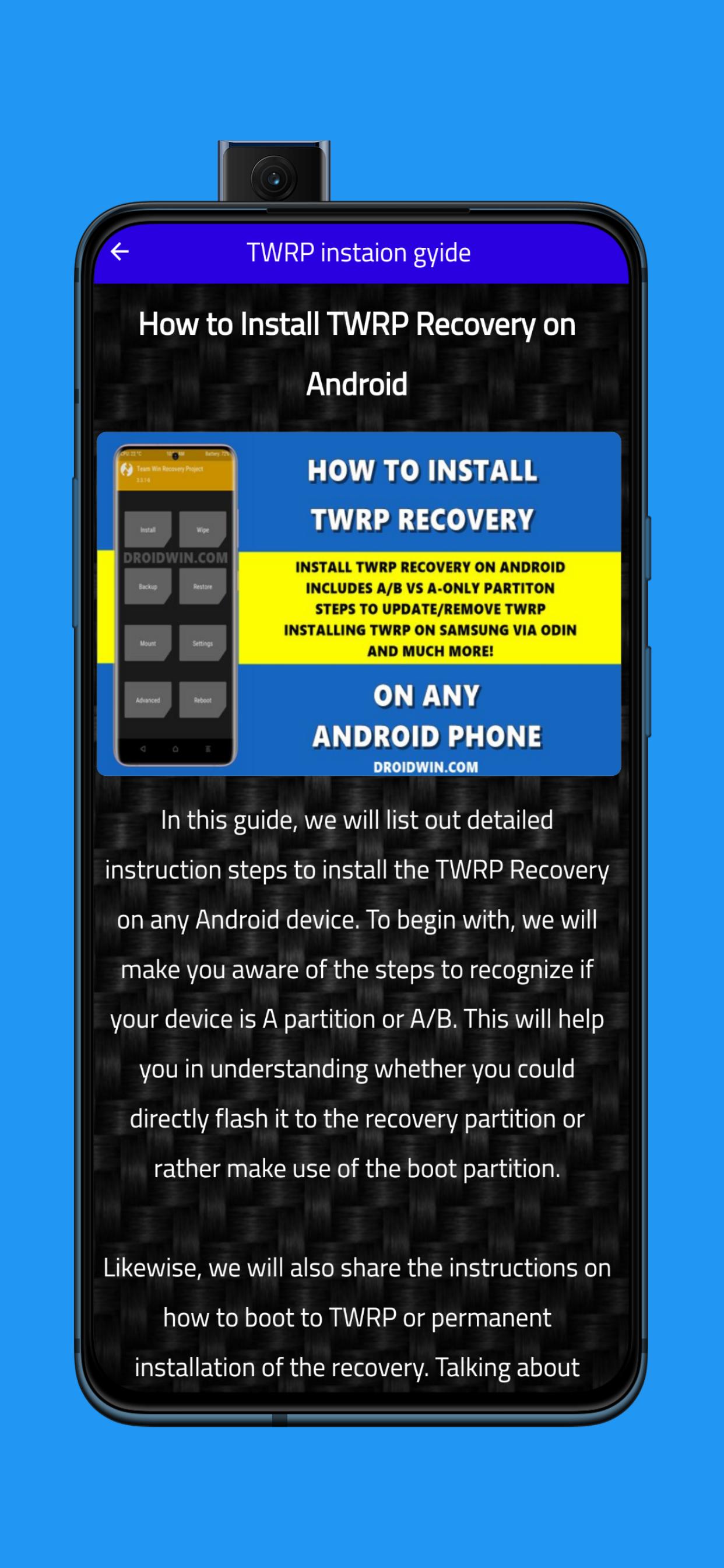
How to Install TWRP Recovery on Android
In this guide, we will list out detailed instruction steps to install the TWRP Recovery on any Android device. To begin with, we will make you aware of the steps to recognize if your device is A partition or A/B. This will help you in understanding whether you could directly flash it to the recovery partition or rather make use of the boot partition.
Likewise, we will also share the instructions on how to boot to TWRP or permanent installation of the recovery. Talking about which, you will be able to learn the type of recovery file you would be needing (twrp.img and twrp.zip) and more importantly when they would be needed. It’s going to be a long journey ahead, so stick with us!
पूर्वावलोकन
टैग
टूलजानकारी
डेवलपर
our life
नवीनतम संस्करण
1
आखरी अपडेट
2022-10-25
श्रेणी
टूल
पर उपलब्ध
Google Play
और दिखाओ
पीसी पर गेमलूप के साथ TWRP Installation Guide कैसे खेलें
1. आधिकारिक वेबसाइट से GameLoop डाउनलोड करें, फिर GameLoop को स्थापित करने के लिए exe फ़ाइल चलाएँ।
2. गेमलूप खोलें और "TWRP Installation Guide" खोजें, खोज परिणामों में TWRP Installation Guide खोजें और "इंस्टॉल करें" पर क्लिक करें।
3. GameLoop पर TWRP Installation Guide खेलने का आनंद लें।
Minimum requirements
OS
Windows 8.1 64-bit or Windows 10 64-bit
GPU
GTX 1050
CPU
i3-8300
Memory
8GB RAM
Storage
1GB available space
Recommended requirements
OS
Windows 8.1 64-bit or Windows 10 64-bit
GPU
GTX 1050
CPU
i3-9320
Memory
16GB RAM
Storage
1GB available space