
TeraBox: 1TB Cloud & AI Space for PC
Flextech Inc.
GameLoop एमुलेटर के साथ पीसी पर TeraBox: 1TB Cloud & AI Space डाउनलोड करें
पीसी पर TeraBox: 1TB Cloud & AI Space
TeraBox: 1TB Cloud & AI Space, डेवलपर Flextech Inc. से आ रहा है, अतीत में Android सिस्टर्म पर चल रहा है।
अब, आप TeraBox: 1TB Cloud & AI Space को पीसी पर GameLoop के साथ आसानी से खेल सकते हैं।
इसे GameLoop लाइब्रेरी या खोज परिणामों में डाउनलोड करें। अब और गलत समय पर बैटरी या निराशाजनक कॉलों पर ध्यान नहीं देना चाहिए।
बस मुफ्त में बड़ी स्क्रीन पर TeraBox: 1TB Cloud & AI Space पीसी का आनंद लें!
TeraBox: 1TB Cloud & AI Space परिचय
TeraBox: Your Personal All-in-One AI Assistant with 1024GB of FREE Cloud Storage!
TeraBox is more than just cloud storage — it’s your smart AI assistant. Store, organize, and share large files in seconds, then let AI help you search for anything, make stunning photos and videos, and unlock handy smart tools. Register now to get 1024GB of free cloud storage and explore endless possibilities with AI!
KEY FEATURES
[NEW] Tera AI: All-in-One AI Agent
Ask anything and get real answers. Turn photos into highlight reels, posters, and cards in a tap. Summarize a long PDF or pull the key details out of a screenshot. Search, create, and get things done — all in one place, without leaving the app.
[NEW] AI Study: Turn Files into Notes & Quizzes
AI Study turns anything you save into something you actually learn. Drop in a file and get clear structured notes in seconds — or record a lecture or meeting live and let AI listen and take the notes for you. Then quiz yourself, review with flashcards, and see how the ideas connect on a mind map. Less time organizing, more time understanding.
Automatic Data Backup
Automatically back up your photos, videos, documents and even folders to TeraBox cloud storage. Keep everything synchronized and accessible from any mobile device or computer — wherever you are.
Ultra-Large File Transfer
Upload, store, and share big files up to 128 GB seamlessly. Whether you need to send big video files, massive document archives, or high-res media, TeraBox supports big file sharing quickly with a secure link. No size limits holding you back.
AI-Powered Search
Built-in AI browser lets you search smarter instantly. Quickly find what you need, watch trending videos, discover the latest movies, or follow hot topics—all within TeraBox. Search, browse, and watch, all in one place.
AI Image Creation & Editing
Transform your photos into AI art with just one tap. Try creative AI styles like Snoopy, Miyazaki, or Cyberpunk, or enhance your portraits with built-in beauty effects.
AI Video Generation
Turn your ideas or photos into creative videos in seconds. Choose from a variety of dynamic effects to quickly generate viral videos for social media, promos, or personal projects.
AI Transcription
Convert voice to text. Record live and see the transcript appear as you speak, or upload any audio or video file. Get accurate, readable transcripts with key points summarized automatically — saving you hours of manual note-taking.
HD Video Player + AI Subtitles
Enjoy smooth, high-definition video playback within TeraBox. Our AI automatically generates accurate subtitles for lectures, foreign films, or personal videos, making it easier to follow and understand every word.
AI Scanning & PDF Document Management
Quickly scan multiple documents and edit your PDFs easily. TeraBox automatically recognizes text, helping you organize and clean up digital files.
Other Advanced AI Tools
Explore more built-in AI features such as AI Sketch, handwriting removal, translation, and image compression. TeraBox is your ultimate AI toolbox for every daily need.
HIGHLIGHTS
- 1024GB Free Storage: Safely back up millions of photos, videos, and documents.
- Large File Uploads & Sharing: Easily send big files to anyone via secure links.
- Privacy Protection: Advanced encryption keeps all your files safe.
- Multi-Device Sync: Access and sync all your files from any computer, tablet, or mobile phone.
- Intelligent Albums: Auto-categorize your photos for quick and easy browsing.
Sign up for TeraBox now to get 1TB of free cloud storage and enjoy a powerful portable AI assistant!
📞 SUPPORT
Any questions or support? Please contact us at helpdesk@terabox.com
Privacy Policy: https://www.terabox.com/terms/privacy?lang=en
Terms of Use: https://www.terabox.com/terms/duty?lang=en
पूर्वावलोकन
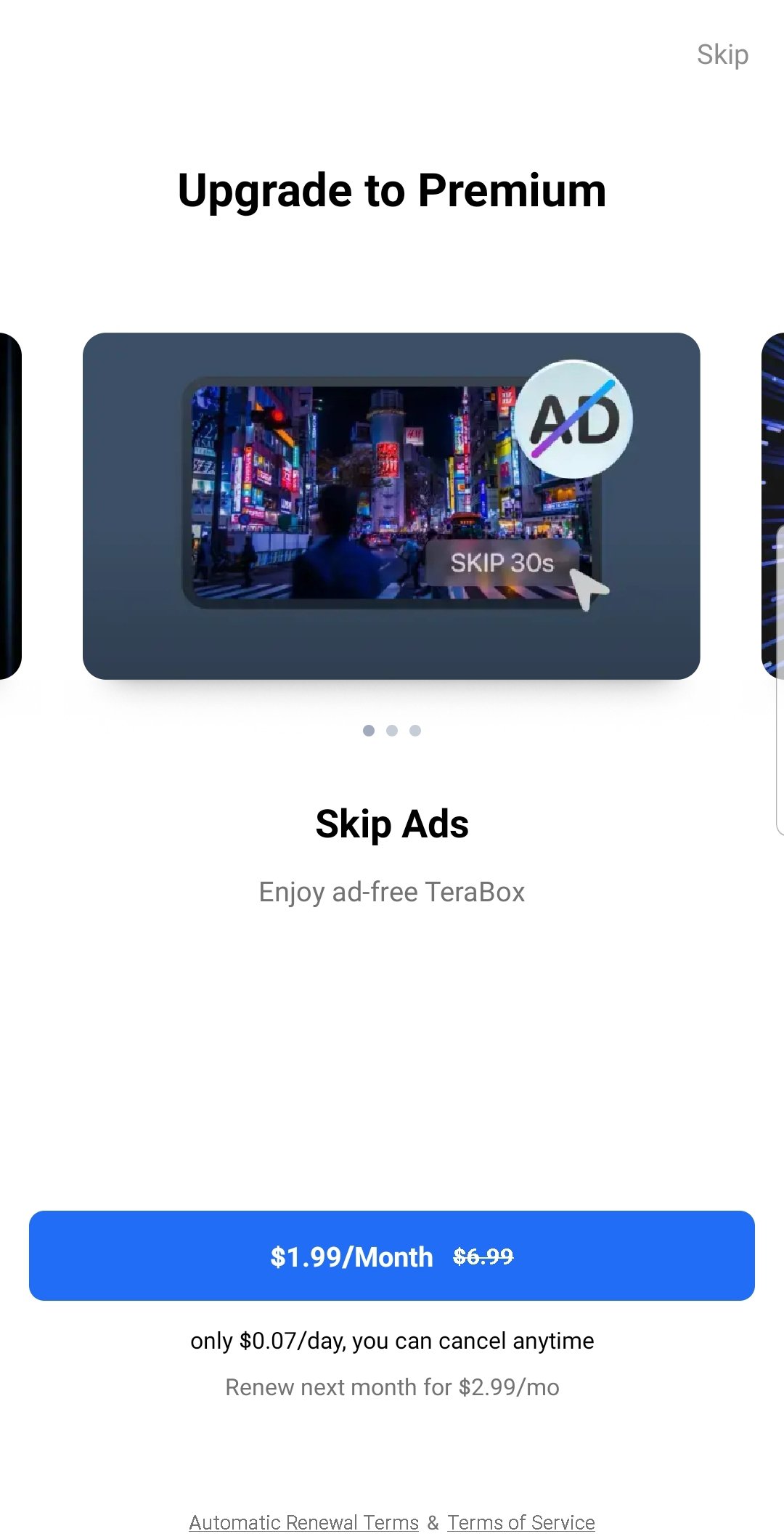
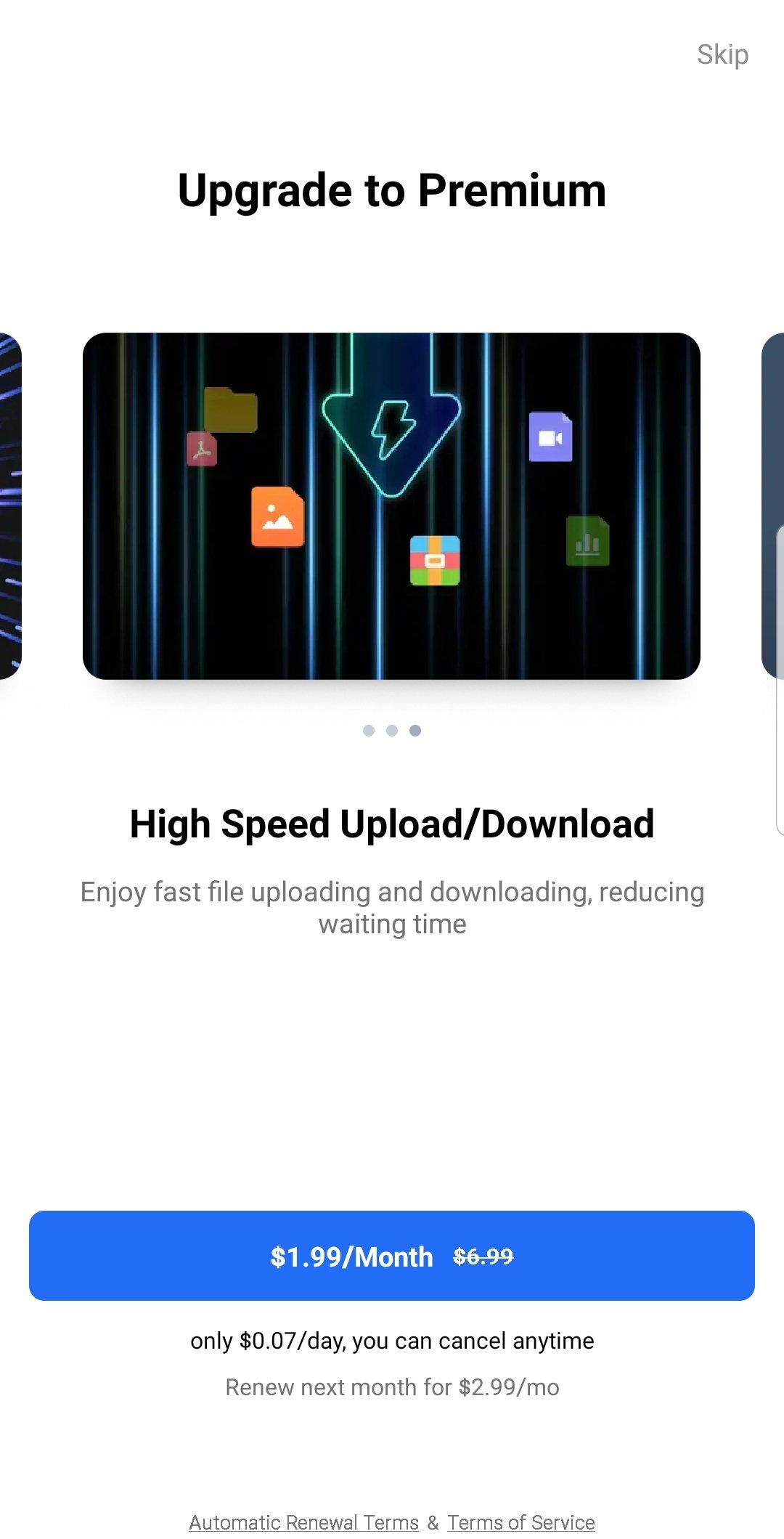
टैग
टूलजानकारी
डेवलपर
Flextech Inc.
नवीनतम संस्करण
4.26.5
आखरी अपडेट
2026-09-22
श्रेणी
टूल
और दिखाओ
पीसी पर गेमलूप के साथ TeraBox: 1TB Cloud & AI Space कैसे खेलें
1. आधिकारिक वेबसाइट से GameLoop डाउनलोड करें, फिर GameLoop को स्थापित करने के लिए exe फ़ाइल चलाएँ।
2. गेमलूप खोलें और "TeraBox: 1TB Cloud & AI Space" खोजें, खोज परिणामों में TeraBox: 1TB Cloud & AI Space खोजें और "इंस्टॉल करें" पर क्लिक करें।
3. GameLoop पर TeraBox: 1TB Cloud & AI Space खेलने का आनंद लें।
Minimum requirements
OS
Windows 8.1 64-bit or Windows 10 64-bit
GPU
GTX 1050
CPU
i3-8300
Memory
8GB RAM
Storage
1GB available space
Recommended requirements
OS
Windows 8.1 64-bit or Windows 10 64-bit
GPU
GTX 1050
CPU
i3-9320
Memory
16GB RAM
Storage
1GB available space