Sim Checker with NIC for PC
Turn Millionaire
GameLoop एमुलेटर के साथ पीसी पर Sim Checker with NIC डाउनलोड करें
पीसी पर Sim Checker with NIC
Sim Checker with NIC, डेवलपर Turn Millionaire से आ रहा है, अतीत में Android सिस्टर्म पर चल रहा है।
अब, आप Sim Checker with NIC को पीसी पर GameLoop के साथ आसानी से खेल सकते हैं।
इसे GameLoop लाइब्रेरी या खोज परिणामों में डाउनलोड करें। अब और गलत समय पर बैटरी या निराशाजनक कॉलों पर ध्यान नहीं देना चाहिए।
बस मुफ्त में बड़ी स्क्रीन पर Sim Checker with NIC पीसी का आनंद लें!
Sim Checker with NIC परिचय
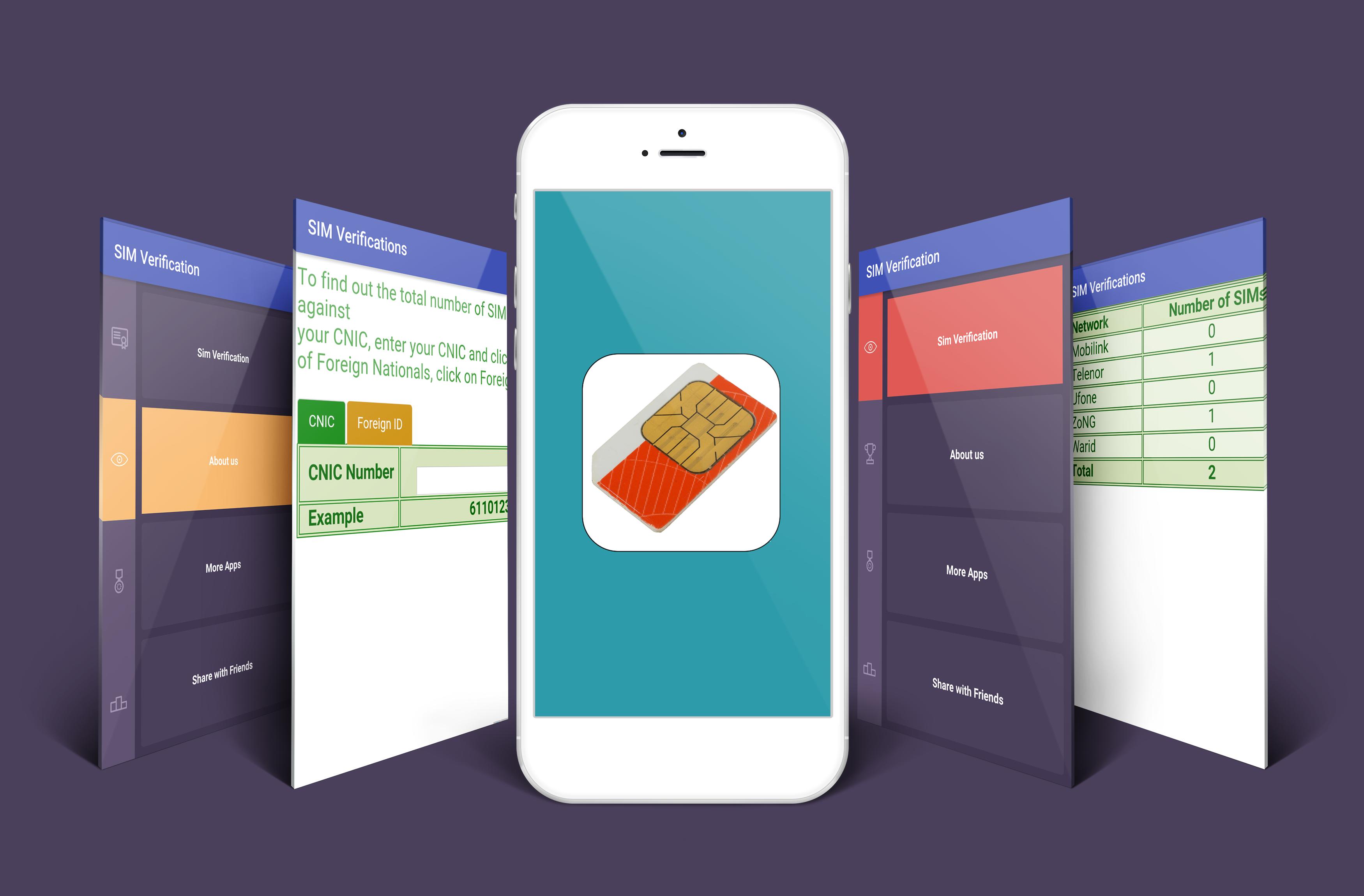
SIM Checker With NIC app will tell you that how many Sims are registered with your Nadra Card. Using Sim Varification tool is very easy as the user only needs to enter his or her Nadra varified ID card number. This app will only shows the number registered with PTA through bio metric varified sims.
You can now search and find the number of totall sims register with your name. Sim cheker is a very good and handy app that one can check any Nadra varification id card.
There are many people who are suffering from fraud, because there identity cards are used by wrong people and they issued multiple sims.
Now find easily with the help of Pakistani sims cheker with NIC and Sim Varification through this inovitve app.
पूर्वावलोकन
जानकारी
डेवलपर
Turn Millionaire
नवीनतम संस्करण
1.1
आखरी अपडेट
2017-03-07
श्रेणी
टूल
पर उपलब्ध
Google Play
और दिखाओ
पीसी पर गेमलूप के साथ Sim Checker with NIC कैसे खेलें
1. आधिकारिक वेबसाइट से GameLoop डाउनलोड करें, फिर GameLoop को स्थापित करने के लिए exe फ़ाइल चलाएँ।
2. गेमलूप खोलें और "Sim Checker with NIC" खोजें, खोज परिणामों में Sim Checker with NIC खोजें और "इंस्टॉल करें" पर क्लिक करें।
3. GameLoop पर Sim Checker with NIC खेलने का आनंद लें।
Minimum requirements
OS
Windows 8.1 64-bit or Windows 10 64-bit
GPU
GTX 1050
CPU
i3-8300
Memory
8GB RAM
Storage
1GB available space
Recommended requirements
OS
Windows 8.1 64-bit or Windows 10 64-bit
GPU
GTX 1050
CPU
i3-9320
Memory
16GB RAM
Storage
1GB available space