
RemoteOTA for PC
SEIROBOTICS
GameLoop एमुलेटर के साथ पीसी पर RemoteOTA डाउनलोड करें
पीसी पर RemoteOTA
RemoteOTA, डेवलपर SEIROBOTICS से आ रहा है, अतीत में Android सिस्टर्म पर चल रहा है।
अब, आप RemoteOTA को पीसी पर GameLoop के साथ आसानी से खेल सकते हैं।
इसे GameLoop लाइब्रेरी या खोज परिणामों में डाउनलोड करें। अब और गलत समय पर बैटरी या निराशाजनक कॉलों पर ध्यान नहीं देना चाहिए।
बस मुफ्त में बड़ी स्क्रीन पर RemoteOTA पीसी का आनंद लें!
RemoteOTA परिचय
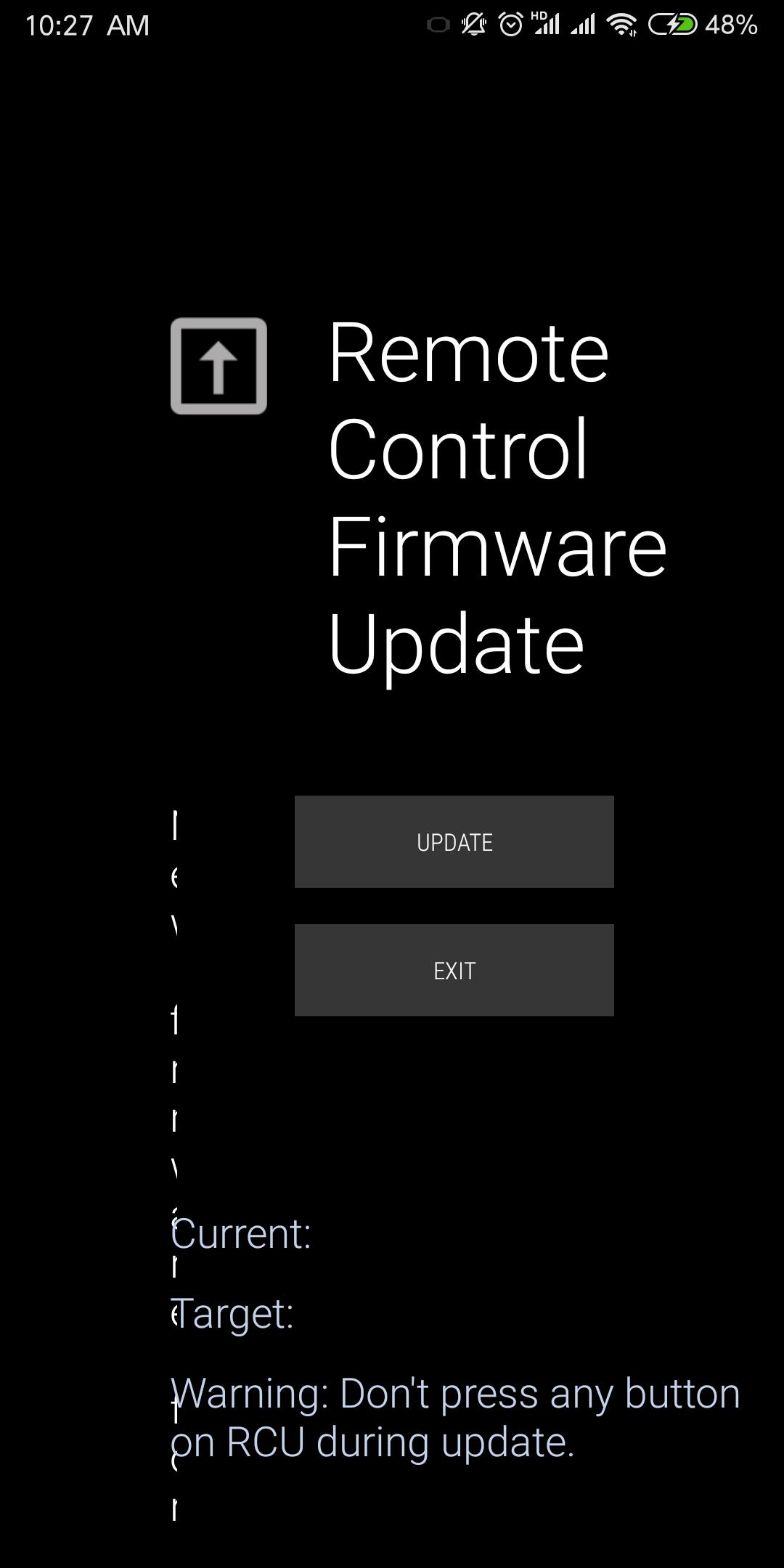
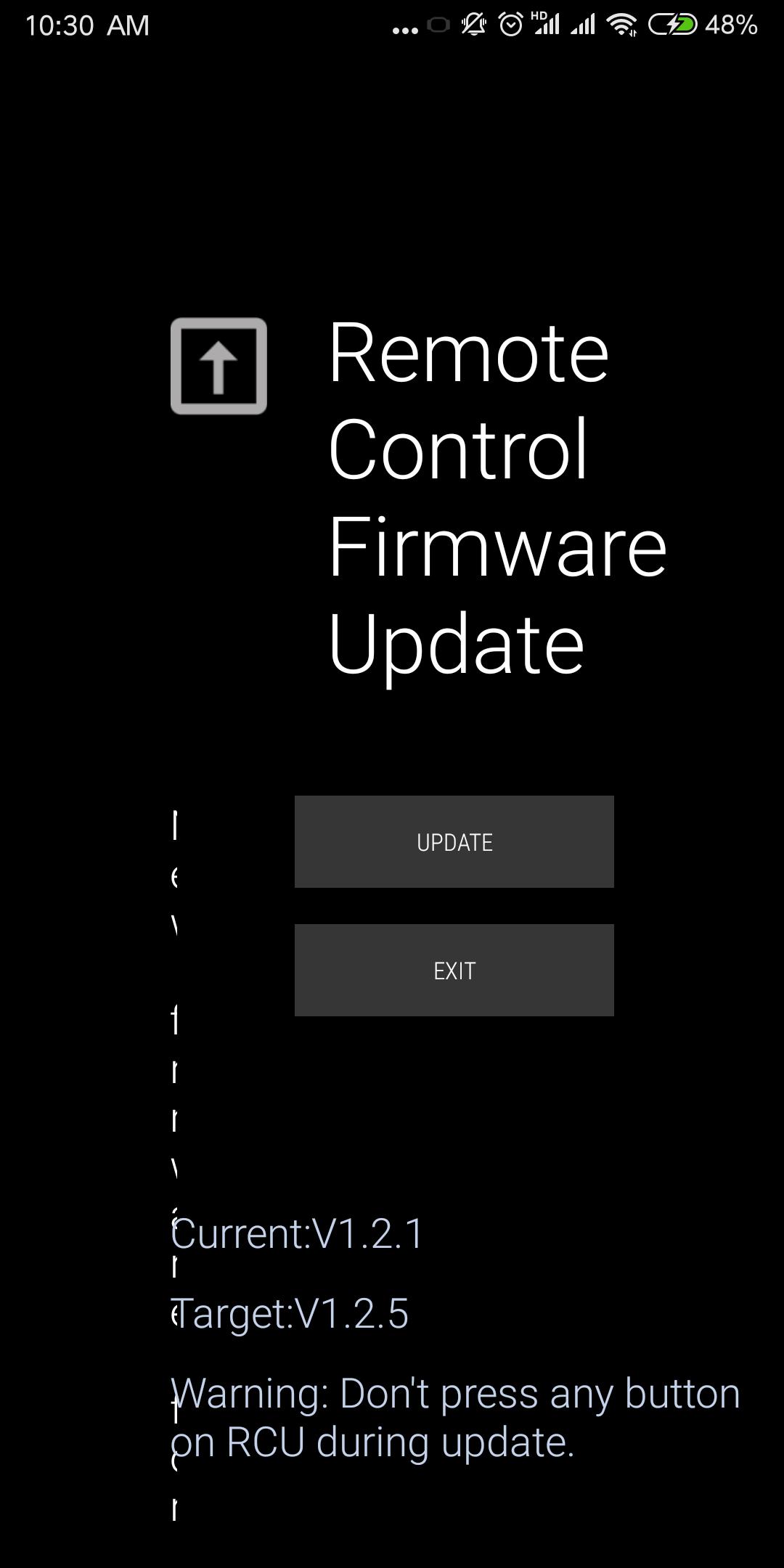
When you installed this app, and you are using the b01 version of the remote control we specified. When the remote control is successfully connected, we will automatically detect whether a new version needs to be upgraded in the background. If there is, a notification will pop up to inform the user. Users can enter the upgrade with a single click.
पूर्वावलोकन
जानकारी
डेवलपर
SEIROBOTICS
नवीनतम संस्करण
1.0.36.07
आखरी अपडेट
2019-01-08
श्रेणी
टूल
पर उपलब्ध
Google Play
और दिखाओ
पीसी पर गेमलूप के साथ RemoteOTA कैसे खेलें
1. आधिकारिक वेबसाइट से GameLoop डाउनलोड करें, फिर GameLoop को स्थापित करने के लिए exe फ़ाइल चलाएँ।
2. गेमलूप खोलें और "RemoteOTA" खोजें, खोज परिणामों में RemoteOTA खोजें और "इंस्टॉल करें" पर क्लिक करें।
3. GameLoop पर RemoteOTA खेलने का आनंद लें।
Minimum requirements
OS
Windows 8.1 64-bit or Windows 10 64-bit
GPU
GTX 1050
CPU
i3-8300
Memory
8GB RAM
Storage
1GB available space
Recommended requirements
OS
Windows 8.1 64-bit or Windows 10 64-bit
GPU
GTX 1050
CPU
i3-9320
Memory
16GB RAM
Storage
1GB available space