Remote For Sharp TV -WiFi/IR for PC
amplez
GameLoop एमुलेटर के साथ पीसी पर Remote For Sharp TV -WiFi/IR डाउनलोड करें
पीसी पर Remote For Sharp TV -WiFi/IR
Remote For Sharp TV -WiFi/IR, डेवलपर amplez से आ रहा है, अतीत में Android सिस्टर्म पर चल रहा है।
अब, आप Remote For Sharp TV -WiFi/IR को पीसी पर GameLoop के साथ आसानी से खेल सकते हैं।
इसे GameLoop लाइब्रेरी या खोज परिणामों में डाउनलोड करें। अब और गलत समय पर बैटरी या निराशाजनक कॉलों पर ध्यान नहीं देना चाहिए।
बस मुफ्त में बड़ी स्क्रीन पर Remote For Sharp TV -WiFi/IR पीसी का आनंद लें!
Remote For Sharp TV -WiFi/IR परिचय
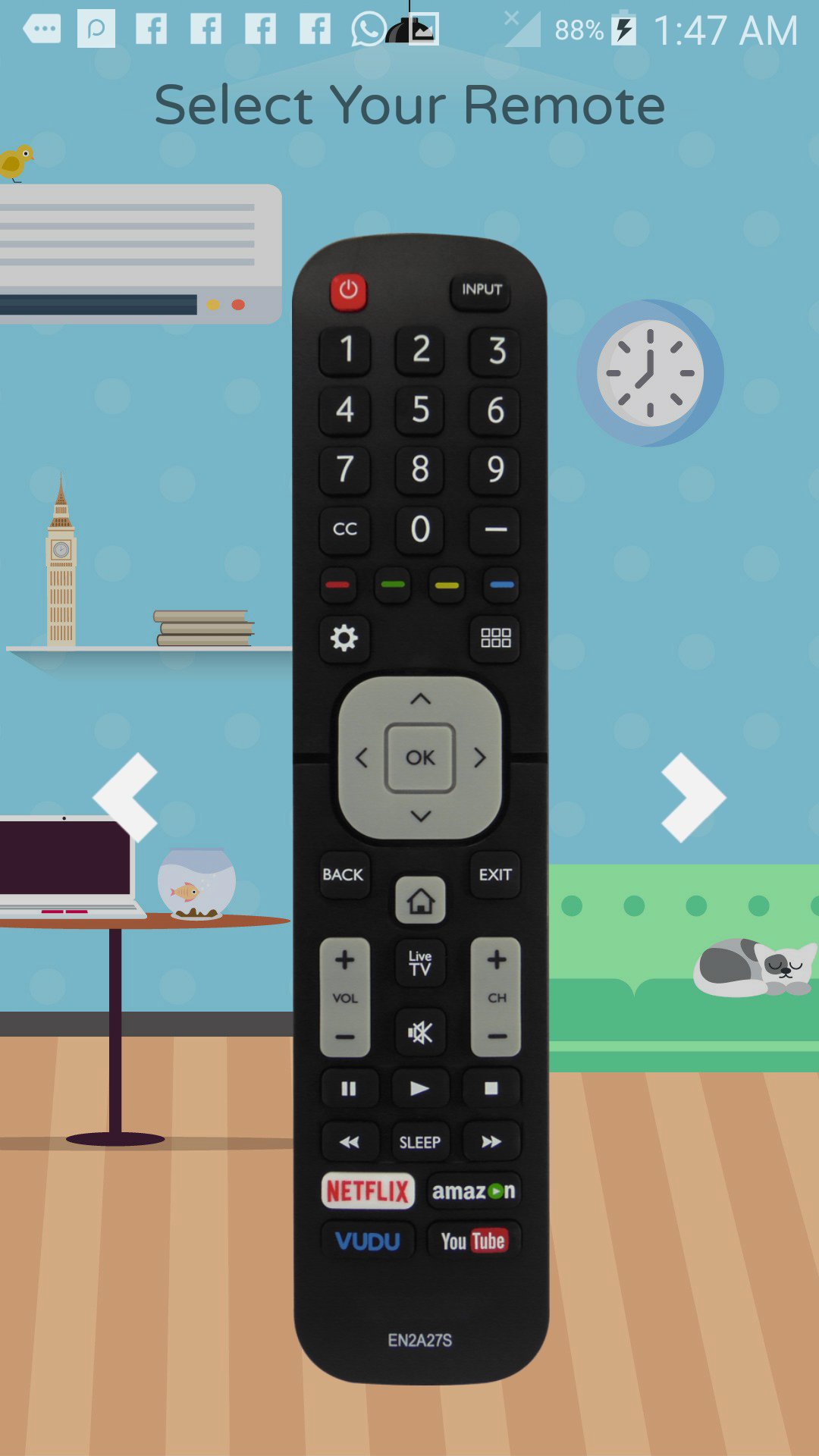
For Sharp Android TV Remote Control with Smart and IR modes.
* Connect instantly with your TV using a code. * No physical remote needed for setup *
- Quick and straightforward setup process.
- Works perfectly with the newest Sharp Android TV models.
- Effortlessly control volume, navigation, and channel selection.
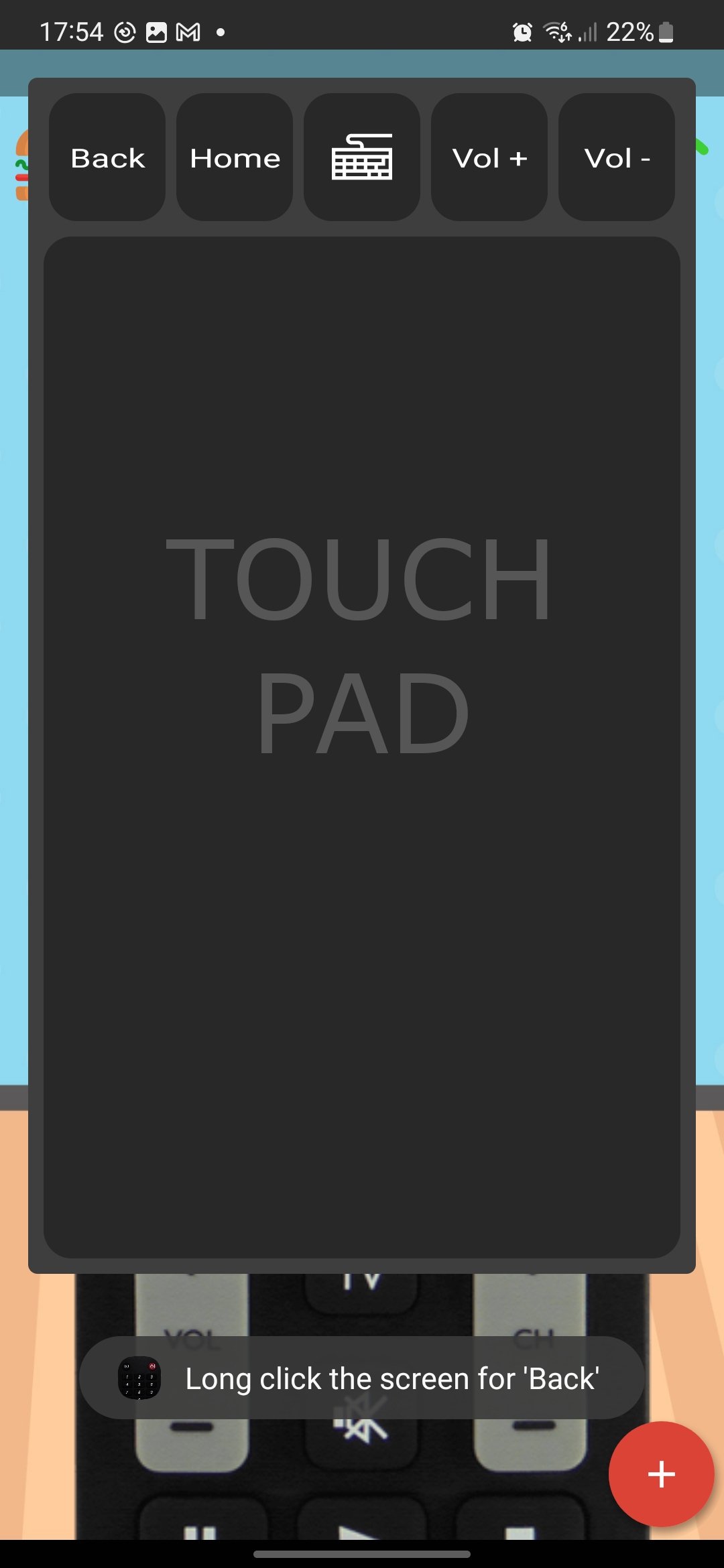
- Smooth and intuitive touchpad for easy operation.
- On-screen keyboard for faster text input.
- Infrared control supported if your phone has IR capabilities.
- External IR sensor compatibility via audio jack.
With this app, take full control of your Sharp Android TV using your smartphone. Choose WiFi for smart control or IR for traditional TV setups.
Need help? Contact us: support@zviyamin.com
पूर्वावलोकन
टैग
टूलजानकारी
डेवलपर
amplez
नवीनतम संस्करण
10.1.2.3
आखरी अपडेट
2025-08-30
श्रेणी
टूल
पर उपलब्ध
Google Play
और दिखाओ
पीसी पर गेमलूप के साथ Remote For Sharp TV -WiFi/IR कैसे खेलें
1. आधिकारिक वेबसाइट से GameLoop डाउनलोड करें, फिर GameLoop को स्थापित करने के लिए exe फ़ाइल चलाएँ।
2. गेमलूप खोलें और "Remote For Sharp TV -WiFi/IR" खोजें, खोज परिणामों में Remote For Sharp TV -WiFi/IR खोजें और "इंस्टॉल करें" पर क्लिक करें।
3. GameLoop पर Remote For Sharp TV -WiFi/IR खेलने का आनंद लें।
Minimum requirements
OS
Windows 8.1 64-bit or Windows 10 64-bit
GPU
GTX 1050
CPU
i3-8300
Memory
8GB RAM
Storage
1GB available space
Recommended requirements
OS
Windows 8.1 64-bit or Windows 10 64-bit
GPU
GTX 1050
CPU
i3-9320
Memory
16GB RAM
Storage
1GB available space