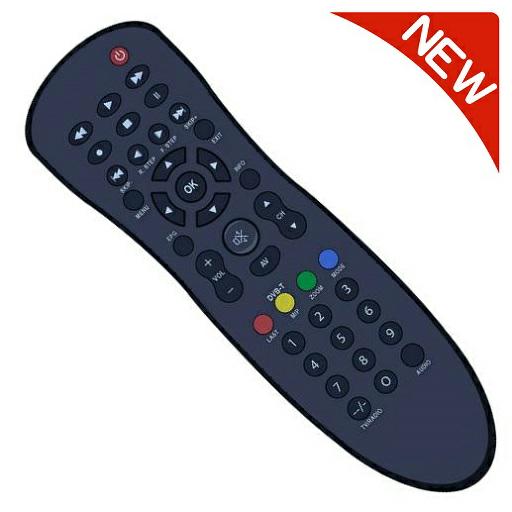
Remote Control For ORBIT for PC
tv remotes
GameLoop एमुलेटर के साथ पीसी पर Remote Control For ORBIT डाउनलोड करें
पीसी पर Remote Control For ORBIT
Remote Control For ORBIT, डेवलपर tv remotes से आ रहा है, अतीत में Android सिस्टर्म पर चल रहा है।
अब, आप Remote Control For ORBIT को पीसी पर GameLoop के साथ आसानी से खेल सकते हैं।
इसे GameLoop लाइब्रेरी या खोज परिणामों में डाउनलोड करें। अब और गलत समय पर बैटरी या निराशाजनक कॉलों पर ध्यान नहीं देना चाहिए।
बस मुफ्त में बड़ी स्क्रीन पर Remote Control For ORBIT पीसी का आनंद लें!
Remote Control For ORBIT परिचय
**Made In India**
This app is Designed to work with almost all ORBIT
**Disclaimer**
This app is not the official ORBIT Remote App.
It was designed with care to try and bring users an overall better experience
**** IMPORTANT ****
This app needs your phone to have an Infrared sensor
Not sure what this means? you can try downloading the app and see if it works
Your remote is missing? Just ask us for it from the app
Features:
* Best User Interface
* NO installation, just click and play
* AMAZING design with cool & easy interface
Have questions? remote isn't working? Email us: remotifyapp@gmail.com
पूर्वावलोकन


जानकारी
डेवलपर
tv remotes
नवीनतम संस्करण
1.0
आखरी अपडेट
2021-06-13
श्रेणी
टूल
पर उपलब्ध
Google Play
और दिखाओ
पीसी पर गेमलूप के साथ Remote Control For ORBIT कैसे खेलें
1. आधिकारिक वेबसाइट से GameLoop डाउनलोड करें, फिर GameLoop को स्थापित करने के लिए exe फ़ाइल चलाएँ।
2. गेमलूप खोलें और "Remote Control For ORBIT" खोजें, खोज परिणामों में Remote Control For ORBIT खोजें और "इंस्टॉल करें" पर क्लिक करें।
3. GameLoop पर Remote Control For ORBIT खेलने का आनंद लें।
Minimum requirements
OS
Windows 8.1 64-bit or Windows 10 64-bit
GPU
GTX 1050
CPU
i3-8300
Memory
8GB RAM
Storage
1GB available space
Recommended requirements
OS
Windows 8.1 64-bit or Windows 10 64-bit
GPU
GTX 1050
CPU
i3-9320
Memory
16GB RAM
Storage
1GB available space