
ReCall - The Call Recorder for PC
NextGenXApps
GameLoop एमुलेटर के साथ पीसी पर ReCall - The Call Recorder डाउनलोड करें
पीसी पर ReCall - The Call Recorder
ReCall - The Call Recorder, डेवलपर NextGenXApps से आ रहा है, अतीत में Android सिस्टर्म पर चल रहा है।
अब, आप ReCall - The Call Recorder को पीसी पर GameLoop के साथ आसानी से खेल सकते हैं।
इसे GameLoop लाइब्रेरी या खोज परिणामों में डाउनलोड करें। अब और गलत समय पर बैटरी या निराशाजनक कॉलों पर ध्यान नहीं देना चाहिए।
बस मुफ्त में बड़ी स्क्रीन पर ReCall - The Call Recorder पीसी का आनंद लें!
ReCall - The Call Recorder परिचय
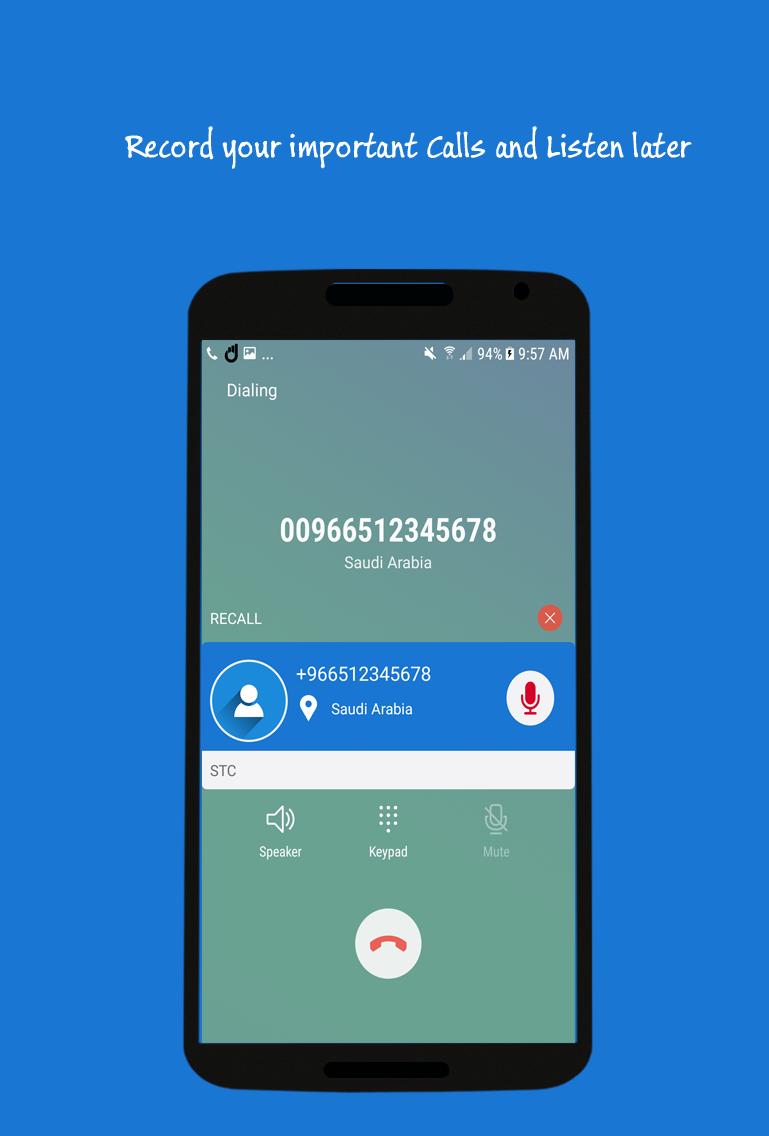
Record any phone call you want and choose which calls you want to save.
Features:
- Auto/Manual Incoming/Outgoing Call Recorder
- Displaying contact name and photo
- Play/ Delete recordings
- Share your recording
- Listen directly after call in After Call Dialog feature
- Control the recording while call in Call Recording Dialog
Note:
Some phones do not support call recording properly. This is due to capabilities of different chipset/CPU or Android version each brand/model have.
Legal:
Please check with local laws related to call recording in your country
पूर्वावलोकन

जानकारी
डेवलपर
NextGenXApps
नवीनतम संस्करण
1.9
आखरी अपडेट
2019-01-03
श्रेणी
टूल
पर उपलब्ध
Google Play
और दिखाओ
पीसी पर गेमलूप के साथ ReCall - The Call Recorder कैसे खेलें
1. आधिकारिक वेबसाइट से GameLoop डाउनलोड करें, फिर GameLoop को स्थापित करने के लिए exe फ़ाइल चलाएँ।
2. गेमलूप खोलें और "ReCall - The Call Recorder" खोजें, खोज परिणामों में ReCall - The Call Recorder खोजें और "इंस्टॉल करें" पर क्लिक करें।
3. GameLoop पर ReCall - The Call Recorder खेलने का आनंद लें।
Minimum requirements
OS
Windows 8.1 64-bit or Windows 10 64-bit
GPU
GTX 1050
CPU
i3-8300
Memory
8GB RAM
Storage
1GB available space
Recommended requirements
OS
Windows 8.1 64-bit or Windows 10 64-bit
GPU
GTX 1050
CPU
i3-9320
Memory
16GB RAM
Storage
1GB available space