Printer Bluetooth for PC
john marin
GameLoop एमुलेटर के साथ पीसी पर Printer Bluetooth डाउनलोड करें
पीसी पर Printer Bluetooth
Printer Bluetooth, डेवलपर john marin से आ रहा है, अतीत में Android सिस्टर्म पर चल रहा है।
अब, आप Printer Bluetooth को पीसी पर GameLoop के साथ आसानी से खेल सकते हैं।
इसे GameLoop लाइब्रेरी या खोज परिणामों में डाउनलोड करें। अब और गलत समय पर बैटरी या निराशाजनक कॉलों पर ध्यान नहीं देना चाहिए।
बस मुफ्त में बड़ी स्क्रीन पर Printer Bluetooth पीसी का आनंद लें!
Printer Bluetooth परिचय
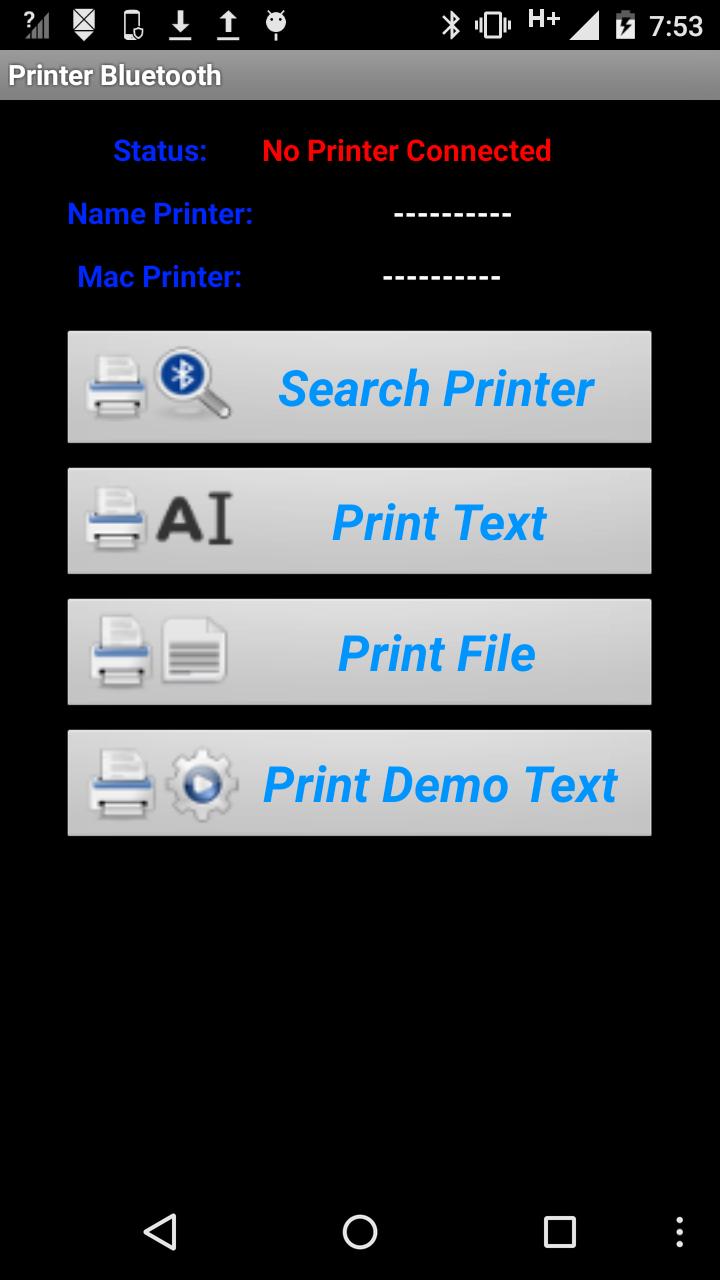
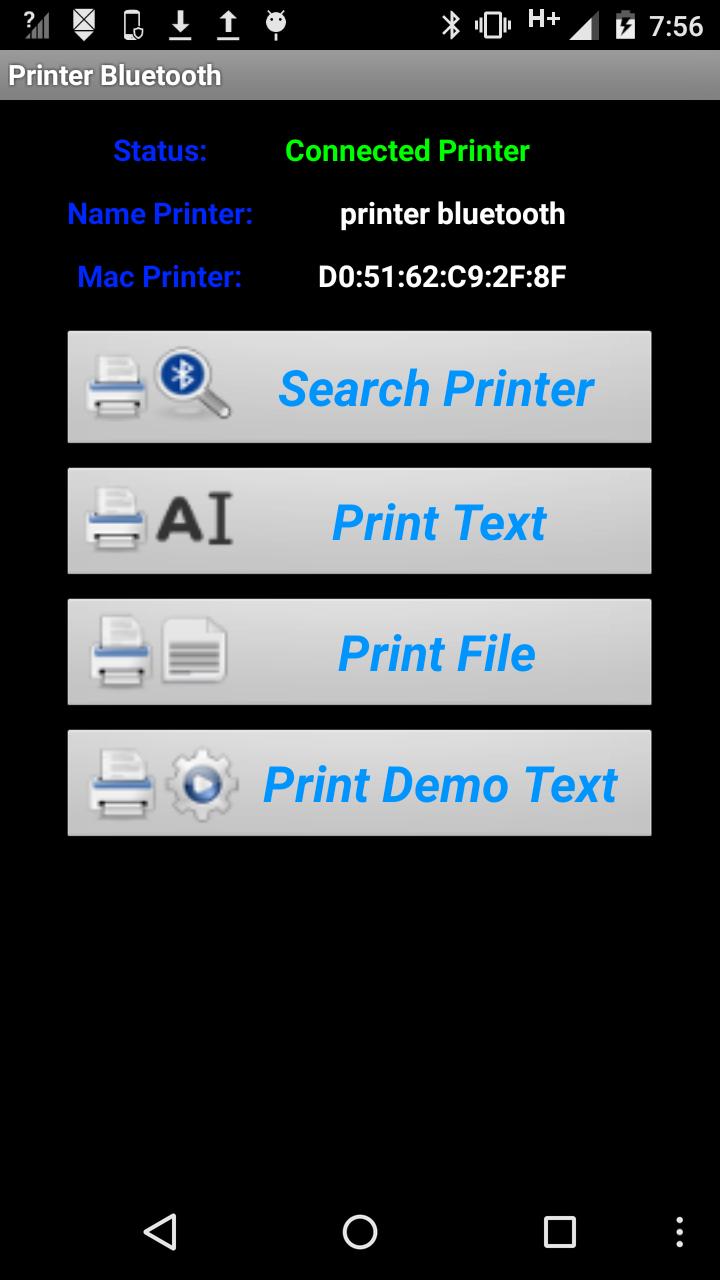
उपयोगी उपकरण डिवाइस bluettoth करने के लिए एक प्रिंटर कनेक्ट और फोन के मेमोरी कार्ड से सादे पाठ और पाठ फ़ाइलों मुद्रण बनाने के लिए
पूर्वावलोकन
टैग
टूलजानकारी
डेवलपर
john marin
नवीनतम संस्करण
1.18
आखरी अपडेट
2025-08-21
श्रेणी
टूल
पर उपलब्ध
Google Play
और दिखाओ
पीसी पर गेमलूप के साथ Printer Bluetooth कैसे खेलें
1. आधिकारिक वेबसाइट से GameLoop डाउनलोड करें, फिर GameLoop को स्थापित करने के लिए exe फ़ाइल चलाएँ।
2. गेमलूप खोलें और "Printer Bluetooth" खोजें, खोज परिणामों में Printer Bluetooth खोजें और "इंस्टॉल करें" पर क्लिक करें।
3. GameLoop पर Printer Bluetooth खेलने का आनंद लें।
Minimum requirements
OS
Windows 8.1 64-bit or Windows 10 64-bit
GPU
GTX 1050
CPU
i3-8300
Memory
8GB RAM
Storage
1GB available space
Recommended requirements
OS
Windows 8.1 64-bit or Windows 10 64-bit
GPU
GTX 1050
CPU
i3-9320
Memory
16GB RAM
Storage
1GB available space