
OneXApp for PC
Fanoryre
GameLoop एमुलेटर के साथ पीसी पर OneXApp डाउनलोड करें
पीसी पर OneXApp
OneXApp, डेवलपर Fanoryre से आ रहा है, अतीत में Android सिस्टर्म पर चल रहा है।
अब, आप OneXApp को पीसी पर GameLoop के साथ आसानी से खेल सकते हैं।
इसे GameLoop लाइब्रेरी या खोज परिणामों में डाउनलोड करें। अब और गलत समय पर बैटरी या निराशाजनक कॉलों पर ध्यान नहीं देना चाहिए।
बस मुफ्त में बड़ी स्क्रीन पर OneXApp पीसी का आनंद लें!
OneXApp परिचय
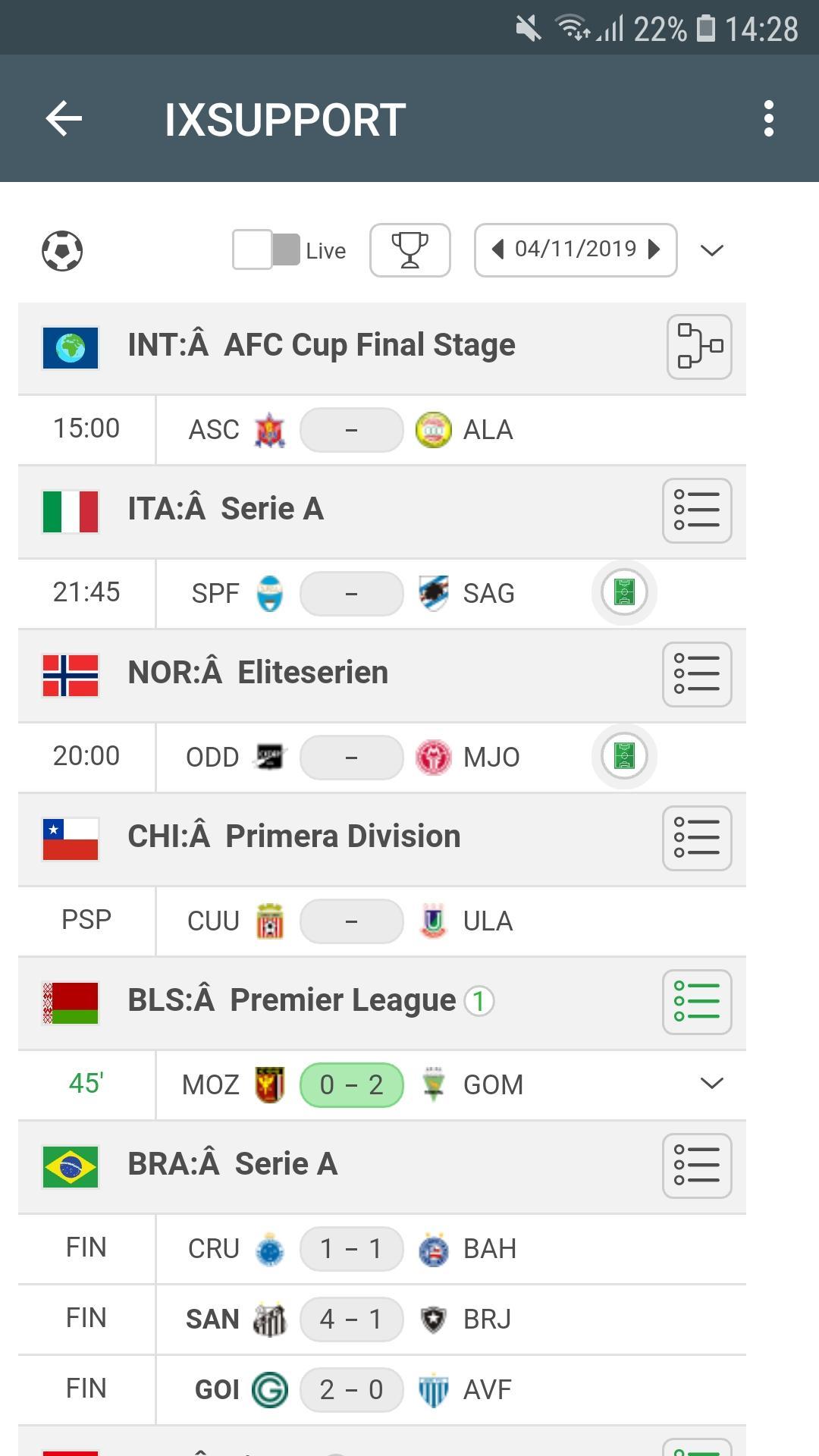
Free predictions for sports matches - an application designed to help in obtaining information about current matches.
Get high-quality analytics, forecast for all football matches.
High traffic is possible thanks to professional analysts. Every day, more than 15 sports predictions are added.
There is always full information about matches played, played and lost predictions.
Advantages of the Sports Betting Predictions application:
- Quick update.
- Information about current matches online.
- High odds.
- Great cross.
- A wide selection of matches.
- Daily replenishment with new forecasts.
- Support for users by mail and not only.
- 3 sports (Football, Hockey, Tennis).
Our team will always be happy to help our users. If you have any questions, write to us by mail. We make sports predictions accessible and useful.
This app is not linked with 1xstavka,1xбет,onexb, 1xbet teams or other groups. Just informational app!!!
पूर्वावलोकन

जानकारी
डेवलपर
Fanoryre
नवीनतम संस्करण
2.0
आखरी अपडेट
2019-11-07
श्रेणी
टूल
पर उपलब्ध
Google Play
और दिखाओ
पीसी पर गेमलूप के साथ OneXApp कैसे खेलें
1. आधिकारिक वेबसाइट से GameLoop डाउनलोड करें, फिर GameLoop को स्थापित करने के लिए exe फ़ाइल चलाएँ।
2. गेमलूप खोलें और "OneXApp" खोजें, खोज परिणामों में OneXApp खोजें और "इंस्टॉल करें" पर क्लिक करें।
3. GameLoop पर OneXApp खेलने का आनंद लें।
Minimum requirements
OS
Windows 8.1 64-bit or Windows 10 64-bit
GPU
GTX 1050
CPU
i3-8300
Memory
8GB RAM
Storage
1GB available space
Recommended requirements
OS
Windows 8.1 64-bit or Windows 10 64-bit
GPU
GTX 1050
CPU
i3-9320
Memory
16GB RAM
Storage
1GB available space