
Nabox Wallet for PC
Omni Chain Ventures Pte. Ltd.
GameLoop एमुलेटर के साथ पीसी पर Nabox Wallet डाउनलोड करें
पीसी पर Nabox Wallet
Nabox Wallet, डेवलपर Omni Chain Ventures Pte. Ltd. से आ रहा है, अतीत में Android सिस्टर्म पर चल रहा है।
अब, आप Nabox Wallet को पीसी पर GameLoop के साथ आसानी से खेल सकते हैं।
इसे GameLoop लाइब्रेरी या खोज परिणामों में डाउनलोड करें। अब और गलत समय पर बैटरी या निराशाजनक कॉलों पर ध्यान नहीं देना चाहिए।
बस मुफ्त में बड़ी स्क्रीन पर Nabox Wallet पीसी का आनंद लें!
Nabox Wallet परिचय
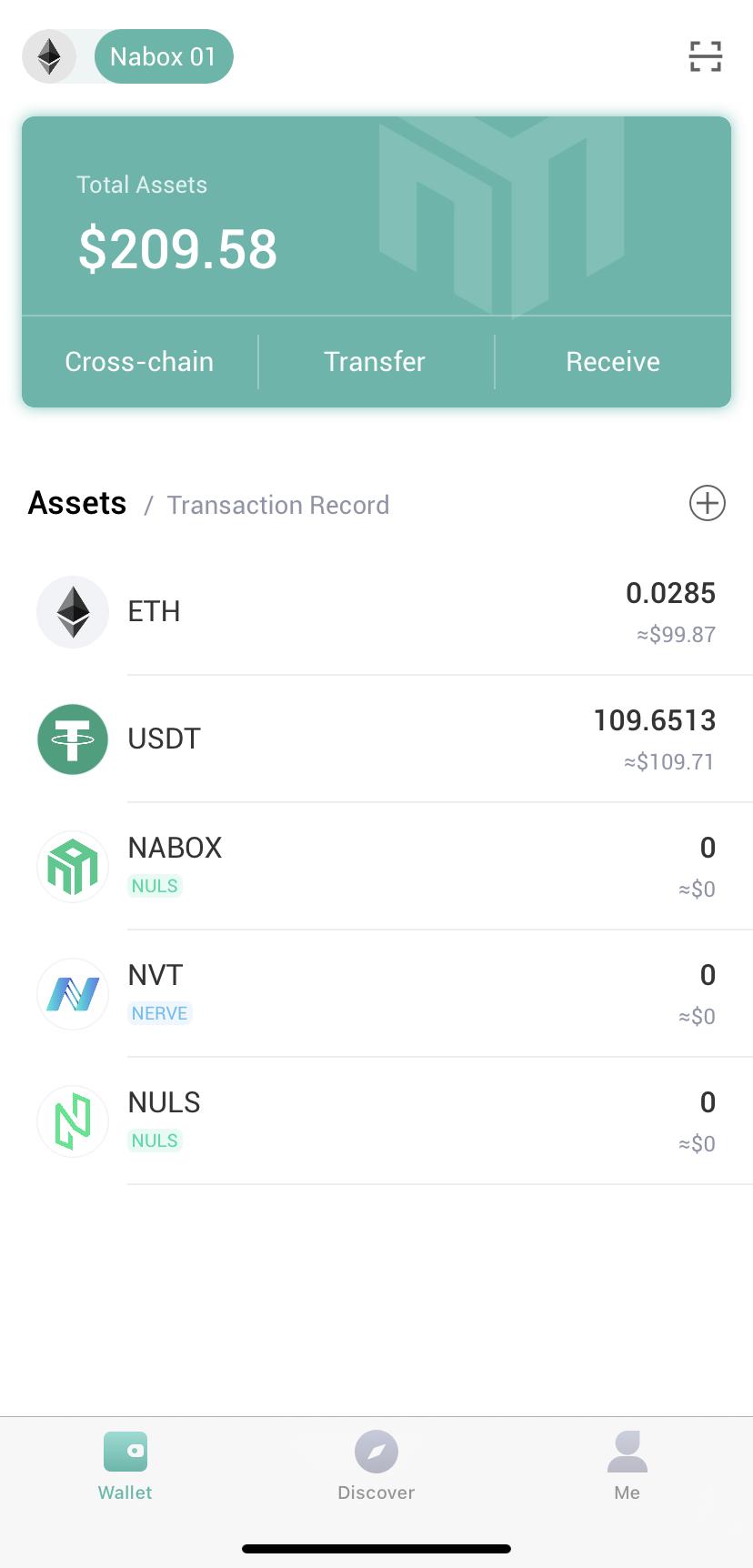
As cryptocurrencies go mainstream, the demand for a versatile, simple wallet
that does more than send tokens is rising.
With the myriad of new blockchains coming onto the market each vying for
dominance, the issue of cross-chain compatibility only adds to the complexity
for the end user.
By first solving the problem of cross-chain compatibility, Nabox strives to
become a vital part of the DeFi ecosystem, and gradually serving users in use
cases outside of DeFi as well, in their day-to-day lives. Nabox users can
manage and sign their digital assets across various chains with a single DID.
There are no centralized registration processes on Nabox, and all private keys
are managed the user directly.
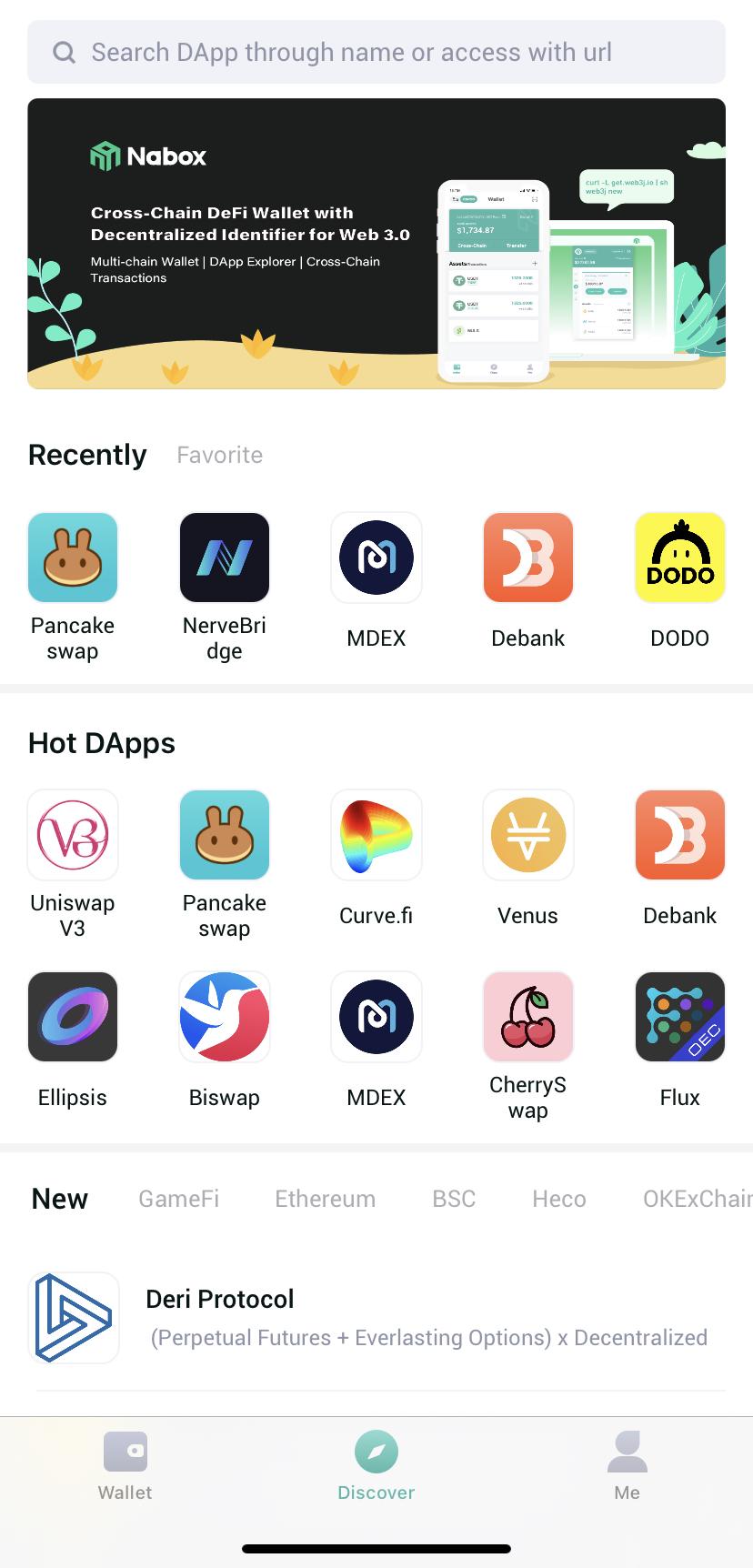
Our mission is to become the simplest gateway to Web 3.0 for DeFi.
पूर्वावलोकन
जानकारी
डेवलपर
Omni Chain Ventures Pte. Ltd.
नवीनतम संस्करण
2.0.2
आखरी अपडेट
2021-09-17
श्रेणी
टूल
पर उपलब्ध
Google Play
और दिखाओ
पीसी पर गेमलूप के साथ Nabox Wallet कैसे खेलें
1. आधिकारिक वेबसाइट से GameLoop डाउनलोड करें, फिर GameLoop को स्थापित करने के लिए exe फ़ाइल चलाएँ।
2. गेमलूप खोलें और "Nabox Wallet" खोजें, खोज परिणामों में Nabox Wallet खोजें और "इंस्टॉल करें" पर क्लिक करें।
3. GameLoop पर Nabox Wallet खेलने का आनंद लें।
Minimum requirements
OS
Windows 8.1 64-bit or Windows 10 64-bit
GPU
GTX 1050
CPU
i3-8300
Memory
8GB RAM
Storage
1GB available space
Recommended requirements
OS
Windows 8.1 64-bit or Windows 10 64-bit
GPU
GTX 1050
CPU
i3-9320
Memory
16GB RAM
Storage
1GB available space