
Logcat Reader for PC
Mobile Solutions Worldwide
GameLoop एमुलेटर के साथ पीसी पर Logcat Reader डाउनलोड करें
पीसी पर Logcat Reader
Logcat Reader, डेवलपर Mobile Solutions Worldwide से आ रहा है, अतीत में Android सिस्टर्म पर चल रहा है।
अब, आप Logcat Reader को पीसी पर GameLoop के साथ आसानी से खेल सकते हैं।
इसे GameLoop लाइब्रेरी या खोज परिणामों में डाउनलोड करें। अब और गलत समय पर बैटरी या निराशाजनक कॉलों पर ध्यान नहीं देना चाहिए।
बस मुफ्त में बड़ी स्क्रीन पर Logcat Reader पीसी का आनंद लें!
Logcat Reader परिचय
Logcat Reader
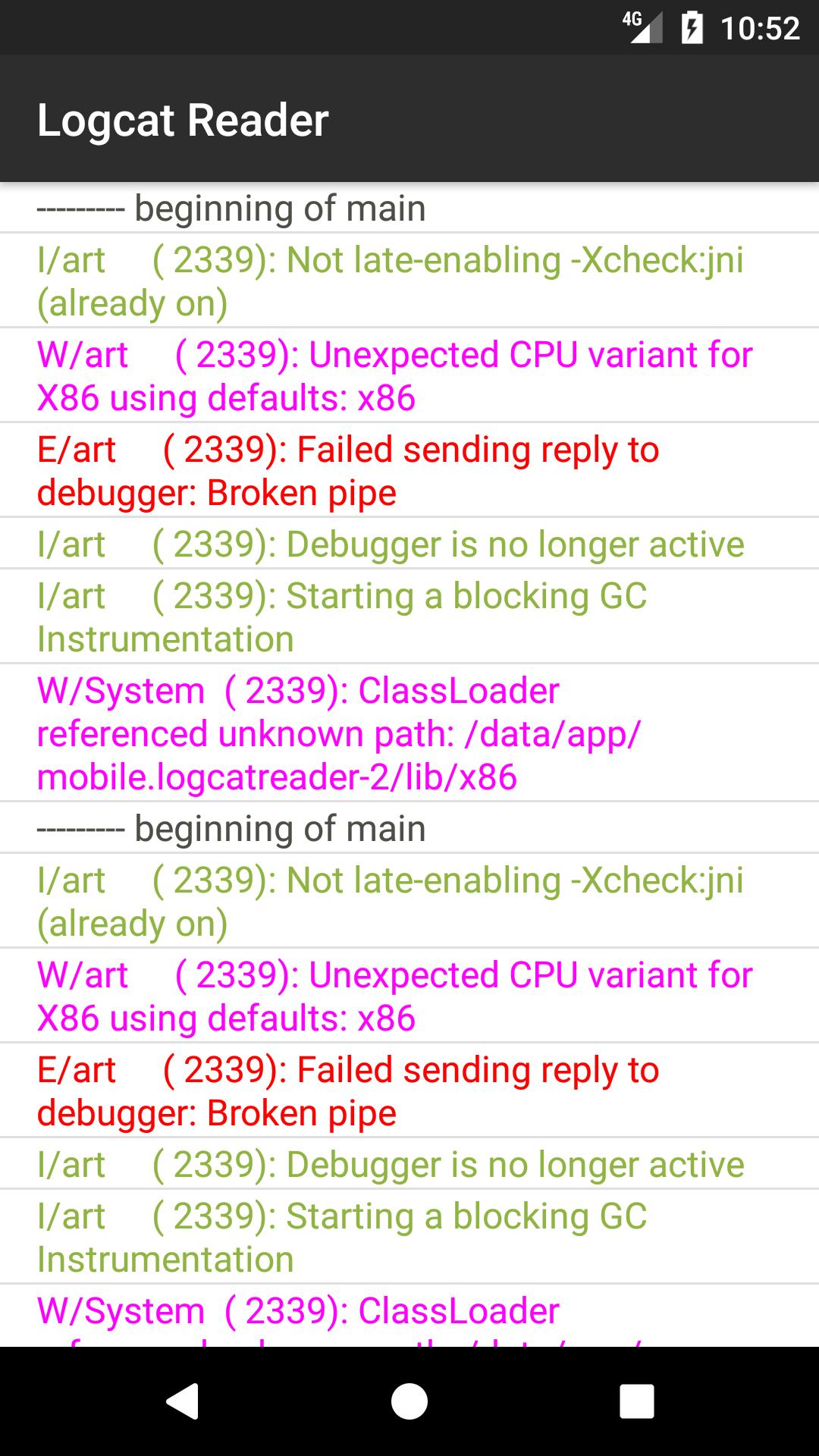
This application allows viewing system log.
This need for debug purposes.
Application solves 3 main problems:
Reading log when returning to the app
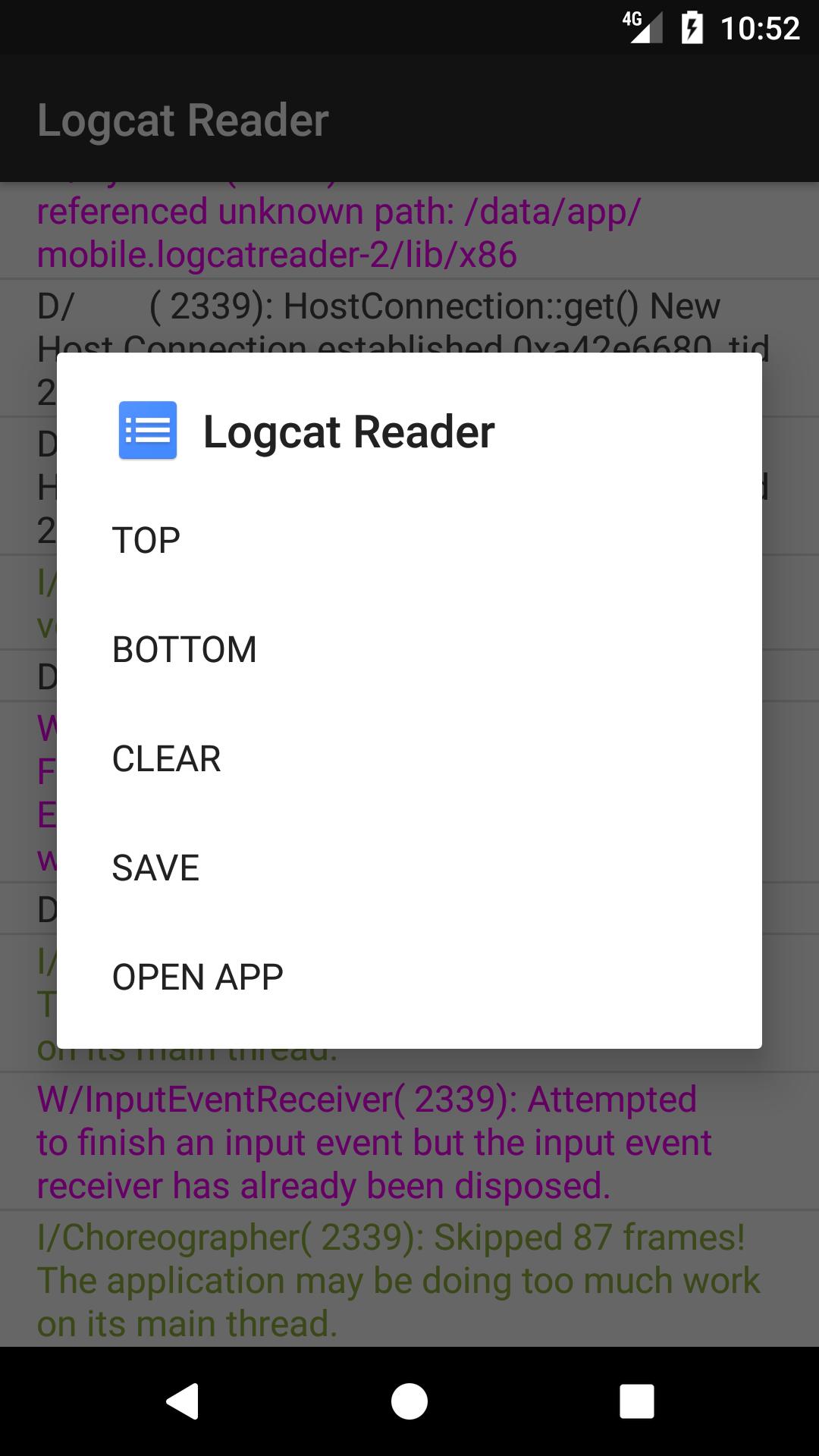
Launch applications straight from the application log
View log on smart TV
Features:
• Small size - 50kb
• Supported all Android platforms
• Supported Smart TV
• Sharing via Google Drive, OneDrive, Dropbox and other
(You must have the appropriate application on your device)
Application highlights the following types of messages
V — Verbose
D — Debug
I — Info
W — Warning
E — Error
F — Fatal
Other types of messages also can view as text
पूर्वावलोकन
जानकारी
डेवलपर
Mobile Solutions Worldwide
नवीनतम संस्करण
1.6.7
आखरी अपडेट
2021-07-23
श्रेणी
टूल
पर उपलब्ध
Google Play
और दिखाओ
पीसी पर गेमलूप के साथ Logcat Reader कैसे खेलें
1. आधिकारिक वेबसाइट से GameLoop डाउनलोड करें, फिर GameLoop को स्थापित करने के लिए exe फ़ाइल चलाएँ।
2. गेमलूप खोलें और "Logcat Reader" खोजें, खोज परिणामों में Logcat Reader खोजें और "इंस्टॉल करें" पर क्लिक करें।
3. GameLoop पर Logcat Reader खेलने का आनंद लें।
Minimum requirements
OS
Windows 8.1 64-bit or Windows 10 64-bit
GPU
GTX 1050
CPU
i3-8300
Memory
8GB RAM
Storage
1GB available space
Recommended requirements
OS
Windows 8.1 64-bit or Windows 10 64-bit
GPU
GTX 1050
CPU
i3-9320
Memory
16GB RAM
Storage
1GB available space