GRToolbox for PC
Goodix Technology
GameLoop एमुलेटर के साथ पीसी पर GRToolbox डाउनलोड करें
पीसी पर GRToolbox
GRToolbox, डेवलपर Goodix Technology से आ रहा है, अतीत में Android सिस्टर्म पर चल रहा है।
अब, आप GRToolbox को पीसी पर GameLoop के साथ आसानी से खेल सकते हैं।
इसे GameLoop लाइब्रेरी या खोज परिणामों में डाउनलोड करें। अब और गलत समय पर बैटरी या निराशाजनक कॉलों पर ध्यान नहीं देना चाहिए।
बस मुफ्त में बड़ी स्क्रीन पर GRToolbox पीसी का आनंद लें!
GRToolbox परिचय
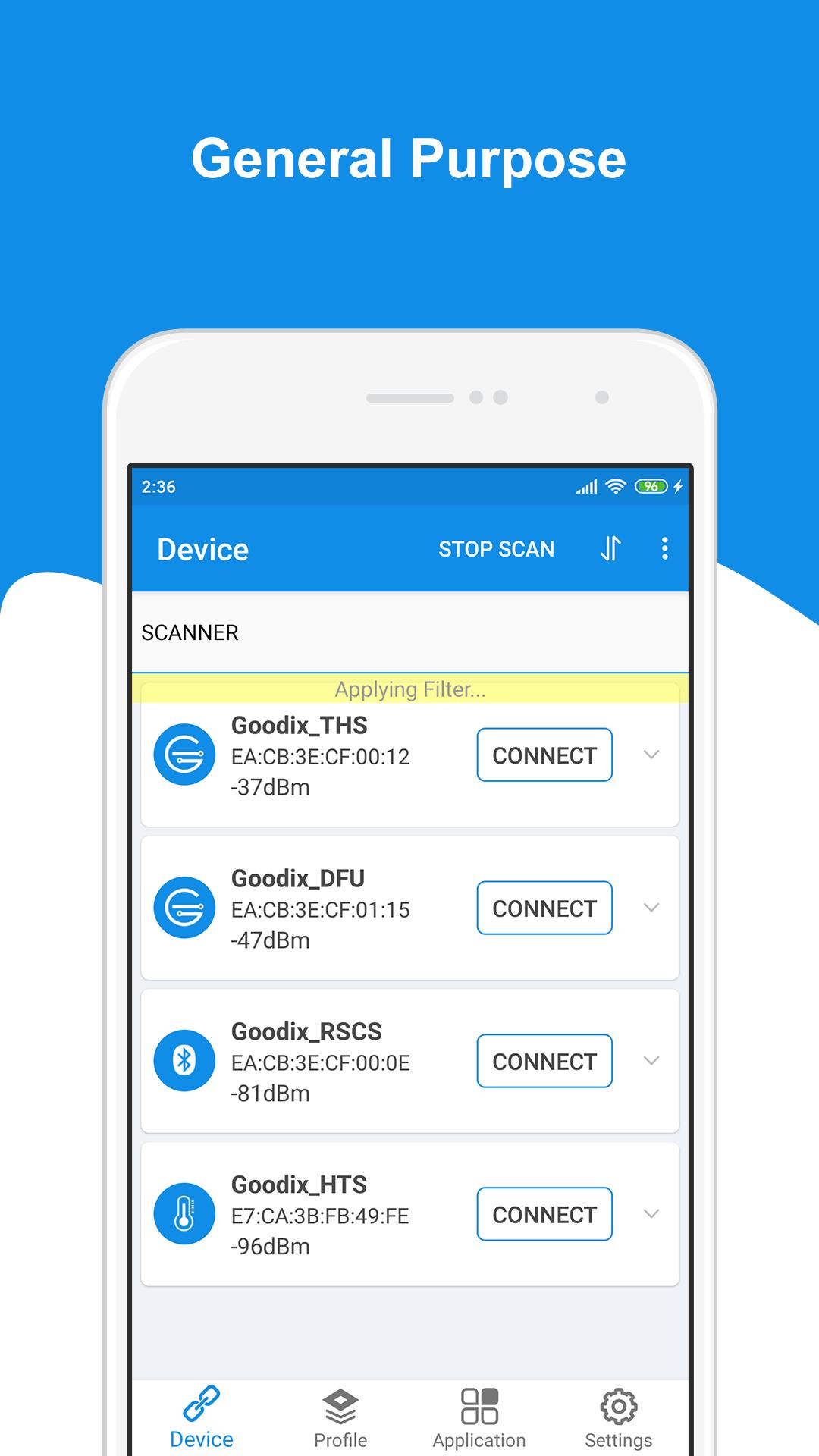
GRToolbox is a mobile APP that can scan Bluetooth LE devices, demonstrate standard profile applications, and jointly debug Profile/Service functions related to Goodix Bluetooth LE platforms, to help users quickly get started with secondary development and debug applications based on Goodix Bluetooth LE SoCs.
GRToolbox supports the following general Bluetooth LE functions:
• Scanning devices (with filter and can list devices with signal strength from the highest to the lowest)
• Showing advertising data
• Connecting to a device, setting connection parameters and MTUs, creating/removing a bond
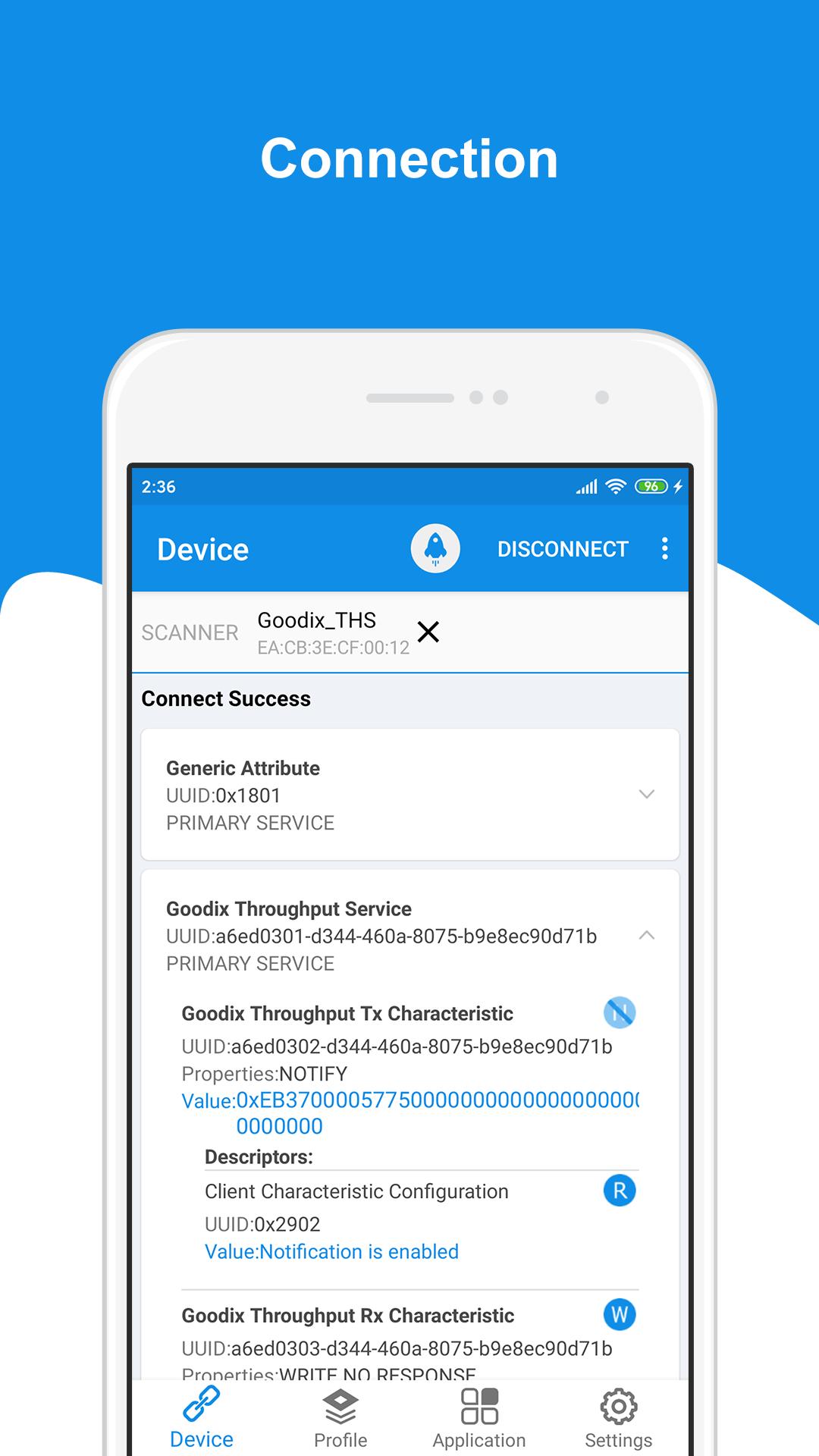
• Discovering services, reading/writing characteristic values, and enabling/disabling notifications and indications
• Parsing Profile/Service data
GRToolbox provides a rich set of application demonstrations on Profile:
• BPM (Blood Pressure Monitor)
• CSC (Cycling Speed and Cadence)
• HRS (Heart Rate Service)
• HTM (Health Thermometer Monitor)
• RSC (Running Speed and Cadence)
GRToolbox enables users to jointly debug functions related to the following Bluetooth LE Profile/Service on a Goodix Bluetooth LE platform:
• DFU (Device Firmware Update)
• PCS (Power Consumption Profile)
• PPK (Power Profile Kit)
• RELAY (Heart Rate Sensor & Running Speed and Cadence Sensor Relay)
• THS (Throughput Service)
• UART (Universal Asynchronous Receiver/Transmitter)
पूर्वावलोकन
टैग
टूलजानकारी
डेवलपर
Goodix Technology
नवीनतम संस्करण
V2.11
आखरी अपडेट
2022-04-22
श्रेणी
टूल
पर उपलब्ध
Google Play
और दिखाओ
पीसी पर गेमलूप के साथ GRToolbox कैसे खेलें
1. आधिकारिक वेबसाइट से GameLoop डाउनलोड करें, फिर GameLoop को स्थापित करने के लिए exe फ़ाइल चलाएँ।
2. गेमलूप खोलें और "GRToolbox" खोजें, खोज परिणामों में GRToolbox खोजें और "इंस्टॉल करें" पर क्लिक करें।
3. GameLoop पर GRToolbox खेलने का आनंद लें।
Minimum requirements
OS
Windows 8.1 64-bit or Windows 10 64-bit
GPU
GTX 1050
CPU
i3-8300
Memory
8GB RAM
Storage
1GB available space
Recommended requirements
OS
Windows 8.1 64-bit or Windows 10 64-bit
GPU
GTX 1050
CPU
i3-9320
Memory
16GB RAM
Storage
1GB available space