
GeoFinder - Geocaching for PC
Appsoul
GameLoop एमुलेटर के साथ पीसी पर GeoFinder - Geocaching डाउनलोड करें
पीसी पर GeoFinder - Geocaching
GeoFinder - Geocaching, डेवलपर Appsoul से आ रहा है, अतीत में Android सिस्टर्म पर चल रहा है।
अब, आप GeoFinder - Geocaching को पीसी पर GameLoop के साथ आसानी से खेल सकते हैं।
इसे GameLoop लाइब्रेरी या खोज परिणामों में डाउनलोड करें। अब और गलत समय पर बैटरी या निराशाजनक कॉलों पर ध्यान नहीं देना चाहिए।
बस मुफ्त में बड़ी स्क्रीन पर GeoFinder - Geocaching पीसी का आनंद लें!
GeoFinder - Geocaching परिचय
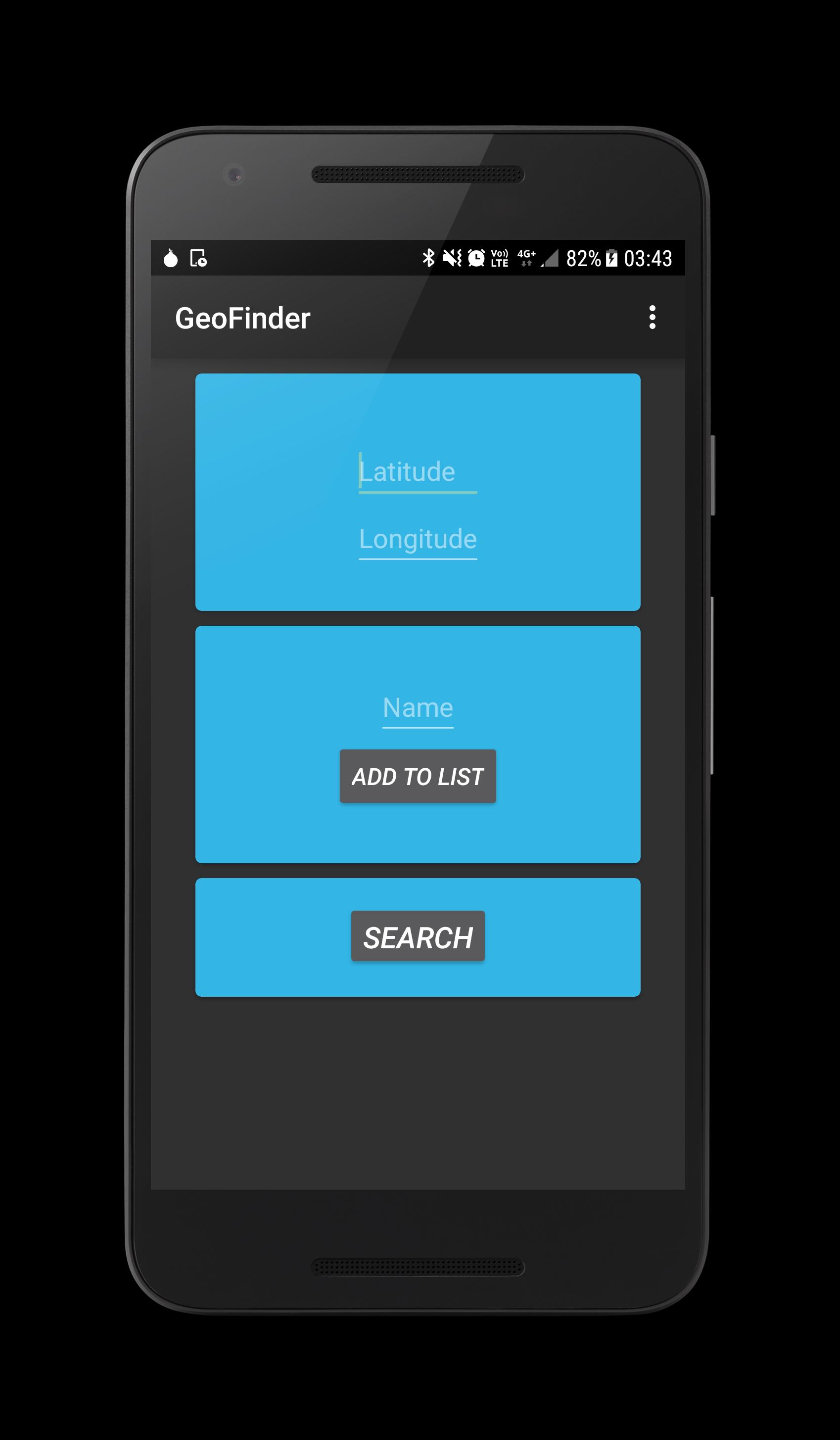
This free geocaching app is designed to find your way to different Geo Locations easily with a Map or Compass.
Maybe the best geocaching app to search location on android google play store
Join the geo game and accept the geo challenge now
Feautures:
-You can type your desired geocache Coordinates in DDD, DMM, DMS and UTM
-This geofinder app also has a list where the searched geocaches positions can be stored to find them again later
This app can be used to:
- get the ip geolocation you search at home and find it then outside
- use the game maps or compass to find your desired location
पूर्वावलोकन

जानकारी
डेवलपर
Appsoul
नवीनतम संस्करण
1.2
आखरी अपडेट
2017-07-16
श्रेणी
टूल
पर उपलब्ध
Google Play
और दिखाओ
पीसी पर गेमलूप के साथ GeoFinder - Geocaching कैसे खेलें
1. आधिकारिक वेबसाइट से GameLoop डाउनलोड करें, फिर GameLoop को स्थापित करने के लिए exe फ़ाइल चलाएँ।
2. गेमलूप खोलें और "GeoFinder - Geocaching" खोजें, खोज परिणामों में GeoFinder - Geocaching खोजें और "इंस्टॉल करें" पर क्लिक करें।
3. GameLoop पर GeoFinder - Geocaching खेलने का आनंद लें।
Minimum requirements
OS
Windows 8.1 64-bit or Windows 10 64-bit
GPU
GTX 1050
CPU
i3-8300
Memory
8GB RAM
Storage
1GB available space
Recommended requirements
OS
Windows 8.1 64-bit or Windows 10 64-bit
GPU
GTX 1050
CPU
i3-9320
Memory
16GB RAM
Storage
1GB available space