
Forza Horizon Telemetry for PC
sevtix
GameLoop एमुलेटर के साथ पीसी पर Forza Horizon Telemetry डाउनलोड करें
पीसी पर Forza Horizon Telemetry
Forza Horizon Telemetry, डेवलपर sevtix से आ रहा है, अतीत में Android सिस्टर्म पर चल रहा है।
अब, आप Forza Horizon Telemetry को पीसी पर GameLoop के साथ आसानी से खेल सकते हैं।
इसे GameLoop लाइब्रेरी या खोज परिणामों में डाउनलोड करें। अब और गलत समय पर बैटरी या निराशाजनक कॉलों पर ध्यान नहीं देना चाहिए।
बस मुफ्त में बड़ी स्क्रीन पर Forza Horizon Telemetry पीसी का आनंद लें!
Forza Horizon Telemetry परिचय
Only compatible with Forza Horizon 4
STORAGE PERMISSION IS NECESSARY TO USE THE DRAG HISTORY
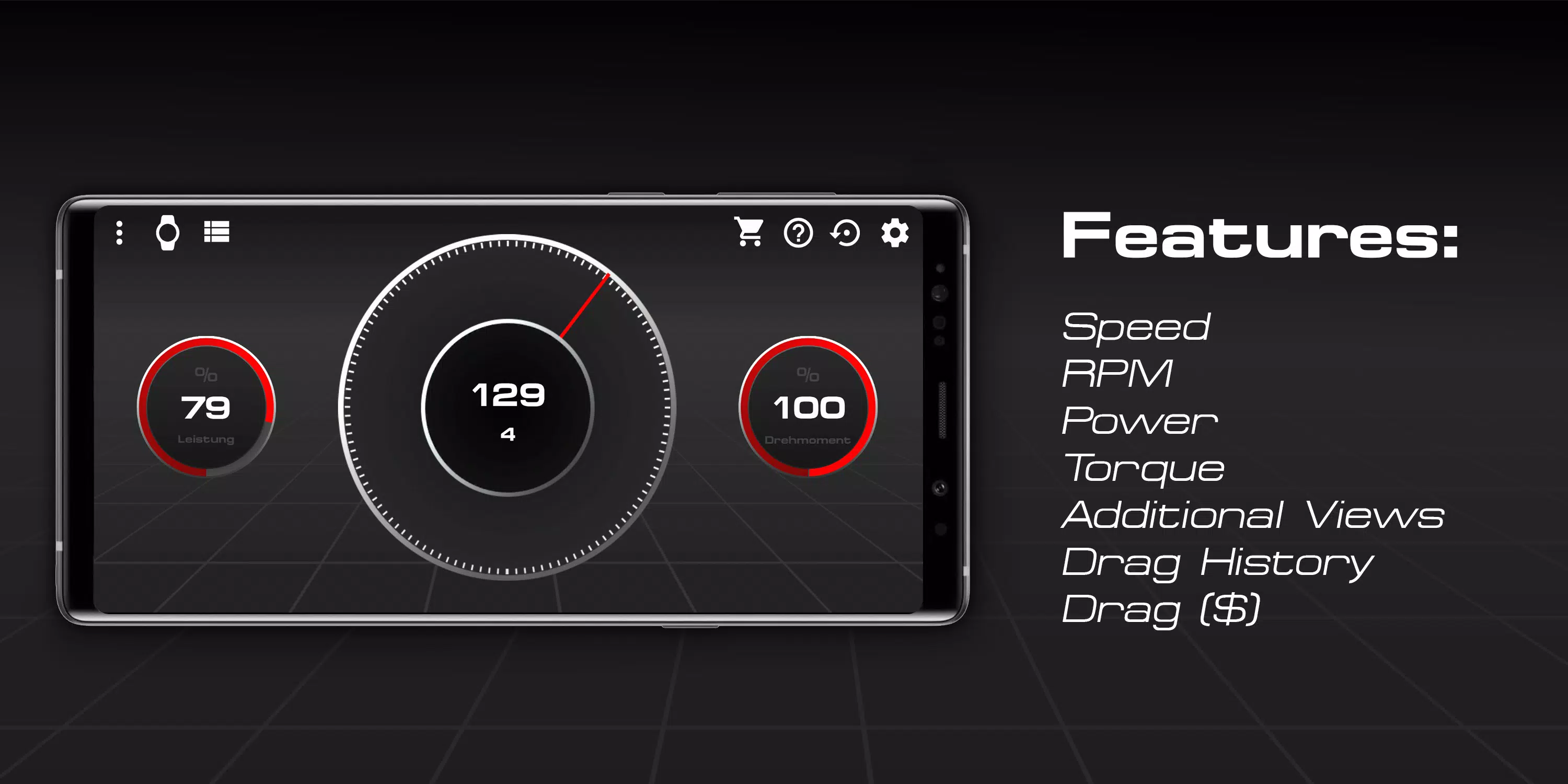
Features:
- Speed
- Revolutions per minute
- Power
- Torque
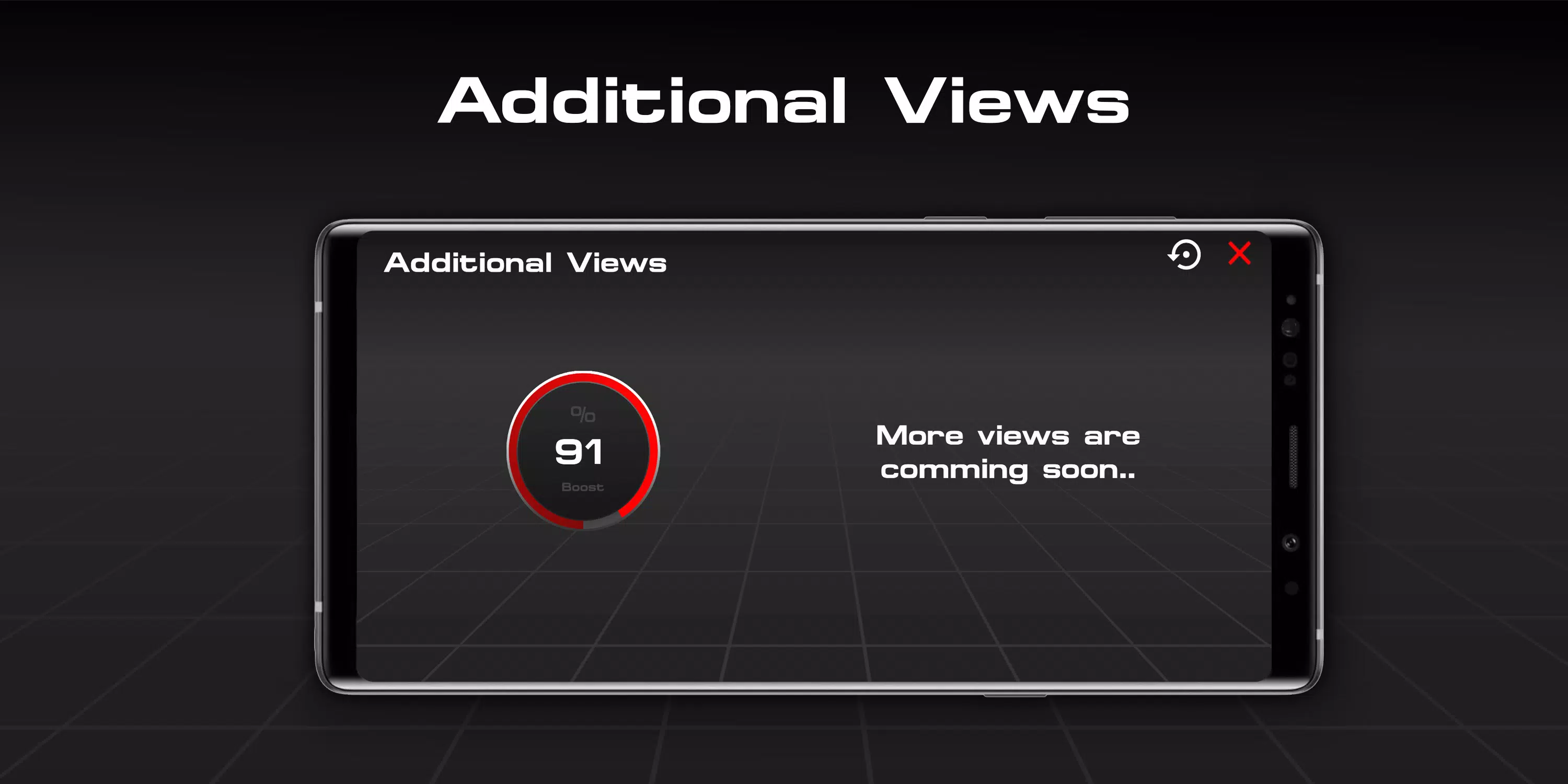
- Additional Views
- Drag List (free but useless without Drag Module)
- Drag Module (paid)
Tested with the Forza Horizon 4 PC version
Xbox compatibility not tested.
FAQ:
How do I connect with the game?
- 1. Make sure that both devices are in the same Wi-Fi network.
- 2. Enable UDP Output: Settings - HUD & Gameplay - UDP Telemetry Output - On.
- 3. Enter the IP address shown in the settings of the app in the input field "IP address".
- 4. Now only the UDP port, which is 4096 by default, is missing.
- 5. Enter the port and you're ready to go.
(- 6. Optionally, you can change the port if your port 4096 bothers you.)
I'm in a vehicle and have connected the app to the game using the tutorial, but the app does not respond, what to do?
- Make sure both devices are on the same Wi-Fi network and no services, such as Windows Firewall, block the port and make sure the UDP output is on and the IP address and port match.
All rights belong to their respective owners ("Forza" Logo and the name "Forza")
पूर्वावलोकन
जानकारी
डेवलपर
sevtix
नवीनतम संस्करण
3.0 fixed3
आखरी अपडेट
2019-08-19
श्रेणी
टूल
पर उपलब्ध
Google Play
और दिखाओ
पीसी पर गेमलूप के साथ Forza Horizon Telemetry कैसे खेलें
1. आधिकारिक वेबसाइट से GameLoop डाउनलोड करें, फिर GameLoop को स्थापित करने के लिए exe फ़ाइल चलाएँ।
2. गेमलूप खोलें और "Forza Horizon Telemetry" खोजें, खोज परिणामों में Forza Horizon Telemetry खोजें और "इंस्टॉल करें" पर क्लिक करें।
3. GameLoop पर Forza Horizon Telemetry खेलने का आनंद लें।
Minimum requirements
OS
Windows 8.1 64-bit or Windows 10 64-bit
GPU
GTX 1050
CPU
i3-8300
Memory
8GB RAM
Storage
1GB available space
Recommended requirements
OS
Windows 8.1 64-bit or Windows 10 64-bit
GPU
GTX 1050
CPU
i3-9320
Memory
16GB RAM
Storage
1GB available space