
Duel Space - Multiple Accounts & Parallel APP for PC
VV Cool
GameLoop एमुलेटर के साथ पीसी पर Duel Space - Multiple Accounts & Parallel APP डाउनलोड करें
पीसी पर Duel Space - Multiple Accounts & Parallel APP
Duel Space - Multiple Accounts & Parallel APP, डेवलपर VV Cool से आ रहा है, अतीत में Android सिस्टर्म पर चल रहा है।
अब, आप Duel Space - Multiple Accounts & Parallel APP को पीसी पर GameLoop के साथ आसानी से खेल सकते हैं।
इसे GameLoop लाइब्रेरी या खोज परिणामों में डाउनलोड करें। अब और गलत समय पर बैटरी या निराशाजनक कॉलों पर ध्यान नहीं देना चाहिए।
बस मुफ्त में बड़ी स्क्रीन पर Duel Space - Multiple Accounts & Parallel APP पीसी का आनंद लें!
Duel Space - Multiple Accounts & Parallel APP परिचय
Duel Space - Multiple Accounts & Parallel APP
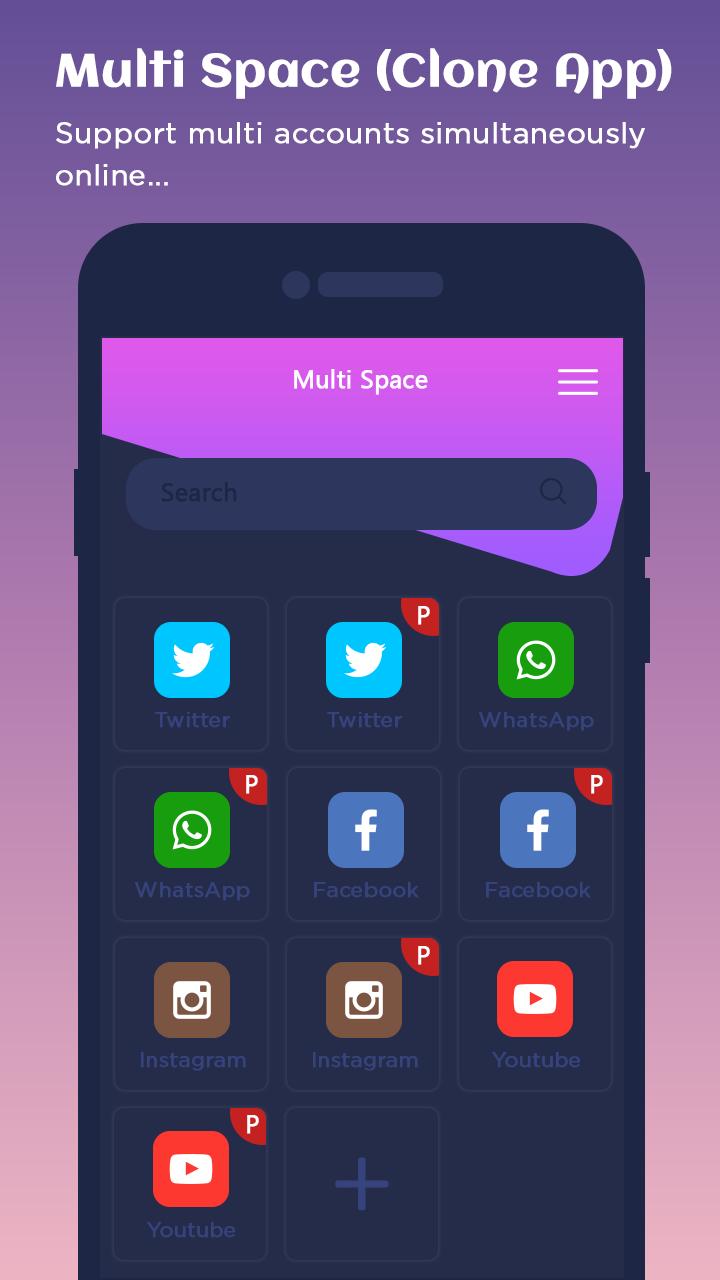
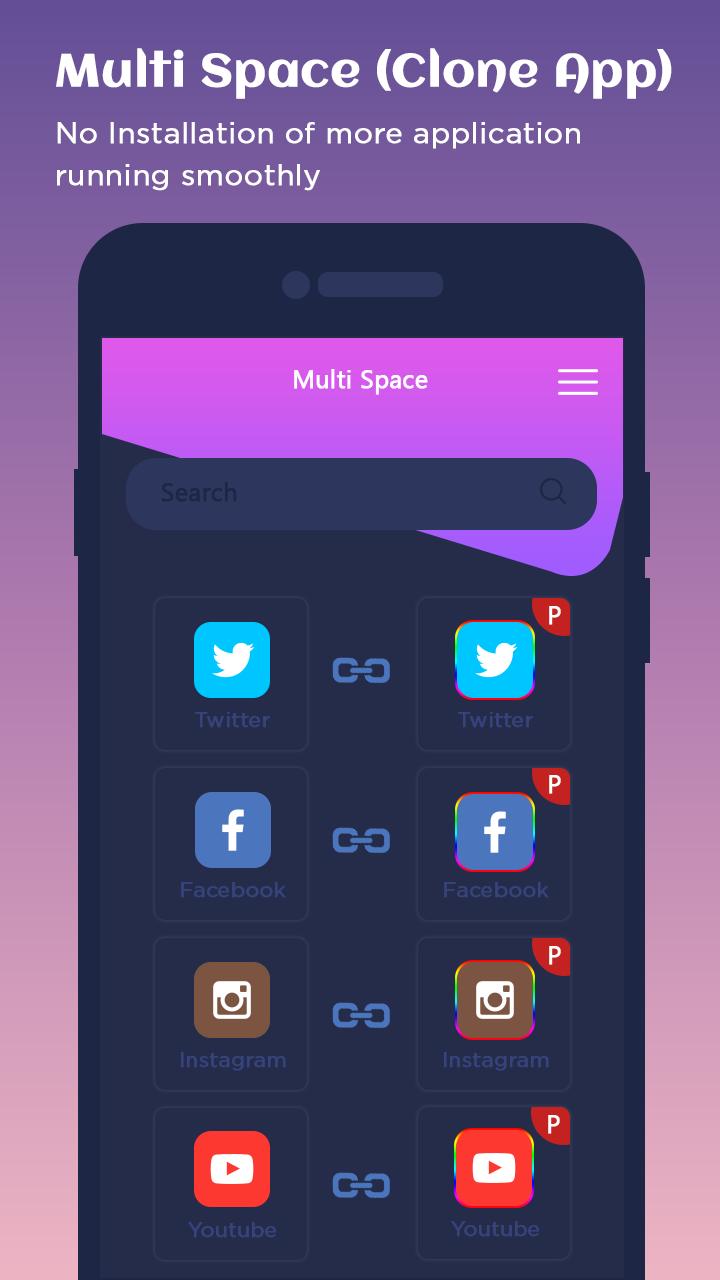
Dual Space is an app for android that allows users to clone and run multiple accounts of the same app simultaneously on one device, and also enables users to create their customized space.
The Fresh Blue Theme for Dual Space allows you to customize the Dual Space icon and replace the default theme with beautiful blue wallpapers and skins.
Features::
- Log in to multiple accounts of social networking apps or game apps at the same time on one device.
- Balance between users' life and work easily.
- Double users' online gaming experience and have more fun.
- Almost all apps are supported for a second account in Clone App. Data from both accounts won't interfere with each other.
- Hide users' secret apps without worrying about prying eyes by keeping apps only in secret space.
- Protect user privacy with a security lock.
- Protect user privacy.
- Hide users' secret apps without worrying about prying eyes by keeping apps only in secret space.
- Protect user privacy with a security lock.
- Switch fast between accounts with just one-tap and much more steady than Parallel Space.
- Run two accounts simultaneously and switch between them fast with one-tap to effectively manage different accounts.
Thank You!!!
पूर्वावलोकन
जानकारी
डेवलपर
VV Cool
नवीनतम संस्करण
1.16.0
आखरी अपडेट
2019-02-25
श्रेणी
टूल
पर उपलब्ध
Google Play
और दिखाओ
पीसी पर गेमलूप के साथ Duel Space - Multiple Accounts & Parallel APP कैसे खेलें
1. आधिकारिक वेबसाइट से GameLoop डाउनलोड करें, फिर GameLoop को स्थापित करने के लिए exe फ़ाइल चलाएँ।
2. गेमलूप खोलें और "Duel Space - Multiple Accounts & Parallel APP" खोजें, खोज परिणामों में Duel Space - Multiple Accounts & Parallel APP खोजें और "इंस्टॉल करें" पर क्लिक करें।
3. GameLoop पर Duel Space - Multiple Accounts & Parallel APP खेलने का आनंद लें।
Minimum requirements
OS
Windows 8.1 64-bit or Windows 10 64-bit
GPU
GTX 1050
CPU
i3-8300
Memory
8GB RAM
Storage
1GB available space
Recommended requirements
OS
Windows 8.1 64-bit or Windows 10 64-bit
GPU
GTX 1050
CPU
i3-9320
Memory
16GB RAM
Storage
1GB available space