
Crop The Video (Video Cutter) for PC
Zoftech divine
GameLoop एमुलेटर के साथ पीसी पर Crop The Video (Video Cutter) डाउनलोड करें
पीसी पर Crop The Video (Video Cutter)
Crop The Video (Video Cutter), डेवलपर Zoftech divine से आ रहा है, अतीत में Android सिस्टर्म पर चल रहा है।
अब, आप Crop The Video (Video Cutter) को पीसी पर GameLoop के साथ आसानी से खेल सकते हैं।
इसे GameLoop लाइब्रेरी या खोज परिणामों में डाउनलोड करें। अब और गलत समय पर बैटरी या निराशाजनक कॉलों पर ध्यान नहीं देना चाहिए।
बस मुफ्त में बड़ी स्क्रीन पर Crop The Video (Video Cutter) पीसी का आनंद लें!
Crop The Video (Video Cutter) परिचय
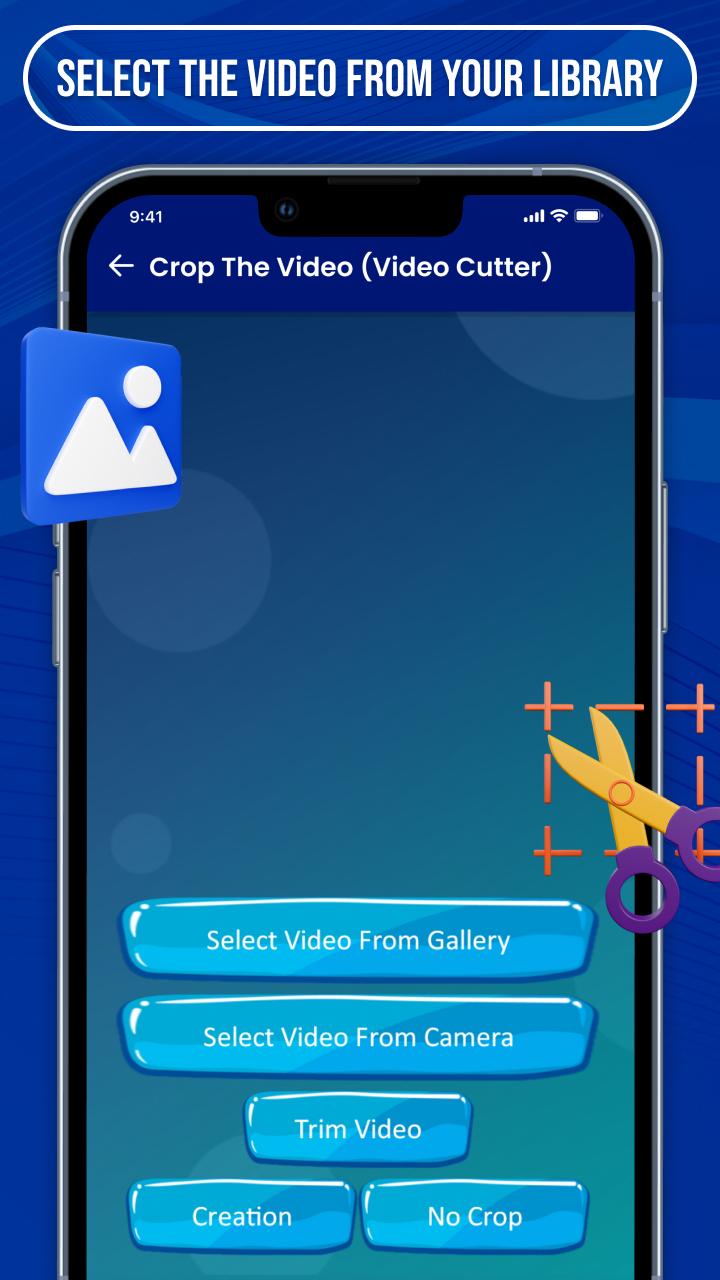
⇨ Crop The Video (Video Cutter) is established with creative options that give you the best experience to make a lyrical video for photos or songs.
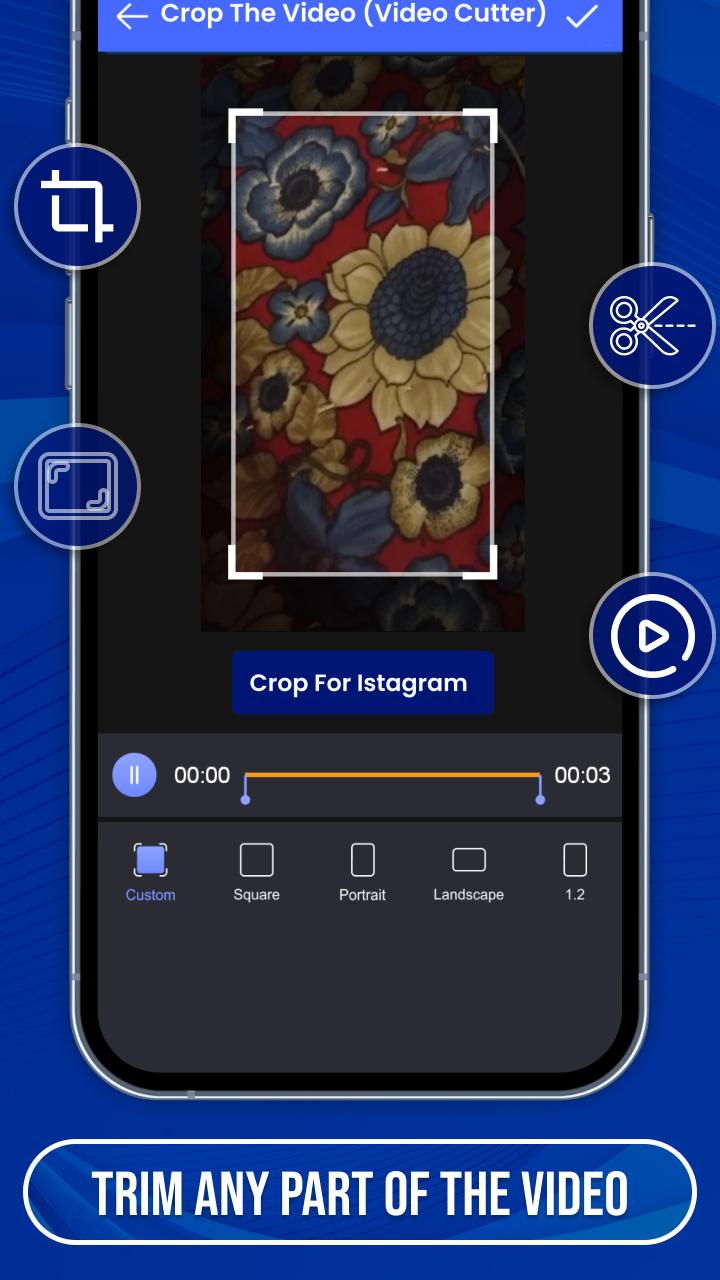
⇨ Easy to crop video as well as an audio file to make status and short story video by video cropper and joiner.
⇨ Many categories of videos are provided by crop video clip Like funny, natural, romantic, babies, cute, movie & serial clips, festival, friendship, New year, Sad, valentine’s week, Christmas, anniversary and many others with professional video cutter.
💠 Lots of Creative Features 💠
✬ User-friendly short music video crop app
✬ Filters of the images & videos
✬ Create a video with some simple steps
✬ Crop and merge videos into one clip
✬ The edited video can be re-edit after saving it
✬ High-quality video making with useful tools
✬ Make password security to your files
✬ Make your video speed slow & fast
✬ Send your special making to the media
⇨ You can choose many regional languages for easy understanding of the features of the video crop editor app.
⇨ You can upload your created videos directly on social media in HD quality, Full screen with video cropper and editor.
⇨ If you have any suggestions or queries for cut your video editor, feel free to contact us at email:zoftechdivine557@gmail.com
पूर्वावलोकन
टैग
टूलजानकारी
डेवलपर
Zoftech divine
नवीनतम संस्करण
1.0.0F
आखरी अपडेट
2022-09-12
श्रेणी
टूल
पर उपलब्ध
Google Play
और दिखाओ
पीसी पर गेमलूप के साथ Crop The Video (Video Cutter) कैसे खेलें
1. आधिकारिक वेबसाइट से GameLoop डाउनलोड करें, फिर GameLoop को स्थापित करने के लिए exe फ़ाइल चलाएँ।
2. गेमलूप खोलें और "Crop The Video (Video Cutter)" खोजें, खोज परिणामों में Crop The Video (Video Cutter) खोजें और "इंस्टॉल करें" पर क्लिक करें।
3. GameLoop पर Crop The Video (Video Cutter) खेलने का आनंद लें।
Minimum requirements
OS
Windows 8.1 64-bit or Windows 10 64-bit
GPU
GTX 1050
CPU
i3-8300
Memory
8GB RAM
Storage
1GB available space
Recommended requirements
OS
Windows 8.1 64-bit or Windows 10 64-bit
GPU
GTX 1050
CPU
i3-9320
Memory
16GB RAM
Storage
1GB available space