Sarimin File Manager for PC
Oscar Perdanakusuma
GameLoop एमुलेटर के साथ पीसी पर Sarimin File Manager डाउनलोड करें
पीसी पर Sarimin File Manager
Sarimin File Manager, डेवलपर Oscar Perdanakusuma से आ रहा है, अतीत में Android सिस्टर्म पर चल रहा है।
अब, आप Sarimin File Manager को पीसी पर GameLoop के साथ आसानी से खेल सकते हैं।
इसे GameLoop लाइब्रेरी या खोज परिणामों में डाउनलोड करें। अब और गलत समय पर बैटरी या निराशाजनक कॉलों पर ध्यान नहीं देना चाहिए।
बस मुफ्त में बड़ी स्क्रीन पर Sarimin File Manager पीसी का आनंद लें!
Sarimin File Manager परिचय
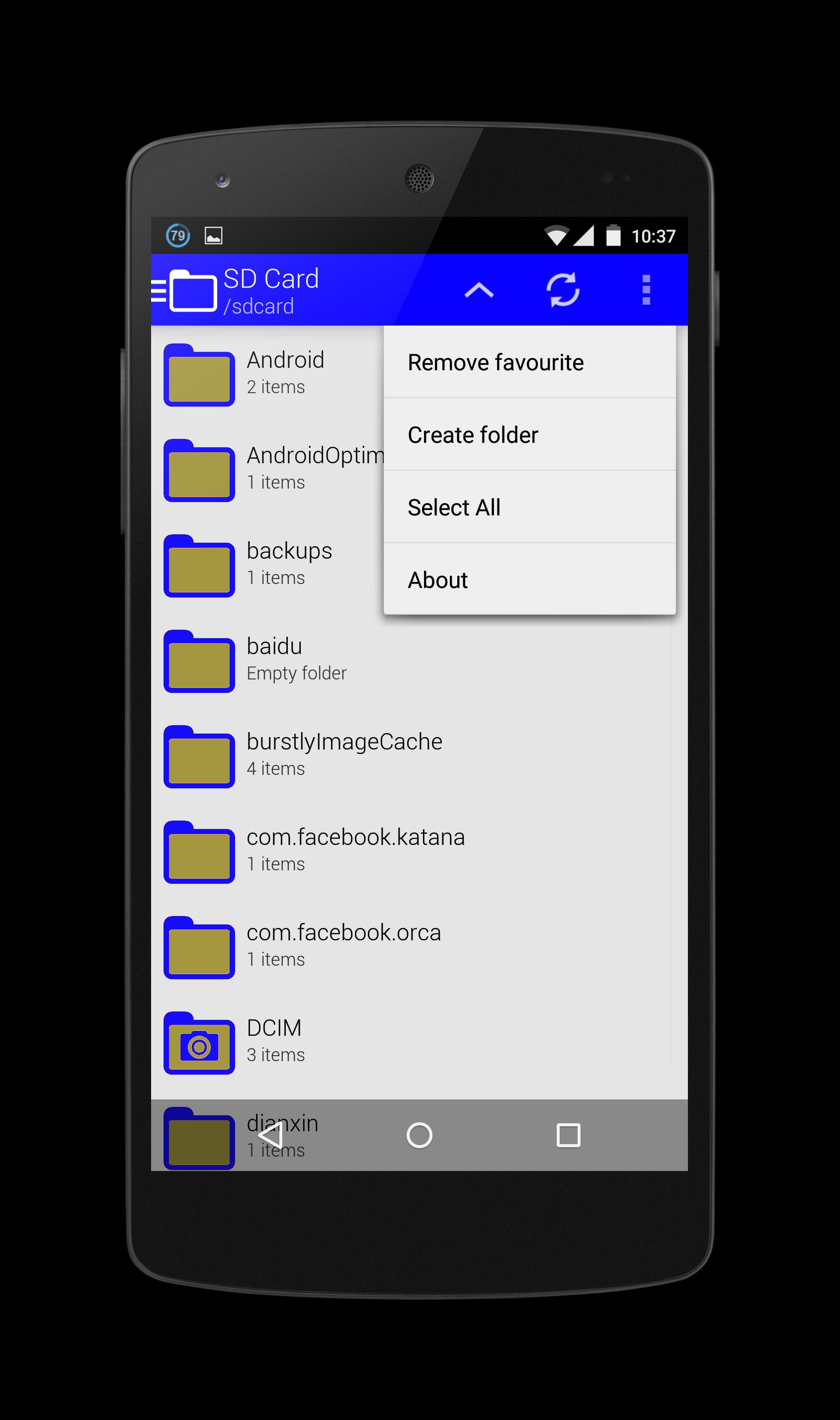
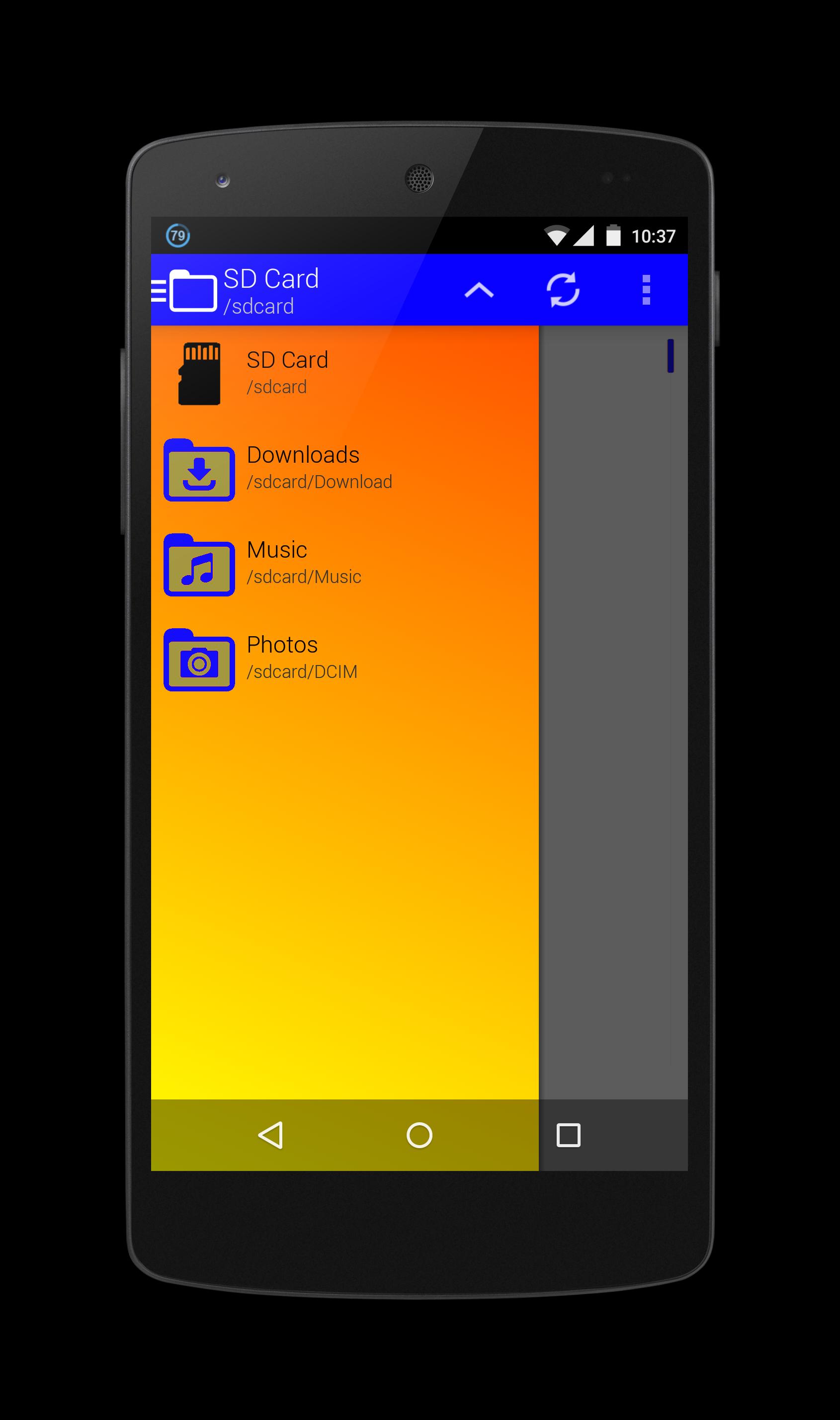
Sarimin file manager let user interaction with the files and can restrict access when required. In addition to functions of the user interface, they can carry out security functions in the background automatically. When operating on a network, such a program can let users share work, collaborate on projects and coordinate schedules.
Operation functions let the users interact with the files. These functions typically include "Open," "Save," "Close," "Copy," "Move," "Delete," "Rename," "New." A "Print" function is sometimes included if an associated printer is compatible with Sarimin file manager, and a "Manage" or "Properties" function lets users configure the program and how it stores the files.
The security aspects of a file management program include access and data integrity. The program can restrict access to itself or to particular files with log-in procedures. It can specify a user name and a password for program or folder access, or it can encrypt files and require a password to access the data. With regard to data integrity, it can keep track of modifications and deletions to make sure users can reverse unauthorized changes.
पूर्वावलोकन
जानकारी
डेवलपर
Oscar Perdanakusuma
नवीनतम संस्करण
1.0
आखरी अपडेट
2015-07-15
श्रेणी
टूल
पर उपलब्ध
Google Play
और दिखाओ
पीसी पर गेमलूप के साथ Sarimin File Manager कैसे खेलें
1. आधिकारिक वेबसाइट से GameLoop डाउनलोड करें, फिर GameLoop को स्थापित करने के लिए exe फ़ाइल चलाएँ।
2. गेमलूप खोलें और "Sarimin File Manager" खोजें, खोज परिणामों में Sarimin File Manager खोजें और "इंस्टॉल करें" पर क्लिक करें।
3. GameLoop पर Sarimin File Manager खेलने का आनंद लें।
Minimum requirements
OS
Windows 8.1 64-bit or Windows 10 64-bit
GPU
GTX 1050
CPU
i3-8300
Memory
8GB RAM
Storage
1GB available space
Recommended requirements
OS
Windows 8.1 64-bit or Windows 10 64-bit
GPU
GTX 1050
CPU
i3-9320
Memory
16GB RAM
Storage
1GB available space