Navigation Bar for PC
The Photo Apps
GameLoop एमुलेटर के साथ पीसी पर Navigation Bar डाउनलोड करें
पीसी पर Navigation Bar
Navigation Bar, डेवलपर The Photo Apps से आ रहा है, अतीत में Android सिस्टर्म पर चल रहा है।
अब, आप Navigation Bar को पीसी पर GameLoop के साथ आसानी से खेल सकते हैं।
इसे GameLoop लाइब्रेरी या खोज परिणामों में डाउनलोड करें। अब और गलत समय पर बैटरी या निराशाजनक कॉलों पर ध्यान नहीं देना चाहिए।
बस मुफ्त में बड़ी स्क्रीन पर Navigation Bar पीसी का आनंद लें!
Navigation Bar परिचय
“Navigation Bar” application can replace a failed and broken button for those people who have trouble using buttons or navigation bar panel is not working properly.
This app provides several features and colors to make an awesome navigation bar.
It is easy to swipe up and down the navigation bar as assistive touch.
Features:
Add custom buttons to your navigation bar
Customizable navbar layout
Tasker integration for the contextual navbar
Easy to setup
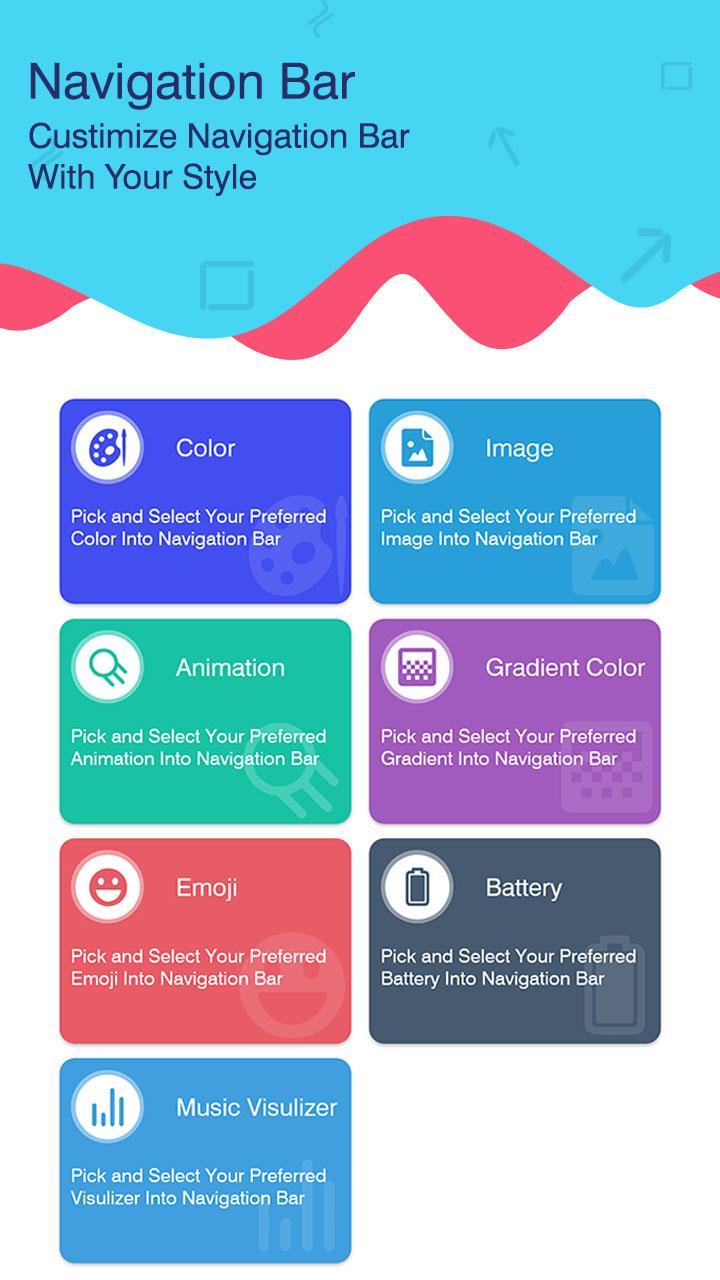
Components of Navigation Bar Customization Simple to Attractive app:
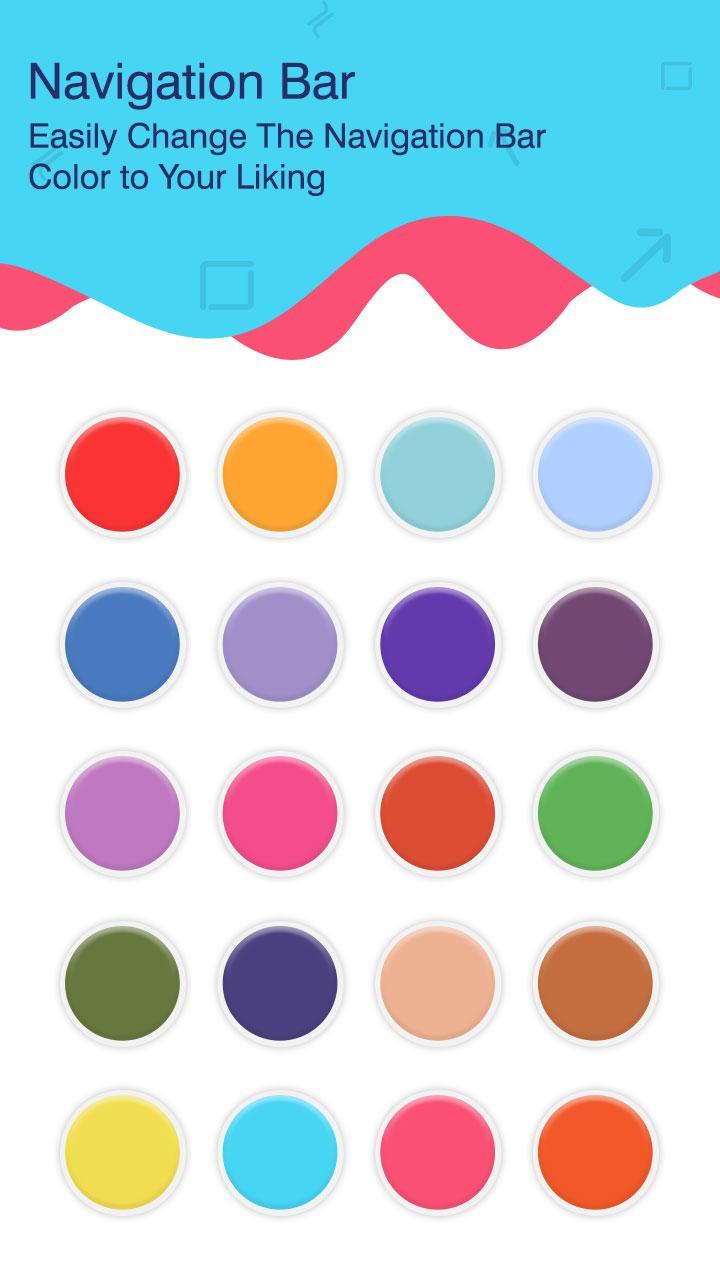
SELECT COLOR
Select the color and then select the apps in which the selected color navigation bar should appear.
SELECT IMAGE
Select the face of the navigation bar either from the various images presented by the app or browse any image from phone memory.
SELECT ANIMATION
Pick and select your preferred animation in the navigation bar.
SELECT GRADIENT
Pick and select your preferred gradient color for the navigation bar.
SELECT EMOJI
Pick and select your preferred emoji into the navigation bar.
BATTERY
Select your preferred battery style from the options for the navigation bar.
MUSIC VISUALIZER
Pick and select your preferred image in the navigation bar.
Navigation Bar Customization Simple to Attractive is a new-age app that is absolutely free to install and operate. Navigation Bar Customization Simple to Attractive app is easy to install and offers an easy-to-use functionality. Navigation Bar Customization Simple to Attractive app has professional and latest material design and carries out click quick executions. Navigation Bar Customization Simple to Attractive app supports all screen resolutions of mobile and tablet devices and is a lightweight application, will not drain the device memory, battery, other resources.
Grab the Navigation Bar Customization Simple to Attractive app NOW!!!
पूर्वावलोकन
जानकारी
डेवलपर
The Photo Apps
नवीनतम संस्करण
1.0.5
आखरी अपडेट
2021-06-29
श्रेणी
टूल
पर उपलब्ध
Google Play
और दिखाओ
पीसी पर गेमलूप के साथ Navigation Bar कैसे खेलें
1. आधिकारिक वेबसाइट से GameLoop डाउनलोड करें, फिर GameLoop को स्थापित करने के लिए exe फ़ाइल चलाएँ।
2. गेमलूप खोलें और "Navigation Bar" खोजें, खोज परिणामों में Navigation Bar खोजें और "इंस्टॉल करें" पर क्लिक करें।
3. GameLoop पर Navigation Bar खेलने का आनंद लें।
Minimum requirements
OS
Windows 8.1 64-bit or Windows 10 64-bit
GPU
GTX 1050
CPU
i3-8300
Memory
8GB RAM
Storage
1GB available space
Recommended requirements
OS
Windows 8.1 64-bit or Windows 10 64-bit
GPU
GTX 1050
CPU
i3-9320
Memory
16GB RAM
Storage
1GB available space