
कॉल रिकॉर्डर - Cube ACR for PC
Cube Apps Ltd
GameLoop एमुलेटर के साथ पीसी पर कॉल रिकॉर्डर - Cube ACR डाउनलोड करें
पीसी पर कॉल रिकॉर्डर - Cube ACR
कॉल रिकॉर्डर - Cube ACR, डेवलपर Cube Apps Ltd से आ रहा है, अतीत में Android सिस्टर्म पर चल रहा है।
अब, आप कॉल रिकॉर्डर - Cube ACR को पीसी पर GameLoop के साथ आसानी से खेल सकते हैं।
इसे GameLoop लाइब्रेरी या खोज परिणामों में डाउनलोड करें। अब और गलत समय पर बैटरी या निराशाजनक कॉलों पर ध्यान नहीं देना चाहिए।
बस मुफ्त में बड़ी स्क्रीन पर कॉल रिकॉर्डर - Cube ACR पीसी का आनंद लें!
कॉल रिकॉर्डर - Cube ACR परिचय
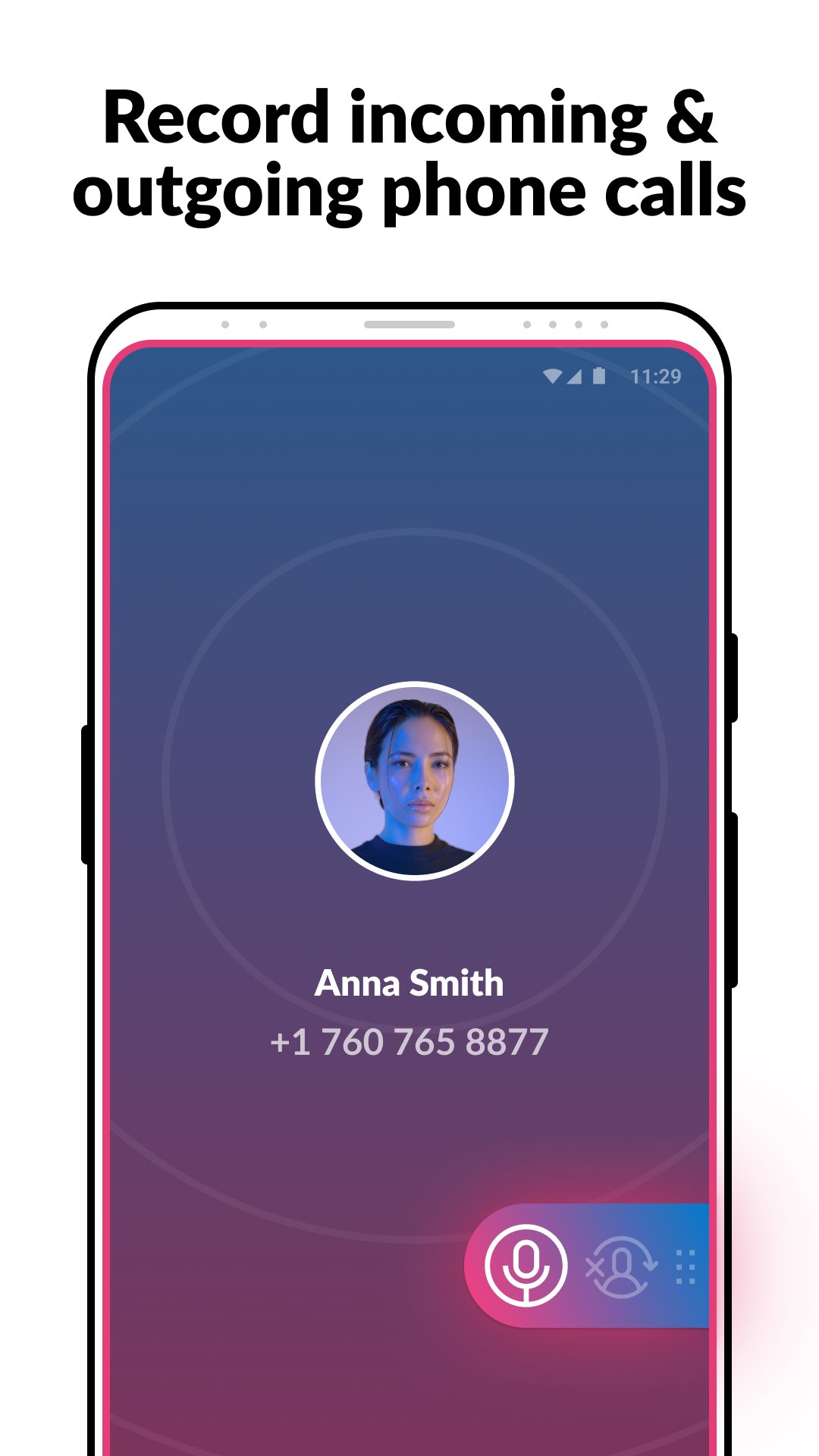
Record incoming and outgoing phone calls and VoIP conversations in a matter of a few steps with Cube ACR - the most advanced automatic call recorder for Android.
Searching for an easy-to-use, full-featured call recorder for your Android smartphone?
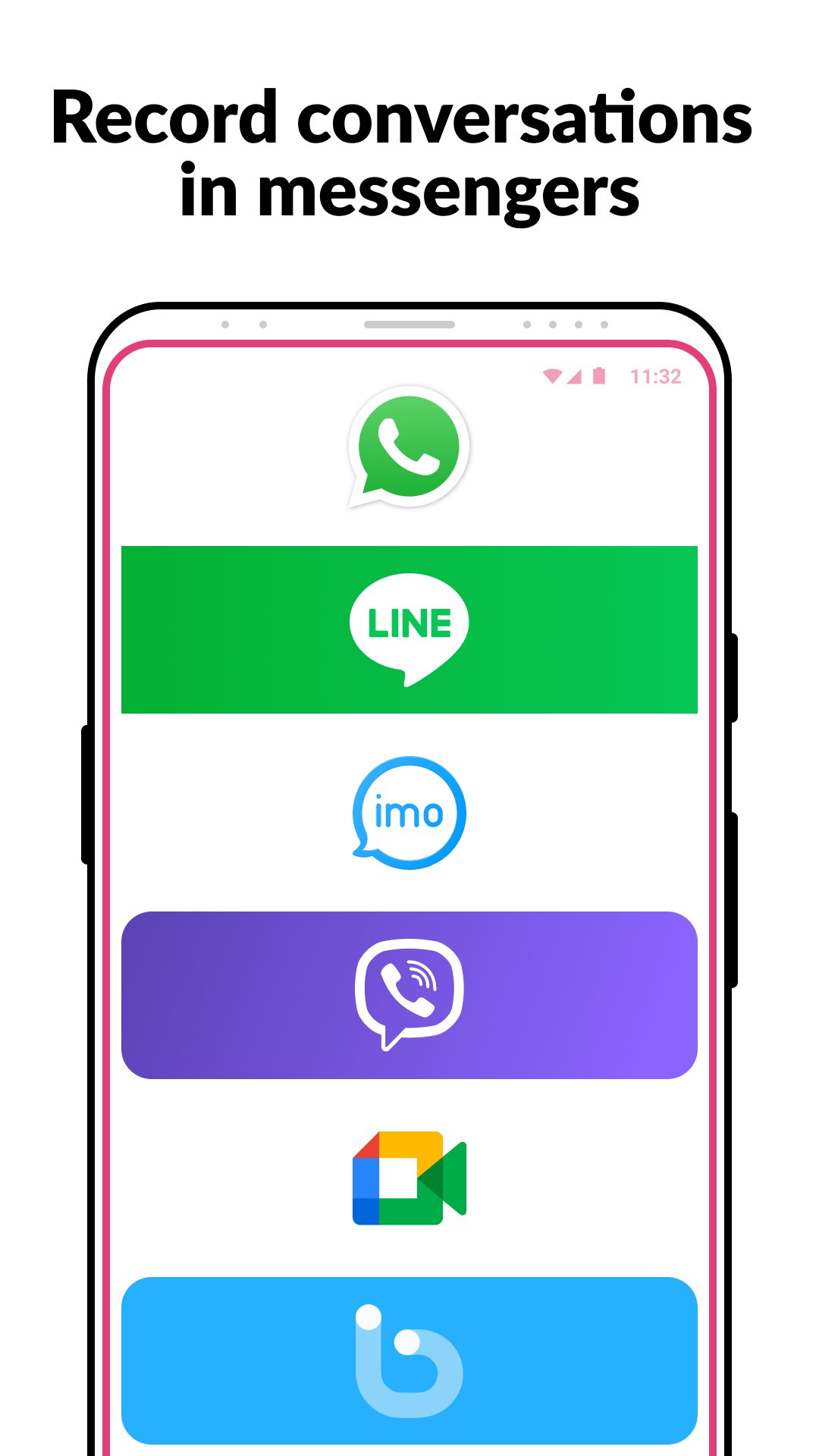
Which to record conversations in mobile messengers in excellent quality?
Unlock the next-gen call recording capabilities with Cube ACR!
Key features:
►Robust call recorder capabilities:
- Phone calls
- Facebook Messenger
- Telegram
- Signal
- Viber
- LINE
- more coming soon!
►Highest possible sound quality
Record your calls and conversations in the best possible quality on both ends.
►Easy-to-use automatic call recorder:
- Automatically record every call. Record each conversation the moment it starts
- Automatically record selected contacts. Create a list of people you want to always record
- Create an exclusion list of contacts who won't be recorded automatically
- Manual recording capabilities. Tap the record button mid-call to record only the selected conversations or parts of them
- Call back and open contacts right from the app.
► In-App audio playback. Cube ACR has a built-in file explorer for managing your recordings, playing them, and exporting to other services or devices, if needed.
► Smart speaker switching. Bring the phone to your ear on playback to switch from loudspeaker to earspeaker to privately listen to your recordings.
► Starred recordings. Mark important calls and filter them for quick access;
►Works on tablets
Even if your device doesn't support cellular calls, you can use Cube ACR to record Viber, WhatsApp and other VoIP conversations.
※NOTE
This app uses Accessibility services.
Premium features:
★ Cloud backup. Save your call recordings to Google Drive and restore them if something goes wrong.
★ Pin lock. Protect your recording from prying eyes and ears.
★ More audio formats. Record calls in the MP4 format and improve their quality, if needed.
★ Save to SD card. Move your recordings to an SD card and use it as a default storage location.
★ Shake-to-mark. Shake your phone while recording your calls to mark the important parts of a conversation.
★ Smart storage management. Automatically delete the old and/or unimportant (non-starred) calls and ignore recording short calls.
★ Post-call actions. Immediately play, share or delete a recording once you stop a conversation.
Note! The Cube ACR Premium subscription enables access to extra features only. It won’t improve your call recording experience. Please check how the free app version works before purchasing the subscription.
WARNING:
Not all devices support recording of VoIP calls. You can find the list of tested devices where VoIP call recording is supported below, but! we recommend running your own test on the exact device you have: https://goo.gl/YG9xaP
If it doesn't work on your device or you hear only yourself on playback, try changing the recording source in the Settings, or use auto-on speaker mode.
If you have any questions or issues, please send us a message at support@cubeacr.app
Legal notice:
The legislation regarding phone call recording varies in different countries and states. Please make sure that you're not breaking the legislation of your or your callee’s/caller’s country. Always notify the callee/caller that your conversation will be recorded and ask for their permission.
What are you waiting for? Join a global community of our users and unlock unlimited call recording features with Call Recorder - Cube ACR today!
Cube ACR - the automatic call recorder you’ve been searching for!
पूर्वावलोकन
टैग
टूलजानकारी
डेवलपर
Cube Apps Ltd
नवीनतम संस्करण
2.4.281
आखरी अपडेट
2026-01-02
श्रेणी
टूल
पर उपलब्ध
Google Play
और दिखाओ
पीसी पर गेमलूप के साथ कॉल रिकॉर्डर - Cube ACR कैसे खेलें
1. आधिकारिक वेबसाइट से GameLoop डाउनलोड करें, फिर GameLoop को स्थापित करने के लिए exe फ़ाइल चलाएँ।
2. गेमलूप खोलें और "कॉल रिकॉर्डर - Cube ACR" खोजें, खोज परिणामों में कॉल रिकॉर्डर - Cube ACR खोजें और "इंस्टॉल करें" पर क्लिक करें।
3. GameLoop पर कॉल रिकॉर्डर - Cube ACR खेलने का आनंद लें।
Minimum requirements
OS
Windows 8.1 64-bit or Windows 10 64-bit
GPU
GTX 1050
CPU
i3-8300
Memory
8GB RAM
Storage
1GB available space
Recommended requirements
OS
Windows 8.1 64-bit or Windows 10 64-bit
GPU
GTX 1050
CPU
i3-9320
Memory
16GB RAM
Storage
1GB available space