
Assistive Touch: Global Floating Ball like iPhone for PC
InMix.Studio
GameLoop एमुलेटर के साथ पीसी पर Assistive Touch: Global Floating Ball like iPhone डाउनलोड करें
पीसी पर Assistive Touch: Global Floating Ball like iPhone
Assistive Touch: Global Floating Ball like iPhone, डेवलपर InMix.Studio से आ रहा है, अतीत में Android सिस्टर्म पर चल रहा है।
अब, आप Assistive Touch: Global Floating Ball like iPhone को पीसी पर GameLoop के साथ आसानी से खेल सकते हैं।
इसे GameLoop लाइब्रेरी या खोज परिणामों में डाउनलोड करें। अब और गलत समय पर बैटरी या निराशाजनक कॉलों पर ध्यान नहीं देना चाहिए।
बस मुफ्त में बड़ी स्क्रीन पर Assistive Touch: Global Floating Ball like iPhone पीसी का आनंद लें!
Assistive Touch: Global Floating Ball like iPhone परिचय
Notice:
This app uses the permission "Device Manager", which is only used for system versions earlier than 9.0 using the feature "Lock Screen".
This app uses the "Accessibility Services", which is only used for Global Key Operations, such as Back, Recents, Power, etc.
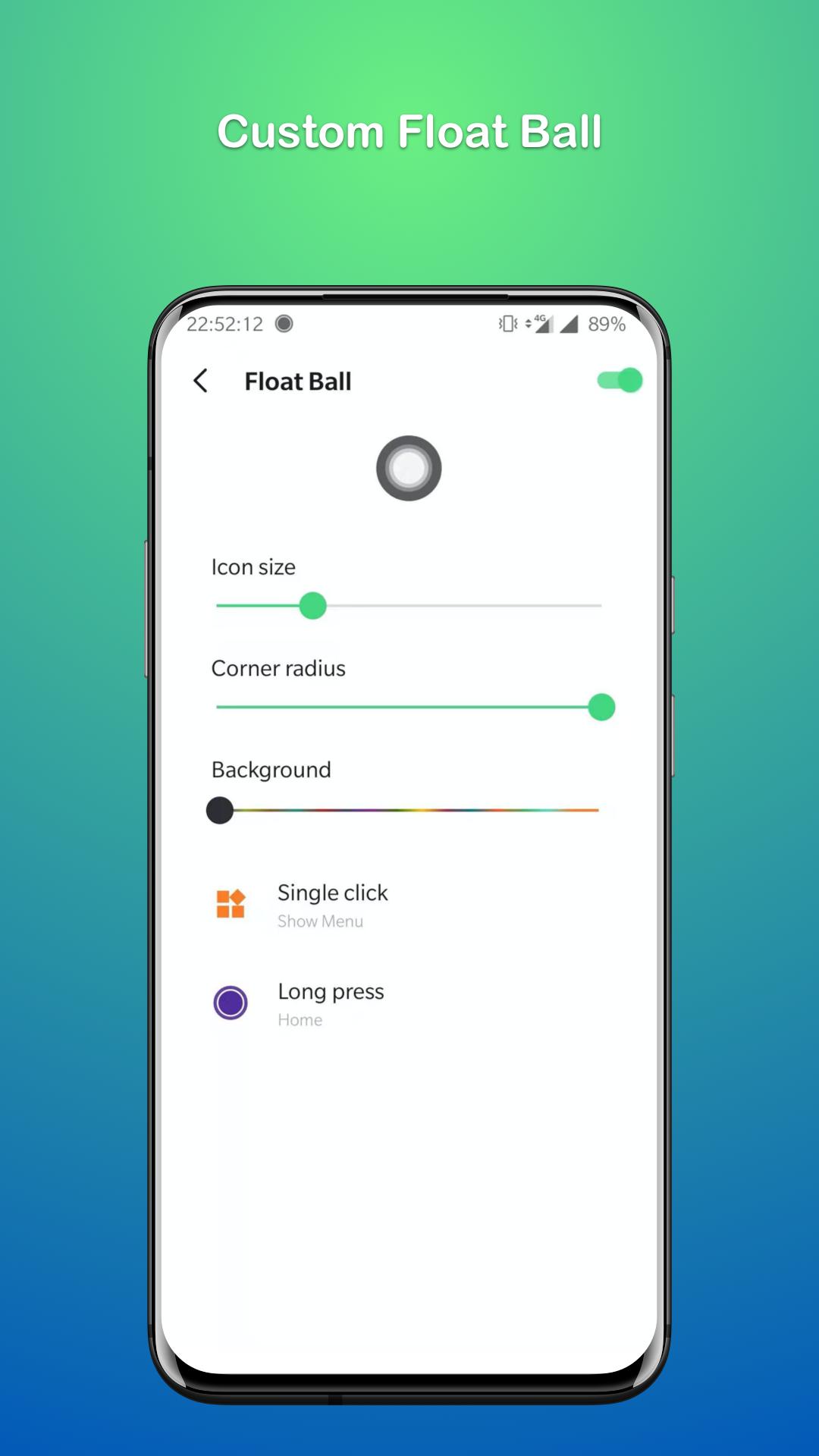
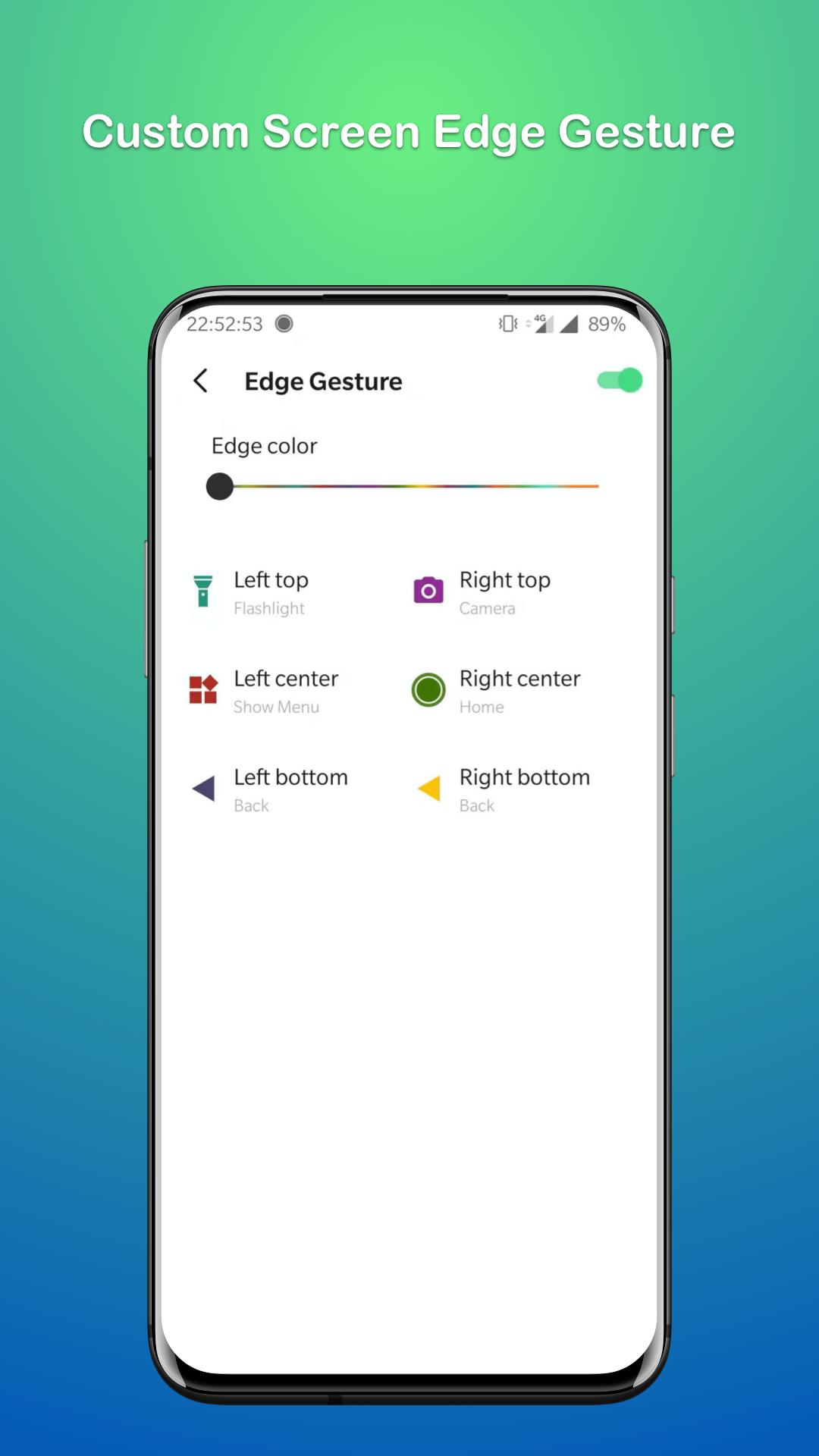
Assistive Ace is an Assistive Touch tool for android devices. Assistive Ace Can make your operations more convenient and cool, and effectively protect your phone's physical keys. With a global floating ball on the screen, you can quickly access almost all apps, games, settings on your device, and if you do not like the global floating ball, just disable it and use the feature "Screen Edge Gestures" to accomplish the same function.
Quick Actions:
• Launch any application or game on your device
• Capture Screenshot, Edit and Share to others
• Scan Qr Code and other kinds of Barcodes
• Ringtone Manager (Default incoming call ringtone, Alarm ringtone, Notification ringtone, assign unique ringtone for each contact)
• Lock Screen
• Flashlight
• Home
• Recents
• Back
• Power
• Notification
• Bluetooth Settings
• WiFi Settings
• Apps Settings
• Display Settings
• Location Settings
• Screen Rotation
• Volume Up & Down
• Airplane Mode
• Dial
• Messages
• Browser
• Alarm
• Camera
About Permissions:
• Device Manager - This permission is only used for system versions earlier than 9.0 using the feature "Lock Screen";
• Accessibility Services - This permission is only used for Global Key Operations, such as Back, Recents, Power, etc;
• Read or Write External Storage - The app needs this permission for the feature "Screenshot" to save the screenshot file to your device;
• Access Camera - This permission is used for the feature "Qr Scanner" to capture picture and extract the contents of Qr Code or other Barcodes;
• Modify System Settings - The app only uses the permission to help you to manage the incoming call ringtone, the alarm ringtone, and the notification ringtone;
• Read Contacts - The app only uses the permission to help you to assign a unique ringtone to a contact;
Privacy Policy:
Protecting your privacy is very important to us, and we do not collect any private information about you. More privacy policy details: https://inmixstudio.web.app/privacy.html
पूर्वावलोकन
जानकारी
डेवलपर
InMix.Studio
नवीनतम संस्करण
1.00.12
आखरी अपडेट
2021-04-19
श्रेणी
टूल
पर उपलब्ध
Google Play
और दिखाओ
पीसी पर गेमलूप के साथ Assistive Touch: Global Floating Ball like iPhone कैसे खेलें
1. आधिकारिक वेबसाइट से GameLoop डाउनलोड करें, फिर GameLoop को स्थापित करने के लिए exe फ़ाइल चलाएँ।
2. गेमलूप खोलें और "Assistive Touch: Global Floating Ball like iPhone" खोजें, खोज परिणामों में Assistive Touch: Global Floating Ball like iPhone खोजें और "इंस्टॉल करें" पर क्लिक करें।
3. GameLoop पर Assistive Touch: Global Floating Ball like iPhone खेलने का आनंद लें।
Minimum requirements
OS
Windows 8.1 64-bit or Windows 10 64-bit
GPU
GTX 1050
CPU
i3-8300
Memory
8GB RAM
Storage
1GB available space
Recommended requirements
OS
Windows 8.1 64-bit or Windows 10 64-bit
GPU
GTX 1050
CPU
i3-9320
Memory
16GB RAM
Storage
1GB available space