
Online Notification - Last Seen Online for PC
Online/Offline status traker App.
GameLoop एमुलेटर के साथ पीसी पर Online Notification - Last Seen Online डाउनलोड करें
पीसी पर Online Notification - Last Seen Online
Online Notification - Last Seen Online, डेवलपर Online/Offline status traker App. से आ रहा है, अतीत में Android सिस्टर्म पर चल रहा है।
अब, आप Online Notification - Last Seen Online को पीसी पर GameLoop के साथ आसानी से खेल सकते हैं।
इसे GameLoop लाइब्रेरी या खोज परिणामों में डाउनलोड करें। अब और गलत समय पर बैटरी या निराशाजनक कॉलों पर ध्यान नहीं देना चाहिए।
बस मुफ्त में बड़ी स्क्रीन पर Online Notification - Last Seen Online पीसी का आनंद लें!
Online Notification - Last Seen Online परिचय
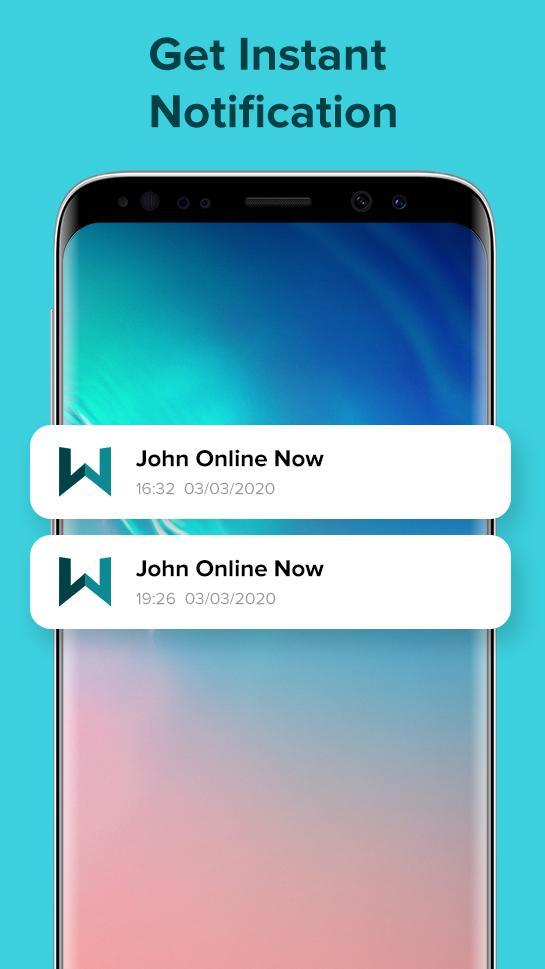
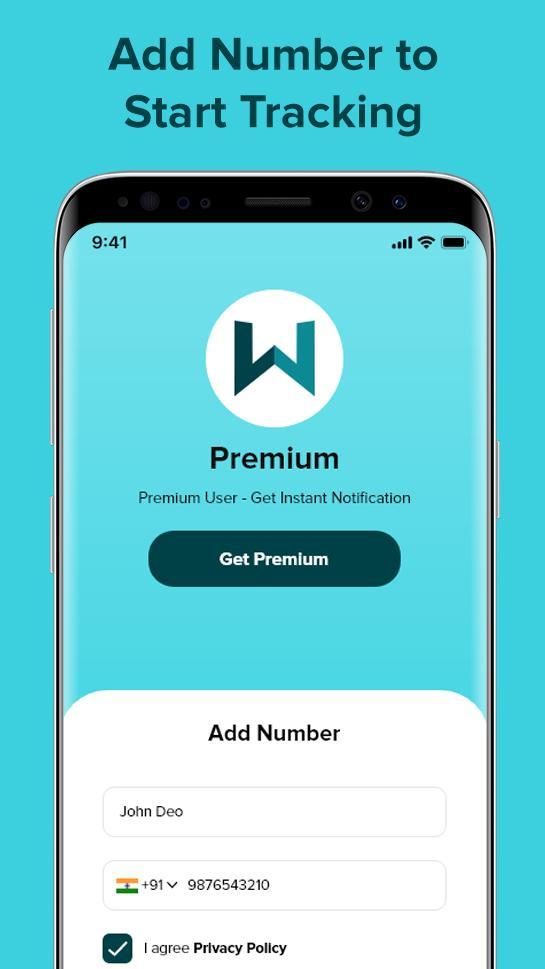
Do you want to know how much your children are spending time on social media? Do you want to track online status of your family? Do you want to track your own time spent on online activities? Then Online Last Seen Notification, App Usage is perfect app for you!
Online Last Seen Notification, App Usage is your best assistant in online time tracking. You can easily track your online app usage.
You can check how much time you or your children spend online. You will get all the online/offline notifications. You can see the detailed app online usage with online and offline status.
पूर्वावलोकन
जानकारी
डेवलपर
Online/Offline status traker App.
नवीनतम संस्करण
1.1
आखरी अपडेट
2020-03-18
श्रेणी
टूल
पर उपलब्ध
Google Play
और दिखाओ
पीसी पर गेमलूप के साथ Online Notification - Last Seen Online कैसे खेलें
1. आधिकारिक वेबसाइट से GameLoop डाउनलोड करें, फिर GameLoop को स्थापित करने के लिए exe फ़ाइल चलाएँ।
2. गेमलूप खोलें और "Online Notification - Last Seen Online" खोजें, खोज परिणामों में Online Notification - Last Seen Online खोजें और "इंस्टॉल करें" पर क्लिक करें।
3. GameLoop पर Online Notification - Last Seen Online खेलने का आनंद लें।
Minimum requirements
OS
Windows 8.1 64-bit or Windows 10 64-bit
GPU
GTX 1050
CPU
i3-8300
Memory
8GB RAM
Storage
1GB available space
Recommended requirements
OS
Windows 8.1 64-bit or Windows 10 64-bit
GPU
GTX 1050
CPU
i3-9320
Memory
16GB RAM
Storage
1GB available space