Addon Ghost For Minecraft for PC
Melisazuj
GameLoop एमुलेटर के साथ पीसी पर Addon Ghost For Minecraft डाउनलोड करें
पीसी पर Addon Ghost For Minecraft
Addon Ghost For Minecraft, डेवलपर Melisazuj से आ रहा है, अतीत में Android सिस्टर्म पर चल रहा है।
अब, आप Addon Ghost For Minecraft को पीसी पर GameLoop के साथ आसानी से खेल सकते हैं।
इसे GameLoop लाइब्रेरी या खोज परिणामों में डाउनलोड करें। अब और गलत समय पर बैटरी या निराशाजनक कॉलों पर ध्यान नहीं देना चाहिए।
बस मुफ्त में बड़ी स्क्रीन पर Addon Ghost For Minecraft पीसी का आनंद लें!
Addon Ghost For Minecraft परिचय
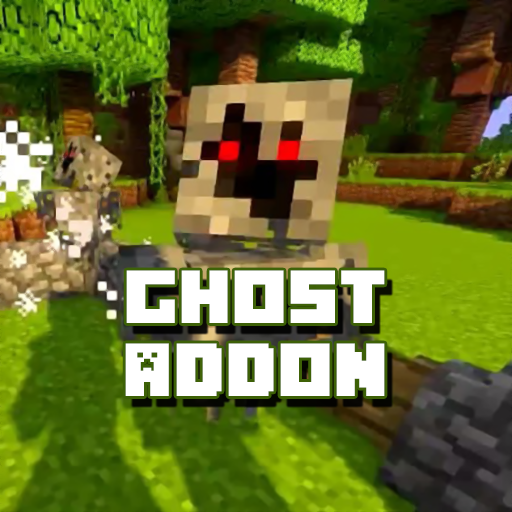
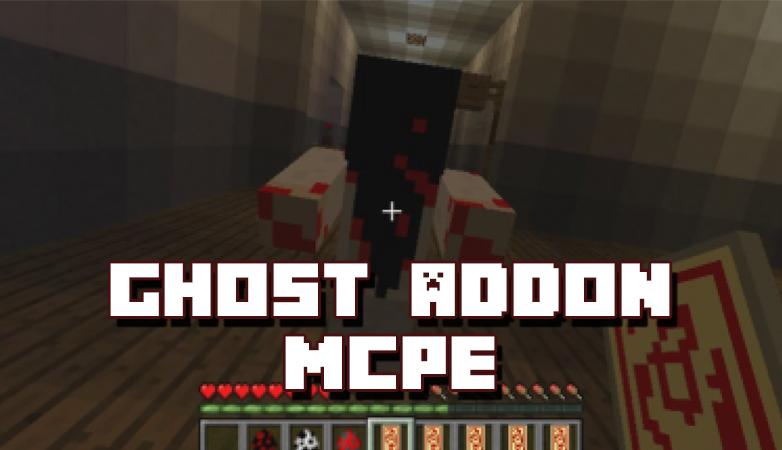
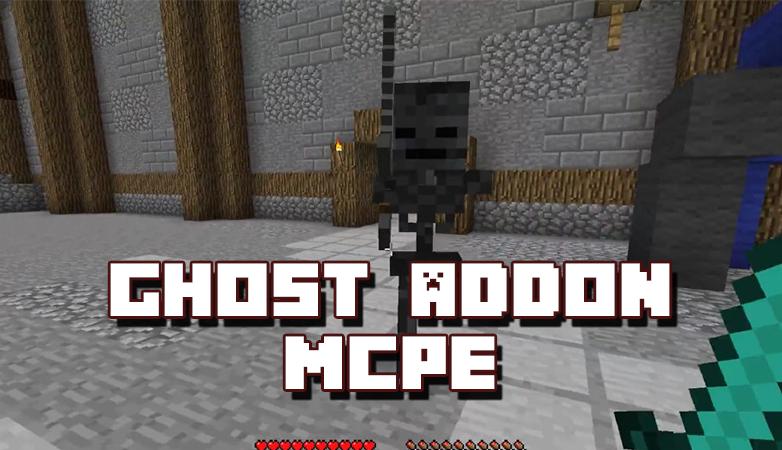
The Ghost Addon implements 6 different ghost entities and one boss to your Minecraft world. All entities have custom sounds and they really help create an eerie feel while playing.
In this add-on, I will let you experience a ghost in your Minecraft world. This is fun to use in survival mode. It spawns at night and attacks players, always sleep at night if you don’t want this ghost to attack you.
Ghost Mode is a mod in which you can turn yourself into an invisible ghost. It’s perfect if you want to play a joke on your friends because with the simple use of a text command you can easily disappear to then appear a while later.
NOT AN OFFICIAL MINECRAFT PRODUCT. NOT APPROVED BY OR ASSOCIATED WITH MOJANG.
DISCLAIMER: Ghost Addon is an unofficial application for Minecraft PE. This application is not affiliated in any way with Mojang AB. All rights reserved. The Minecraft Name, the Minecraft Brand and the Minecraft Assets are all property of Mojang AB or their respectful owner. In accordance with https://account.mojang.com/documents/brand_guidelines
पूर्वावलोकन
जानकारी
डेवलपर
Melisazuj
नवीनतम संस्करण
4.0
आखरी अपडेट
2020-12-03
श्रेणी
टूल
पर उपलब्ध
Google Play
और दिखाओ
पीसी पर गेमलूप के साथ Addon Ghost For Minecraft कैसे खेलें
1. आधिकारिक वेबसाइट से GameLoop डाउनलोड करें, फिर GameLoop को स्थापित करने के लिए exe फ़ाइल चलाएँ।
2. गेमलूप खोलें और "Addon Ghost For Minecraft" खोजें, खोज परिणामों में Addon Ghost For Minecraft खोजें और "इंस्टॉल करें" पर क्लिक करें।
3. GameLoop पर Addon Ghost For Minecraft खेलने का आनंद लें।
Minimum requirements
OS
Windows 8.1 64-bit or Windows 10 64-bit
GPU
GTX 1050
CPU
i3-8300
Memory
8GB RAM
Storage
1GB available space
Recommended requirements
OS
Windows 8.1 64-bit or Windows 10 64-bit
GPU
GTX 1050
CPU
i3-9320
Memory
16GB RAM
Storage
1GB available space