Action Widgets for PC
Hoot Apps
GameLoop एमुलेटर के साथ पीसी पर Action Widgets डाउनलोड करें
पीसी पर Action Widgets
Action Widgets, डेवलपर Hoot Apps से आ रहा है, अतीत में Android सिस्टर्म पर चल रहा है।
अब, आप Action Widgets को पीसी पर GameLoop के साथ आसानी से खेल सकते हैं।
इसे GameLoop लाइब्रेरी या खोज परिणामों में डाउनलोड करें। अब और गलत समय पर बैटरी या निराशाजनक कॉलों पर ध्यान नहीं देना चाहिए।
बस मुफ्त में बड़ी स्क्रीन पर Action Widgets पीसी का आनंद लें!
Action Widgets परिचय
A handy tools to toggle and start most common actions.
Features
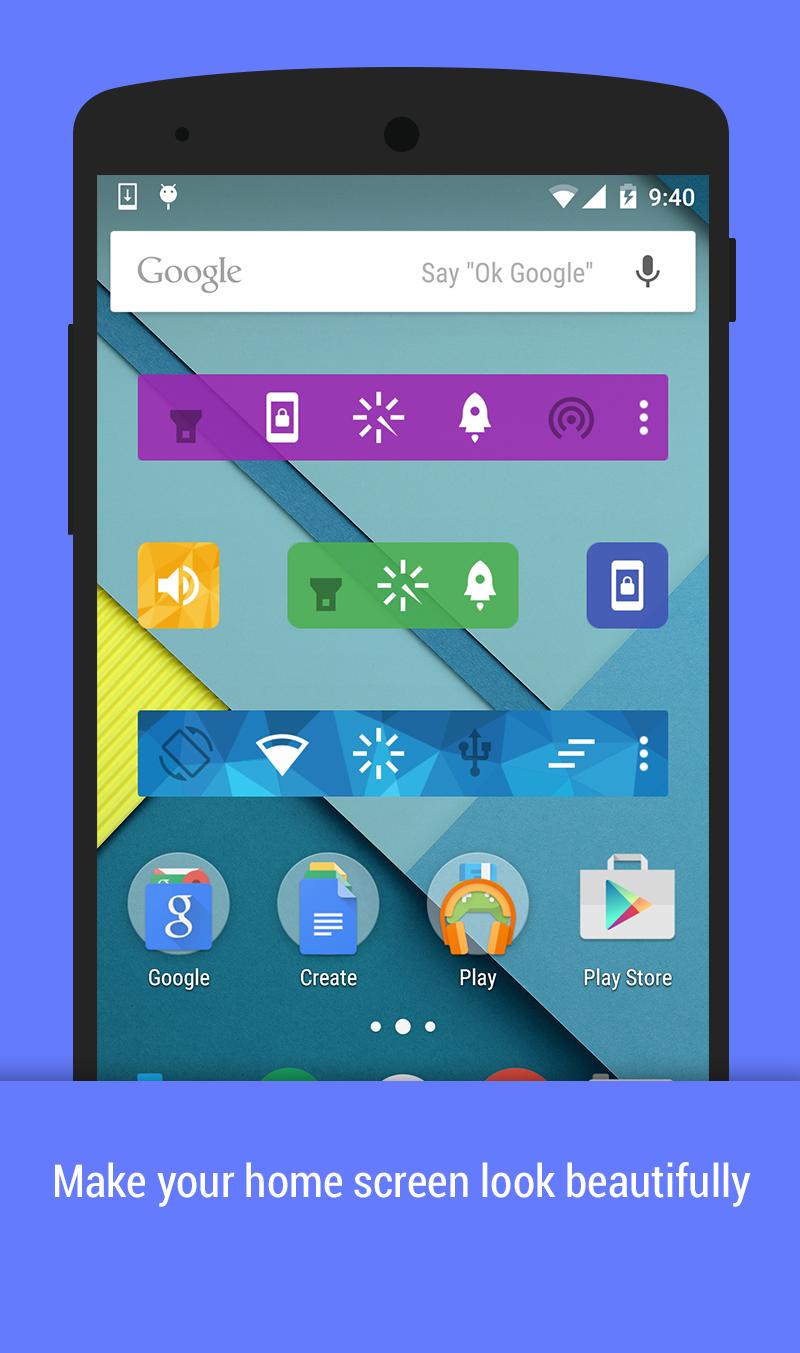
✓ 25 common toggles and actions
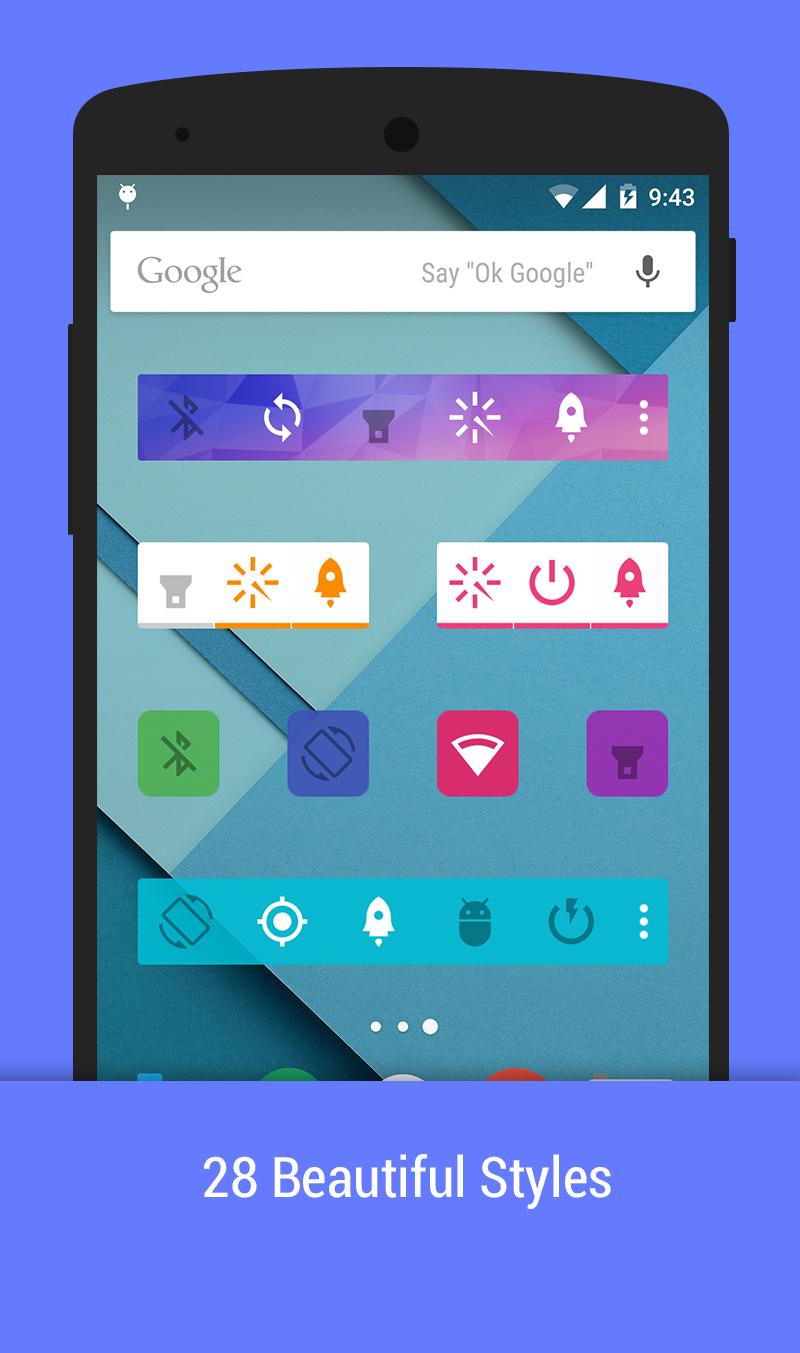
❤ 28 beautiful themes
✓ Unlimited home screen widgets: 1x1, 2x1, 4x1
✓ Notification area, action pad
✓ Auto-actions: show most use action on widgets
Toggles and action supports
☘ Mobile data - (Lollipop requires root)
☘ WiFi
☘ Bluetooth
❤ Flashlight
❤ Lock Screen
❤ Smart ram booster
☀ Sound/Silent/Vibrate mode
☀ Brightness
☀ Auto Sync
☀ Sync now
☀ GPS (Xposed)
☀ Screen off Time
☀ Screen Orientation
☘ WiFi tethering
☘ USB tethering
☘ Bluetooth tethering
✓ AirPlane (root)
✓ Adb (root)
✓ Fast reboot (root)
✓ Reboot (root)
✓ PowerOff (root)
✓ Reboot recovery (root)
✓ Clear recent apps (xposed)
✓ Power saving mode (root, Lollipop+)
❤ Clear notification (Jelly Bean+)
✓ Scream
Compose togglers:
✓ WiFi+Mobile data
✓ WiFi + Mobile data + Bluetooth
Some toggles and actions require root permission or xposed mod
Enjoy beautiful widgets. Happy customization. Also save battery with power widgets.
पूर्वावलोकन
जानकारी
डेवलपर
Hoot Apps
नवीनतम संस्करण
1.4
आखरी अपडेट
2015-04-21
श्रेणी
टूल
पर उपलब्ध
Google Play
और दिखाओ
पीसी पर गेमलूप के साथ Action Widgets कैसे खेलें
1. आधिकारिक वेबसाइट से GameLoop डाउनलोड करें, फिर GameLoop को स्थापित करने के लिए exe फ़ाइल चलाएँ।
2. गेमलूप खोलें और "Action Widgets" खोजें, खोज परिणामों में Action Widgets खोजें और "इंस्टॉल करें" पर क्लिक करें।
3. GameLoop पर Action Widgets खेलने का आनंद लें।
Minimum requirements
OS
Windows 8.1 64-bit or Windows 10 64-bit
GPU
GTX 1050
CPU
i3-8300
Memory
8GB RAM
Storage
1GB available space
Recommended requirements
OS
Windows 8.1 64-bit or Windows 10 64-bit
GPU
GTX 1050
CPU
i3-9320
Memory
16GB RAM
Storage
1GB available space