
Web Browser - Fast & Private for PC
Leopard V7
GameLoop एमुलेटर के साथ पीसी पर Web Browser - Fast & Private डाउनलोड करें
पीसी पर Web Browser - Fast & Private
Web Browser - Fast & Private, डेवलपर Leopard V7 से आ रहा है, अतीत में Android सिस्टर्म पर चल रहा है।
अब, आप Web Browser - Fast & Private को पीसी पर GameLoop के साथ आसानी से खेल सकते हैं।
इसे GameLoop लाइब्रेरी या खोज परिणामों में डाउनलोड करें। अब और गलत समय पर बैटरी या निराशाजनक कॉलों पर ध्यान नहीं देना चाहिए।
बस मुफ्त में बड़ी स्क्रीन पर Web Browser - Fast & Private पीसी का आनंद लें!
Web Browser - Fast & Private परिचय
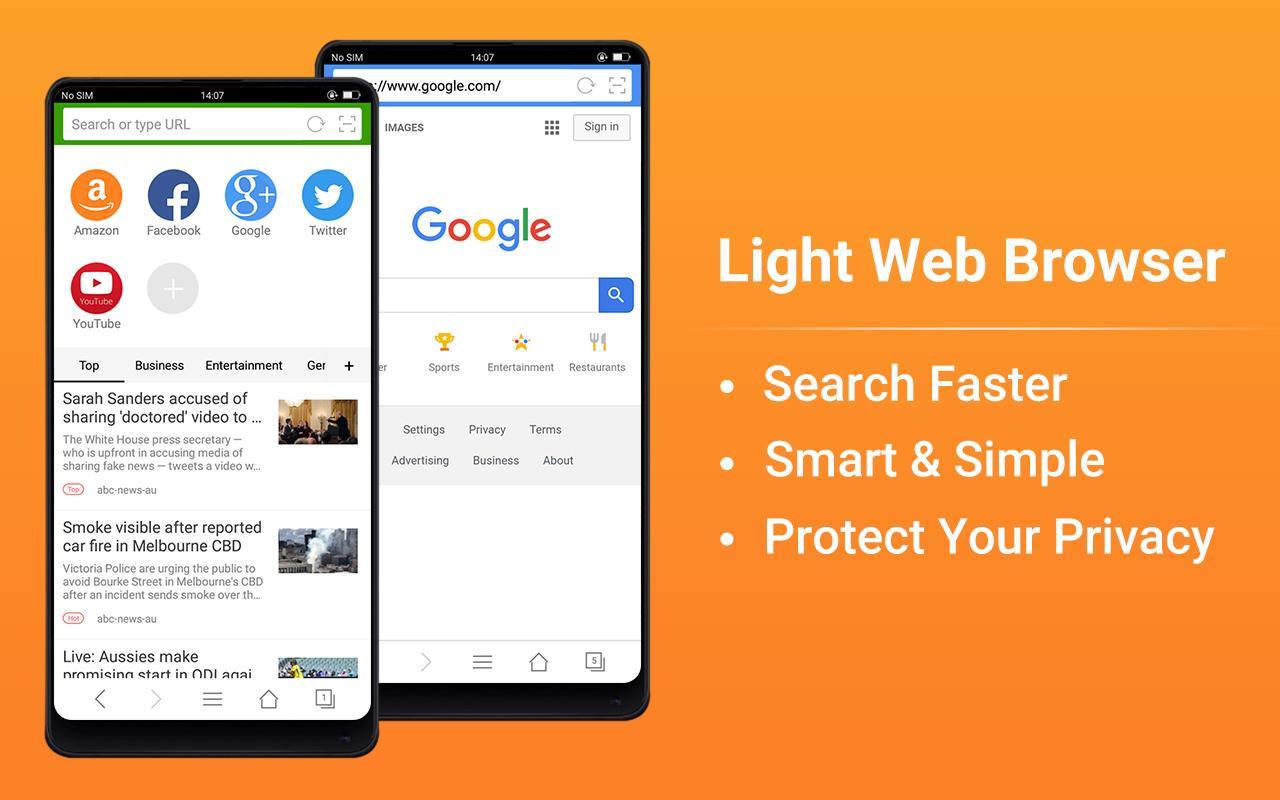
Web Browser is a fast, secure, lightweight and smart internet explorer browser for Android, with fast loading speed and one of the Most Trusted Browser for Privacy.
Save and Private Browsing, tracking protection can block parts of Web pages that may track your browsing activity.
Web Browser News has a built-in news feed that helps you find more content you’ll love.
Key Features:
- Browsing speed acceleration
- Browse privately: Use private tabs to go incognito anywhere on the internet without leaving a trace on your device.
- Homepage shortcuts - Easy save your favorite sites
- Bookmarks & History
- A range of news channels
- Lightweight
- Fast downloads
- Super easy copy/paste
- Night Mode - read more comfortably at night.
- Text size settings - - Read comfortably on any screen
- Data Saving
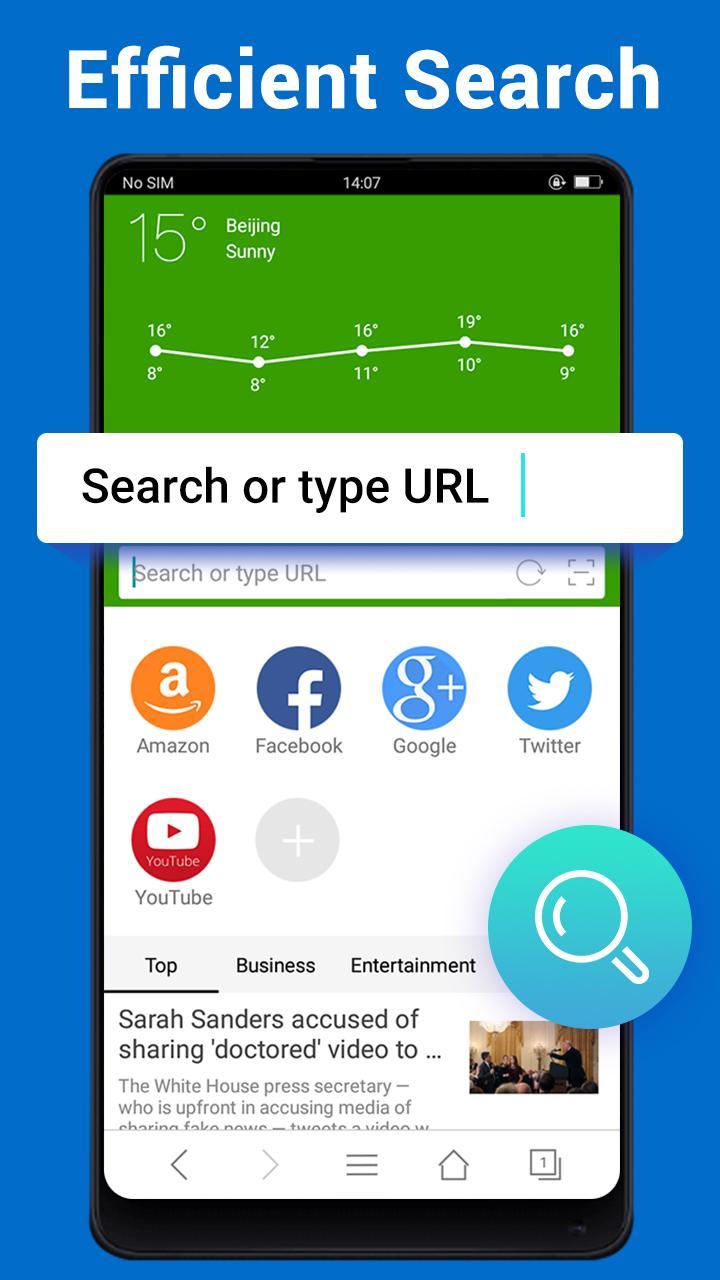
- Quick search: Google, Yahoo, Bing, and other default search engines
- Scan QR code
- User Agent settings
- Supports Adobe Flash Player
- Advanced Gesture feature
- Sharing - Super-easy and intuitive ways to share mobile contents through Facebook, Twitter, Email, SMS and other social media channels.
- Advanced Settings
Web Browser gives you the power to take back control of your Web browsing experience.
------------------------------
Disclaimer:
All news sources and blogs are powered by NewsAPI.org
पूर्वावलोकन
टैग
सामाजिकटूलजानकारी
डेवलपर
Leopard V7
नवीनतम संस्करण
2.8.2
आखरी अपडेट
2025-09-10
श्रेणी
सामाजिक
पर उपलब्ध
Google Play
और दिखाओ
पीसी पर गेमलूप के साथ Web Browser - Fast & Private कैसे खेलें
1. आधिकारिक वेबसाइट से GameLoop डाउनलोड करें, फिर GameLoop को स्थापित करने के लिए exe फ़ाइल चलाएँ।
2. गेमलूप खोलें और "Web Browser - Fast & Private" खोजें, खोज परिणामों में Web Browser - Fast & Private खोजें और "इंस्टॉल करें" पर क्लिक करें।
3. GameLoop पर Web Browser - Fast & Private खेलने का आनंद लें।
Minimum requirements
OS
Windows 8.1 64-bit or Windows 10 64-bit
GPU
GTX 1050
CPU
i3-8300
Memory
8GB RAM
Storage
1GB available space
Recommended requirements
OS
Windows 8.1 64-bit or Windows 10 64-bit
GPU
GTX 1050
CPU
i3-9320
Memory
16GB RAM
Storage
1GB available space