
UC Browser Tips Private for PC
CostingPP
GameLoop एमुलेटर के साथ पीसी पर UC Browser Tips Private डाउनलोड करें
पीसी पर UC Browser Tips Private
UC Browser Tips Private, डेवलपर CostingPP से आ रहा है, अतीत में Android सिस्टर्म पर चल रहा है।
अब, आप UC Browser Tips Private को पीसी पर GameLoop के साथ आसानी से खेल सकते हैं।
इसे GameLoop लाइब्रेरी या खोज परिणामों में डाउनलोड करें। अब और गलत समय पर बैटरी या निराशाजनक कॉलों पर ध्यान नहीं देना चाहिए।
बस मुफ्त में बड़ी स्क्रीन पर UC Browser Tips Private पीसी का आनंद लें!
UC Browser Tips Private परिचय
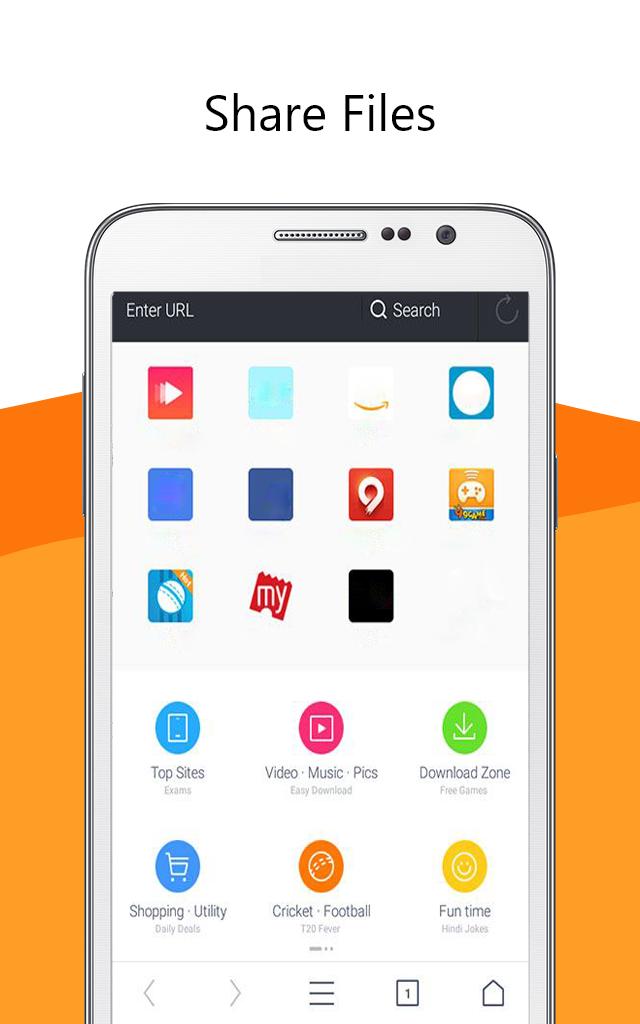
UC Browser software 🌐 is a secure and fast web browser for mobile devices. It is a free mobile browser with a simple and easy-to-use interface. It has a built-in ad blocker, smart downloads, video support, and data saving features.
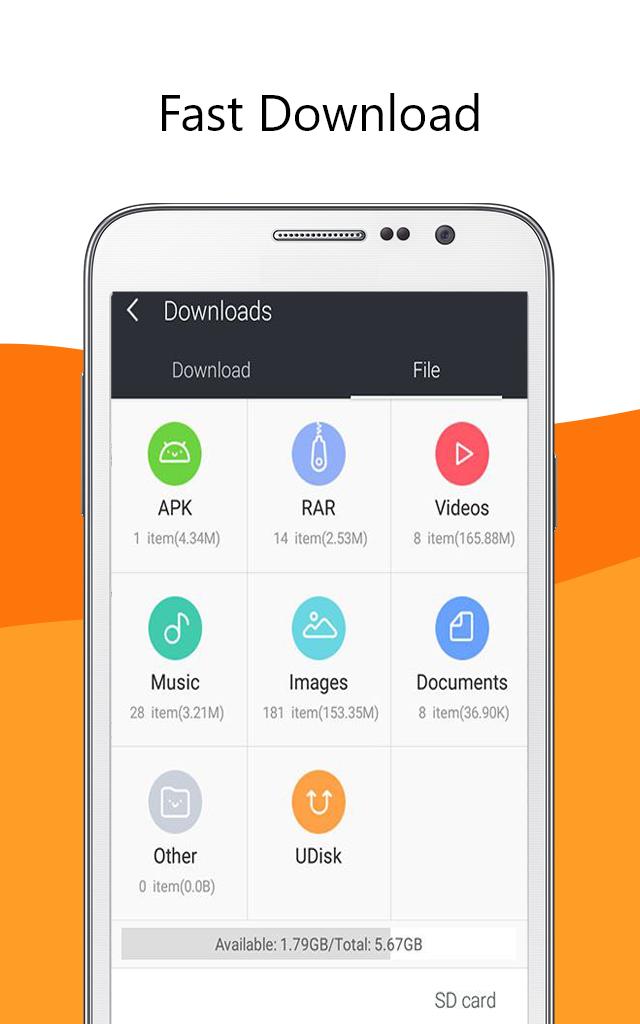
UC Browser app provides fast and secure web browsing with an intuitive and easy to use interface. Its built-in ad blocker blocks🔒 annoying ads, pop-ups, and malware. It also has a smart download feature📥 which allows you to download multiple files in parallel and resume interrupted downloads. It has a secure connection feature which encrypts your data and keeps it safe from snoopers and hackers. It also provides anti-tracking features which protect your privacy by blocking tracking cookies.
Uc browser fast app also supports video streaming 📹with optimized video playback. You can watch online videos without buffering and enjoy a smooth playback experience
Overall, UC Browser is a fast and secure web browser for mobile devices. It has a simple and easy-to-use interface with a built-in ad blocker, smart downloads, video support, and data saving features. It is a great choice for those who want a fast and secure web browsing experience.😉
Disclaimer: ❗
This is an unofficial app. Just be aware of the app and in case of any questions, give us feedback.
पूर्वावलोकन
जानकारी
डेवलपर
CostingPP
नवीनतम संस्करण
1.0.0
आखरी अपडेट
2023-03-16
श्रेणी
सामाजिक
पर उपलब्ध
Google Play
और दिखाओ
पीसी पर गेमलूप के साथ UC Browser Tips Private कैसे खेलें
1. आधिकारिक वेबसाइट से GameLoop डाउनलोड करें, फिर GameLoop को स्थापित करने के लिए exe फ़ाइल चलाएँ।
2. गेमलूप खोलें और "UC Browser Tips Private" खोजें, खोज परिणामों में UC Browser Tips Private खोजें और "इंस्टॉल करें" पर क्लिक करें।
3. GameLoop पर UC Browser Tips Private खेलने का आनंद लें।
Minimum requirements
OS
Windows 8.1 64-bit or Windows 10 64-bit
GPU
GTX 1050
CPU
i3-8300
Memory
8GB RAM
Storage
1GB available space
Recommended requirements
OS
Windows 8.1 64-bit or Windows 10 64-bit
GPU
GTX 1050
CPU
i3-9320
Memory
16GB RAM
Storage
1GB available space