
Pinger for PC
Devesh Jhunjhunwala
GameLoop एमुलेटर के साथ पीसी पर Pinger डाउनलोड करें
पीसी पर Pinger
Pinger, डेवलपर Devesh Jhunjhunwala से आ रहा है, अतीत में Android सिस्टर्म पर चल रहा है।
अब, आप Pinger को पीसी पर GameLoop के साथ आसानी से खेल सकते हैं।
इसे GameLoop लाइब्रेरी या खोज परिणामों में डाउनलोड करें। अब और गलत समय पर बैटरी या निराशाजनक कॉलों पर ध्यान नहीं देना चाहिए।
बस मुफ्त में बड़ी स्क्रीन पर Pinger पीसी का आनंद लें!
Pinger परिचय
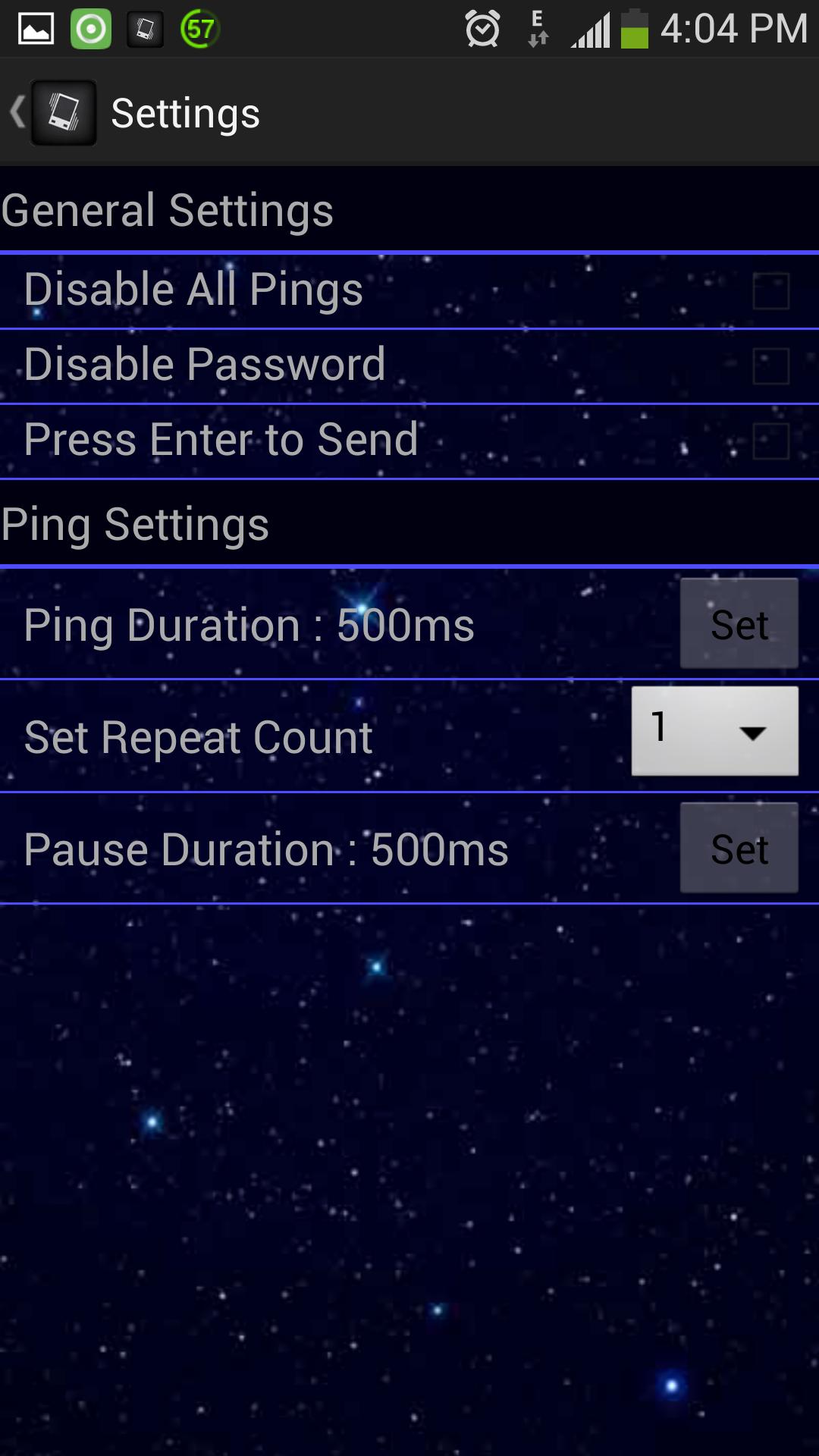
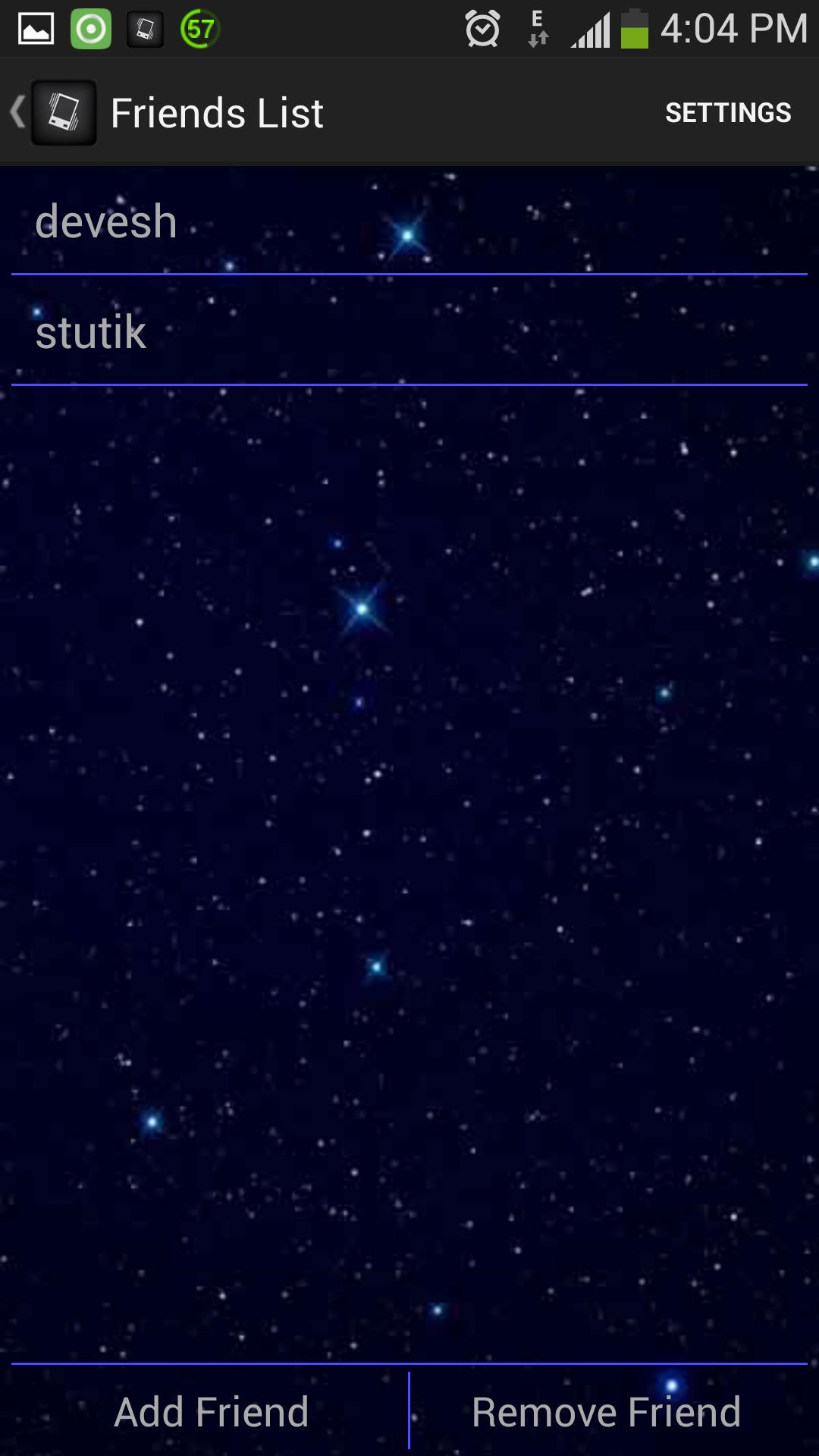
Pinger is an Instant Messaging App that allows you to customise Pings. You have the freedom to control the length of each ping and even disable pings from individual friends. It also features in-built password protection that you can enable or disable as required.
पूर्वावलोकन
जानकारी
डेवलपर
Devesh Jhunjhunwala
नवीनतम संस्करण
1.2
आखरी अपडेट
2013-08-25
श्रेणी
सामाजिक
पर उपलब्ध
Google Play
और दिखाओ
पीसी पर गेमलूप के साथ Pinger कैसे खेलें
1. आधिकारिक वेबसाइट से GameLoop डाउनलोड करें, फिर GameLoop को स्थापित करने के लिए exe फ़ाइल चलाएँ।
2. गेमलूप खोलें और "Pinger" खोजें, खोज परिणामों में Pinger खोजें और "इंस्टॉल करें" पर क्लिक करें।
3. GameLoop पर Pinger खेलने का आनंद लें।
Minimum requirements
OS
Windows 8.1 64-bit or Windows 10 64-bit
GPU
GTX 1050
CPU
i3-8300
Memory
8GB RAM
Storage
1GB available space
Recommended requirements
OS
Windows 8.1 64-bit or Windows 10 64-bit
GPU
GTX 1050
CPU
i3-9320
Memory
16GB RAM
Storage
1GB available space