
Jasmine for PC
RMN1
GameLoop एमुलेटर के साथ पीसी पर Jasmine डाउनलोड करें
पीसी पर Jasmine
Jasmine, डेवलपर RMN1 से आ रहा है, अतीत में Android सिस्टर्म पर चल रहा है।
अब, आप Jasmine को पीसी पर GameLoop के साथ आसानी से खेल सकते हैं।
इसे GameLoop लाइब्रेरी या खोज परिणामों में डाउनलोड करें। अब और गलत समय पर बैटरी या निराशाजनक कॉलों पर ध्यान नहीं देना चाहिए।
बस मुफ्त में बड़ी स्क्रीन पर Jasmine पीसी का आनंद लें!
Jasmine परिचय
jasmine is a video call app, using this app user will able to do live video call with relatives and friends
jasmine is a messaging app with a focus on speed and security.
Pure instant messaging — simple, fast, secure, and synced across all your devices. One of the world's top 10 most downloaded apps with over 500 million active users.
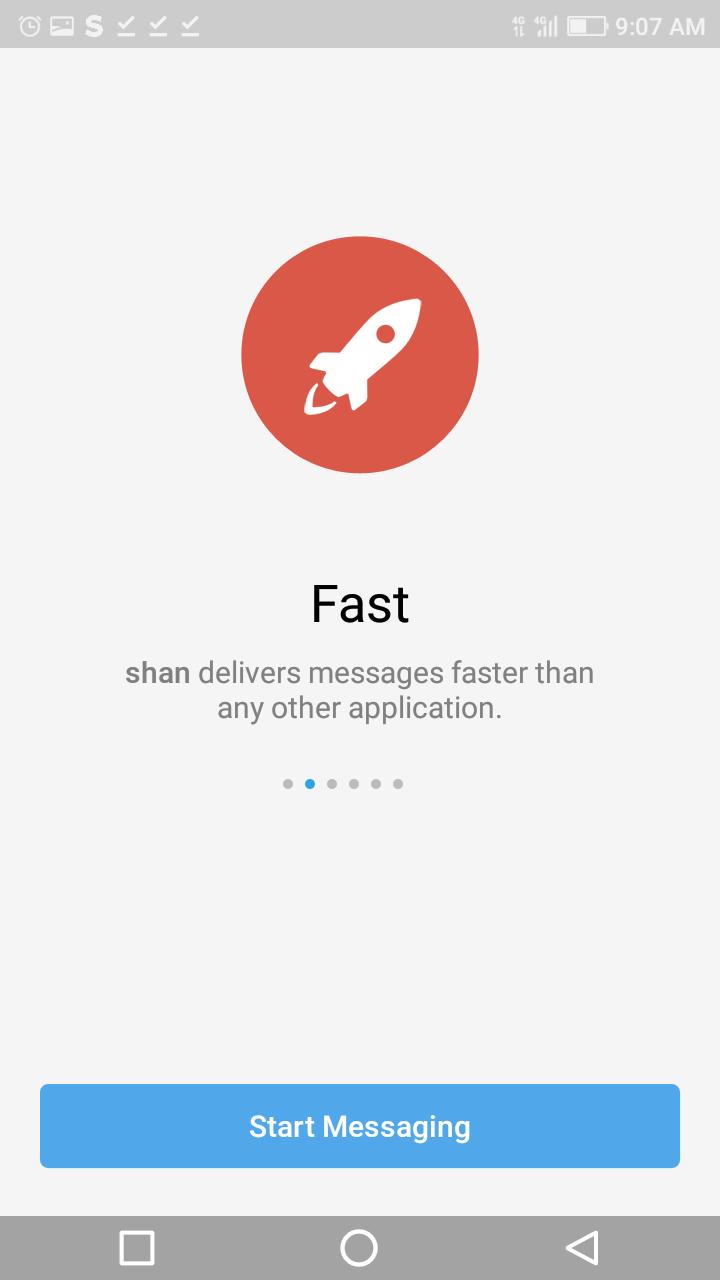
FAST: jasmine is the fastest messaging app on the market, connecting people via a unique, distributed network of data centers around the globe.
SYNCED: You can access your messages from all your phones, tablets and computers at once.jasmine apps are standalone, so you don’t need to keep your phone connected. Start typing on one device and finish the message from another. Never lose your data again.
पूर्वावलोकन

टैग
सामाजिकजानकारी
डेवलपर
RMN1
नवीनतम संस्करण
1.0
आखरी अपडेट
2022-02-01
श्रेणी
सामाजिक
पर उपलब्ध
Google Play
और दिखाओ
पीसी पर गेमलूप के साथ Jasmine कैसे खेलें
1. आधिकारिक वेबसाइट से GameLoop डाउनलोड करें, फिर GameLoop को स्थापित करने के लिए exe फ़ाइल चलाएँ।
2. गेमलूप खोलें और "Jasmine" खोजें, खोज परिणामों में Jasmine खोजें और "इंस्टॉल करें" पर क्लिक करें।
3. GameLoop पर Jasmine खेलने का आनंद लें।
Minimum requirements
OS
Windows 8.1 64-bit or Windows 10 64-bit
GPU
GTX 1050
CPU
i3-8300
Memory
8GB RAM
Storage
1GB available space
Recommended requirements
OS
Windows 8.1 64-bit or Windows 10 64-bit
GPU
GTX 1050
CPU
i3-9320
Memory
16GB RAM
Storage
1GB available space