MultiCraft Adventure for PC
Nara Dev
GameLoop एमुलेटर के साथ पीसी पर MultiCraft Adventure डाउनलोड करें
पीसी पर MultiCraft Adventure
MultiCraft Adventure, डेवलपर Nara Dev से आ रहा है, अतीत में Android सिस्टर्म पर चल रहा है।
अब, आप MultiCraft Adventure को पीसी पर GameLoop के साथ आसानी से खेल सकते हैं।
इसे GameLoop लाइब्रेरी या खोज परिणामों में डाउनलोड करें। अब और गलत समय पर बैटरी या निराशाजनक कॉलों पर ध्यान नहीं देना चाहिए।
बस मुफ्त में बड़ी स्क्रीन पर MultiCraft Adventure पीसी का आनंद लें!
MultiCraft Adventure परिचय
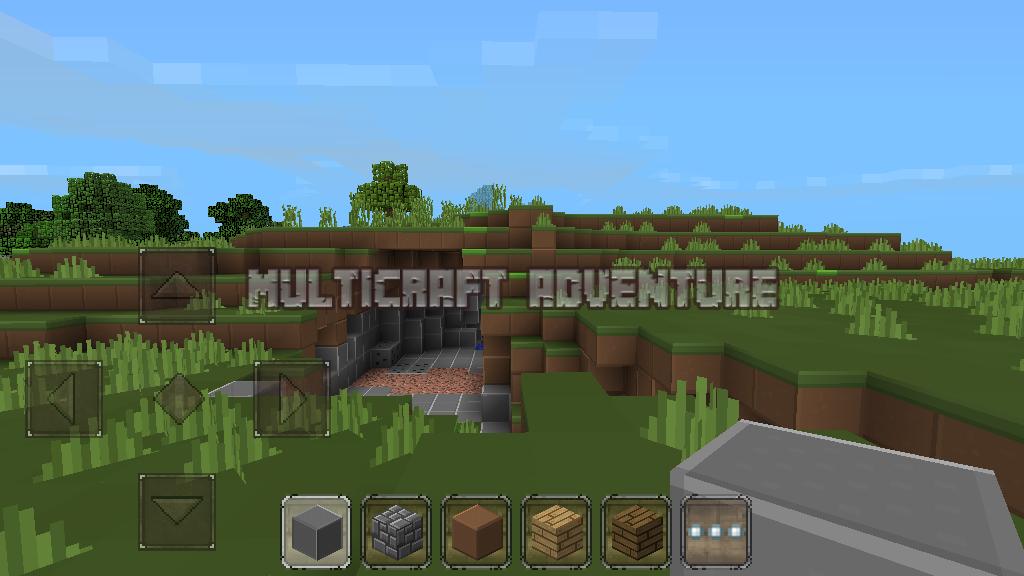
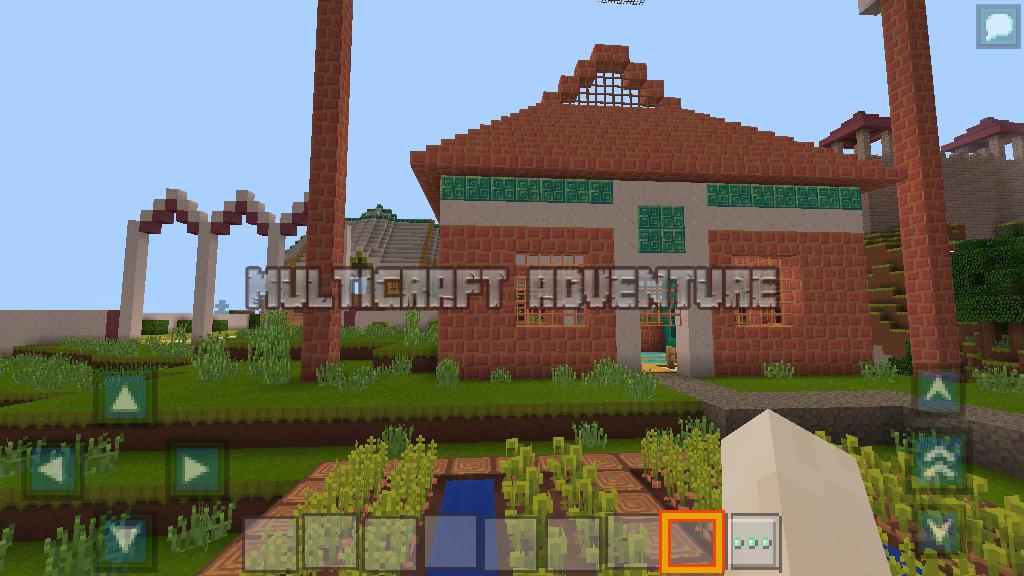
in multicraft adventure you can tame a horse before you cattle or you ride to avoid the attack of monsters or zombies, meaniki horses are very exciting, invite your friends to play multiplayer for the game more exciting, monster opponent together with sword or ax, you also can build a house or building with your friends to make the building faster in the voxel world, we can build castles, modern houses, bridges, towers, or just a small shack you can use to shelter from the sun, rain, ice, or snow. in the daytime of peace you can garden, plant a variety of plants to meet your needs
Features:
- Two different mode ready, survival and creative
- Day and a night time change
- HQ texture packs
- Survival from attack of monsters and bad zombies;
- Farming many flower and plants, raise a chicken, pigs, cows, sheep mobs, and tamed horse
- Flight mode ready
पूर्वावलोकन
जानकारी
डेवलपर
Nara Dev
नवीनतम संस्करण
63.1.0
आखरी अपडेट
2018-04-10
श्रेणी
सिम्युलेशन
पर उपलब्ध
Google Play
और दिखाओ
पीसी पर गेमलूप के साथ MultiCraft Adventure कैसे खेलें
1. आधिकारिक वेबसाइट से GameLoop डाउनलोड करें, फिर GameLoop को स्थापित करने के लिए exe फ़ाइल चलाएँ।
2. गेमलूप खोलें और "MultiCraft Adventure" खोजें, खोज परिणामों में MultiCraft Adventure खोजें और "इंस्टॉल करें" पर क्लिक करें।
3. GameLoop पर MultiCraft Adventure खेलने का आनंद लें।
Minimum requirements
OS
Windows 8.1 64-bit or Windows 10 64-bit
GPU
GTX 1050
CPU
i3-8300
Memory
8GB RAM
Storage
1GB available space
Recommended requirements
OS
Windows 8.1 64-bit or Windows 10 64-bit
GPU
GTX 1050
CPU
i3-9320
Memory
16GB RAM
Storage
1GB available space