
Mansa Musa for PC
Ferass Suleiman
GameLoop एमुलेटर के साथ पीसी पर Mansa Musa डाउनलोड करें
पीसी पर Mansa Musa
Mansa Musa, डेवलपर Ferass Suleiman से आ रहा है, अतीत में Android सिस्टर्म पर चल रहा है।
अब, आप Mansa Musa को पीसी पर GameLoop के साथ आसानी से खेल सकते हैं।
इसे GameLoop लाइब्रेरी या खोज परिणामों में डाउनलोड करें। अब और गलत समय पर बैटरी या निराशाजनक कॉलों पर ध्यान नहीं देना चाहिए।
बस मुफ्त में बड़ी स्क्रीन पर Mansa Musa पीसी का आनंद लें!
Mansa Musa परिचय
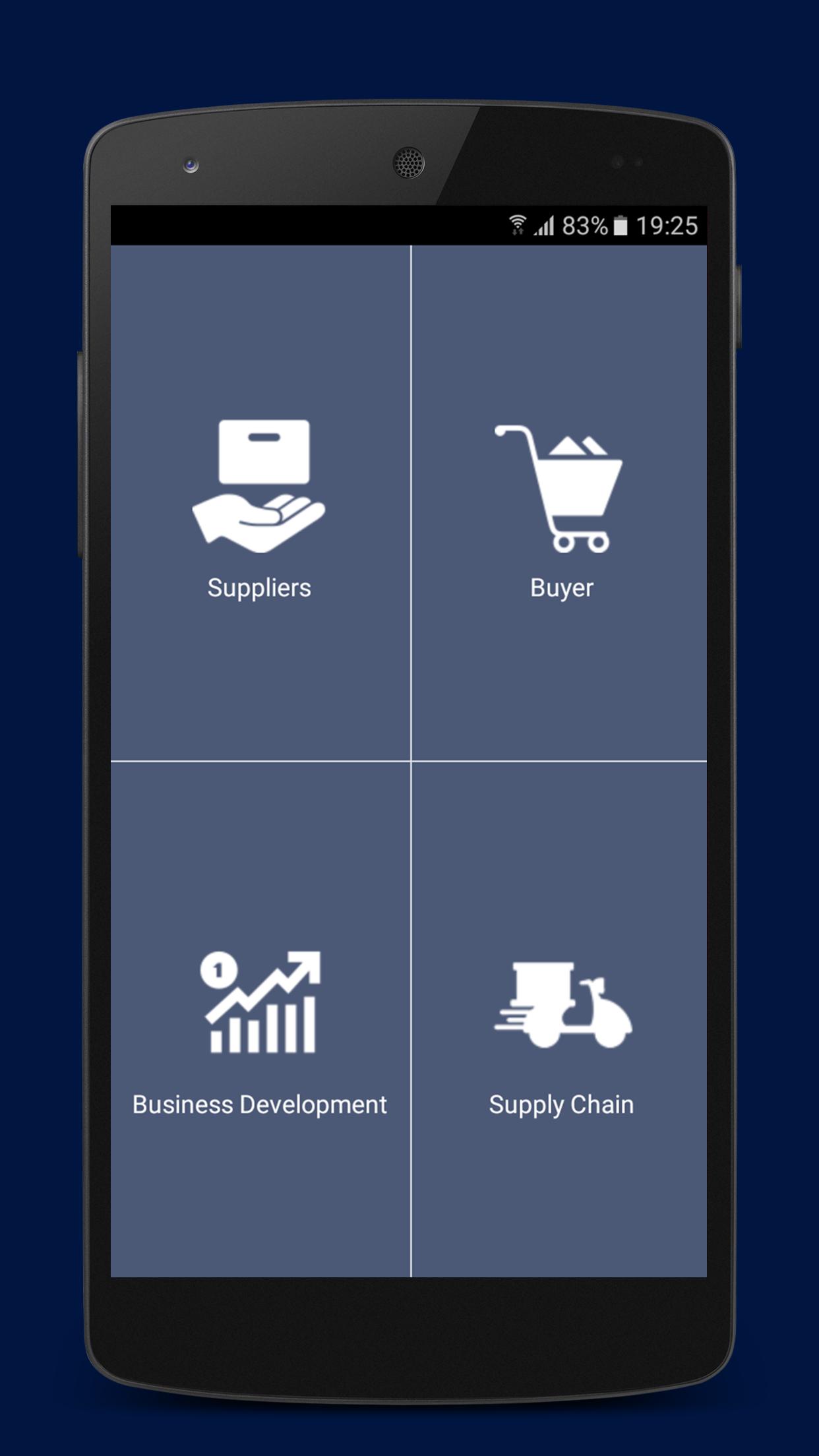
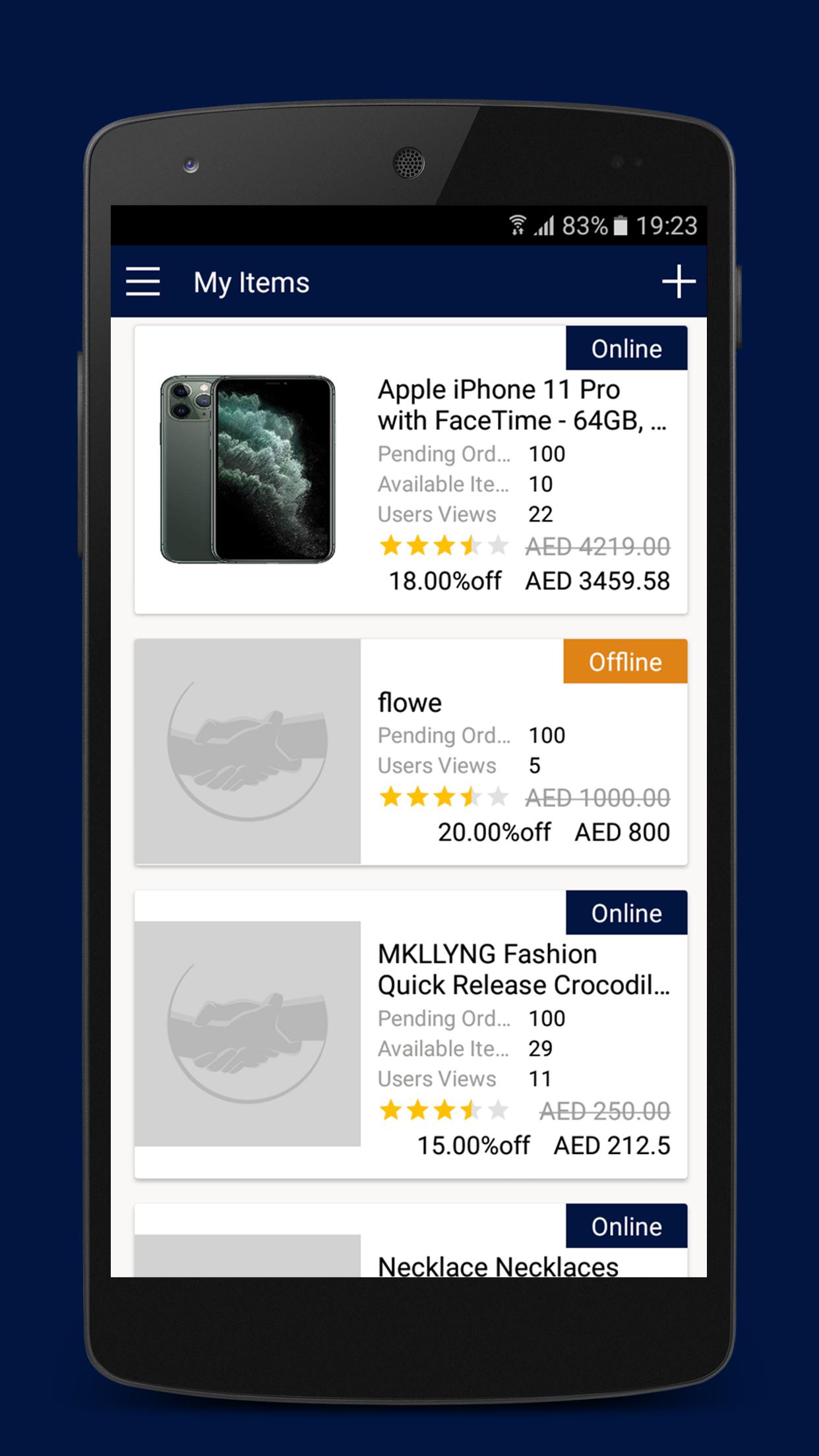
Mansa Musa is the first Market place and E-commerce panel where humans will work together for each other. Mansa Musa is a shopping panel providing most of the products types in one place. Mansa Musa is a system which allow all users to buy and sell online. Mansa Musa system is the place where the humans will share the task and work to create thousands of opportunities for everyone using the system.
Mansa Musa is a marketplace where all Sellers can provide their great products for the UAE consumers with best e-commerce services. Mansa Musa System is linking the best suppliers with all online UAE consumers to have the best products and the best prices in the e-commerce space.
Mansa Musa System is depending on the best, mature, hard workers, smart and efficient humans from the society. Mansa Musa System is connecting all individuals to build up better life for the Future Human being.
पूर्वावलोकन
टैग
खरीदारीजानकारी
डेवलपर
Ferass Suleiman
नवीनतम संस्करण
1.7
आखरी अपडेट
2020-07-23
श्रेणी
खरीदारी
पर उपलब्ध
Google Play
और दिखाओ
पीसी पर गेमलूप के साथ Mansa Musa कैसे खेलें
1. आधिकारिक वेबसाइट से GameLoop डाउनलोड करें, फिर GameLoop को स्थापित करने के लिए exe फ़ाइल चलाएँ।
2. गेमलूप खोलें और "Mansa Musa" खोजें, खोज परिणामों में Mansa Musa खोजें और "इंस्टॉल करें" पर क्लिक करें।
3. GameLoop पर Mansa Musa खेलने का आनंद लें।
Minimum requirements
OS
Windows 8.1 64-bit or Windows 10 64-bit
GPU
GTX 1050
CPU
i3-8300
Memory
8GB RAM
Storage
1GB available space
Recommended requirements
OS
Windows 8.1 64-bit or Windows 10 64-bit
GPU
GTX 1050
CPU
i3-9320
Memory
16GB RAM
Storage
1GB available space