
SmartExchange - Store Trade-in for PC
InstaCash
GameLoop एमुलेटर के साथ पीसी पर SmartExchange - Store Trade-in डाउनलोड करें
पीसी पर SmartExchange - Store Trade-in
SmartExchange - Store Trade-in, डेवलपर InstaCash से आ रहा है, अतीत में Android सिस्टर्म पर चल रहा है।
अब, आप SmartExchange - Store Trade-in को पीसी पर GameLoop के साथ आसानी से खेल सकते हैं।
इसे GameLoop लाइब्रेरी या खोज परिणामों में डाउनलोड करें। अब और गलत समय पर बैटरी या निराशाजनक कॉलों पर ध्यान नहीं देना चाहिए।
बस मुफ्त में बड़ी स्क्रीन पर SmartExchange - Store Trade-in पीसी का आनंद लें!
SmartExchange - Store Trade-in परिचय
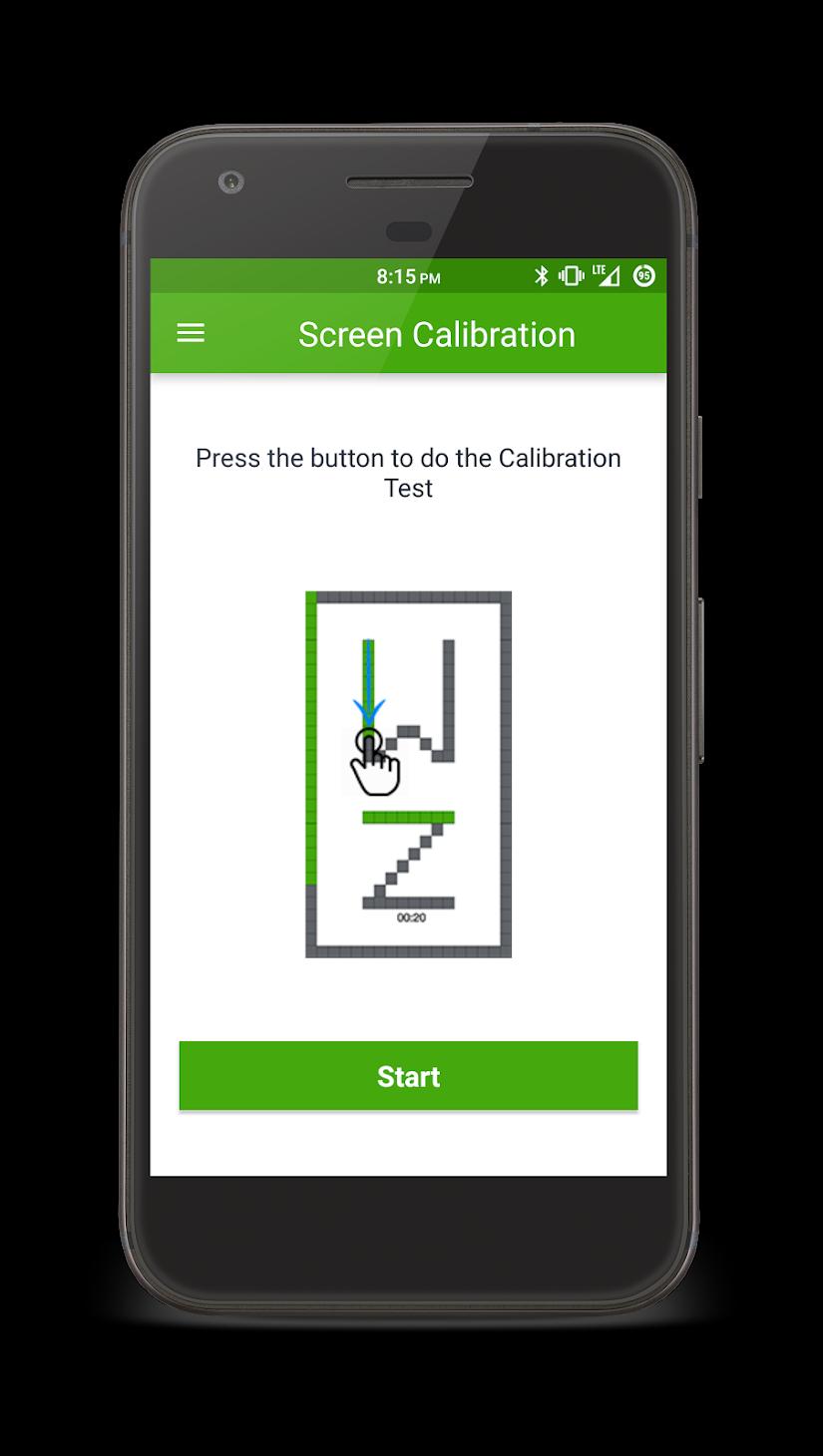
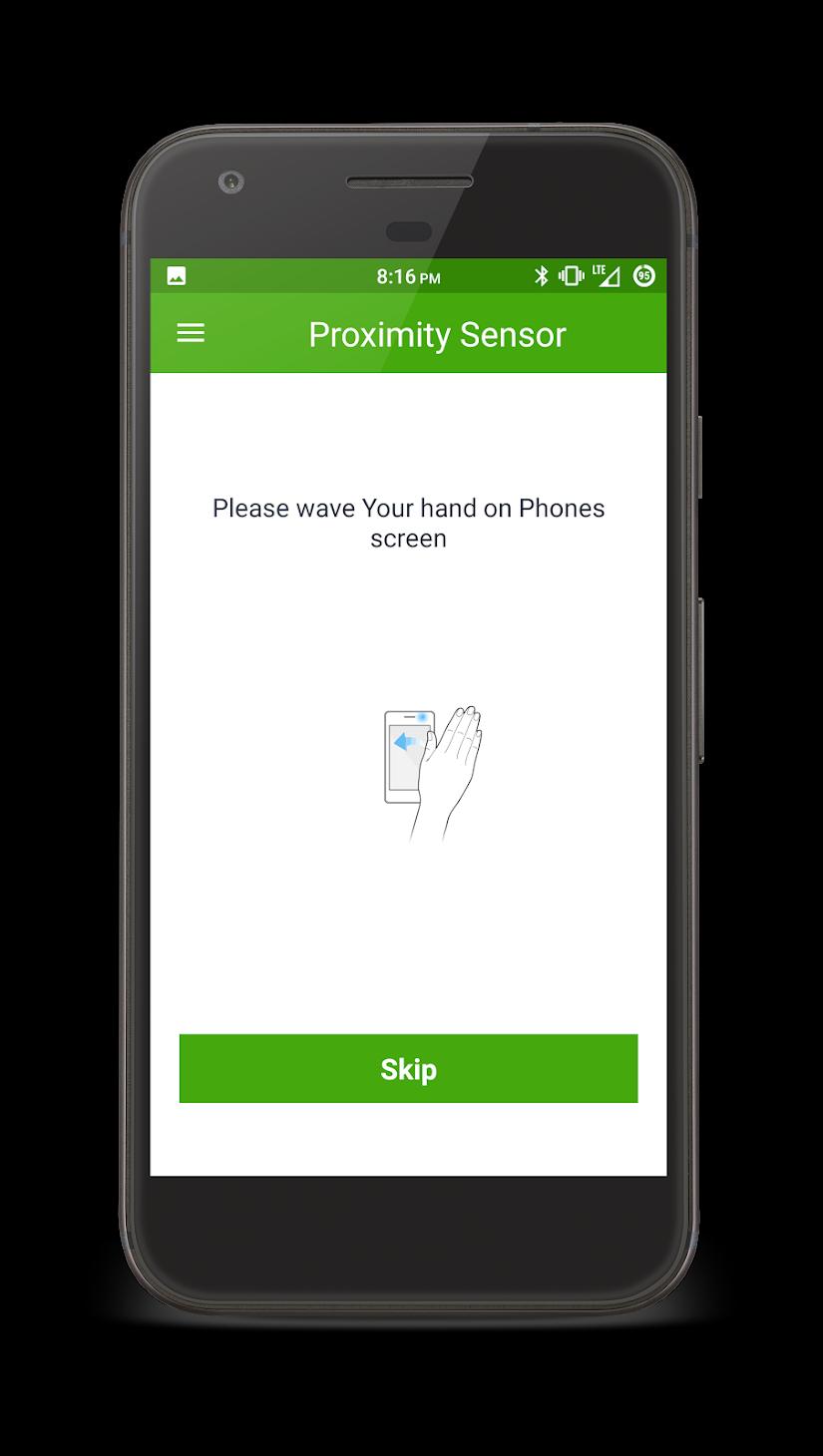
Upgrading your smartphone just got easier with InstaCash's SmartExchange. Just go to one of our partner stores, diagnose your phone for any functional issues with SmartExchange app and get an awesome quote for Exchanging your old device for the new smartphone that you always wanted but couldn't afford.
Don't know where to find our Partner Stores?
Just open the app and hit the "Find nearby Stores" button and you can find a whole list of all the partner stores in your city!
Get on finding Your favourite new smartphone and exchange your old device with InstaCash.
पूर्वावलोकन
जानकारी
डेवलपर
InstaCash
नवीनतम संस्करण
2.1.1
आखरी अपडेट
2019-04-10
श्रेणी
खरीदारी
पर उपलब्ध
Google Play
और दिखाओ
पीसी पर गेमलूप के साथ SmartExchange - Store Trade-in कैसे खेलें
1. आधिकारिक वेबसाइट से GameLoop डाउनलोड करें, फिर GameLoop को स्थापित करने के लिए exe फ़ाइल चलाएँ।
2. गेमलूप खोलें और "SmartExchange - Store Trade-in" खोजें, खोज परिणामों में SmartExchange - Store Trade-in खोजें और "इंस्टॉल करें" पर क्लिक करें।
3. GameLoop पर SmartExchange - Store Trade-in खेलने का आनंद लें।
Minimum requirements
OS
Windows 8.1 64-bit or Windows 10 64-bit
GPU
GTX 1050
CPU
i3-8300
Memory
8GB RAM
Storage
1GB available space
Recommended requirements
OS
Windows 8.1 64-bit or Windows 10 64-bit
GPU
GTX 1050
CPU
i3-9320
Memory
16GB RAM
Storage
1GB available space