Melon Stick Playground Bullets for PC
Rocket_Games
GameLoop एमुलेटर के साथ पीसी पर Melon Stick Playground Bullets डाउनलोड करें
पीसी पर Melon Stick Playground Bullets
Melon Stick Playground Bullets, डेवलपर Rocket_Games से आ रहा है, अतीत में Android सिस्टर्म पर चल रहा है।
अब, आप Melon Stick Playground Bullets को पीसी पर GameLoop के साथ आसानी से खेल सकते हैं।
इसे GameLoop लाइब्रेरी या खोज परिणामों में डाउनलोड करें। अब और गलत समय पर बैटरी या निराशाजनक कॉलों पर ध्यान नहीं देना चाहिए।
बस मुफ्त में बड़ी स्क्रीन पर Melon Stick Playground Bullets पीसी का आनंद लें!
Melon Stick Playground Bullets परिचय
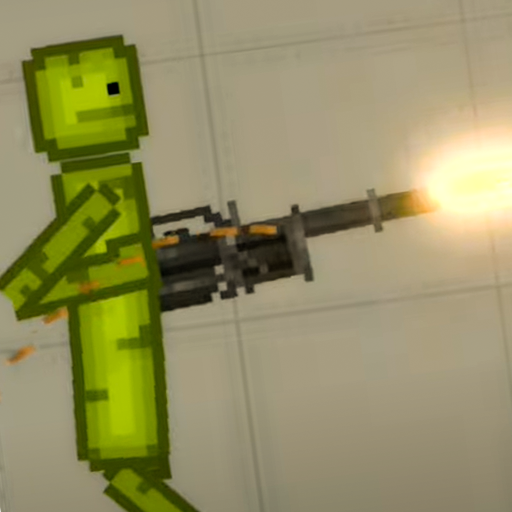
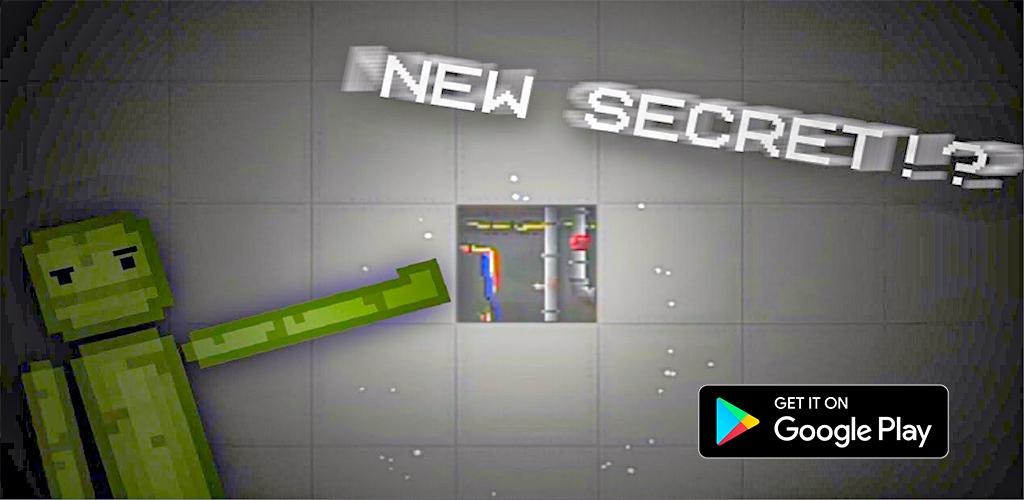
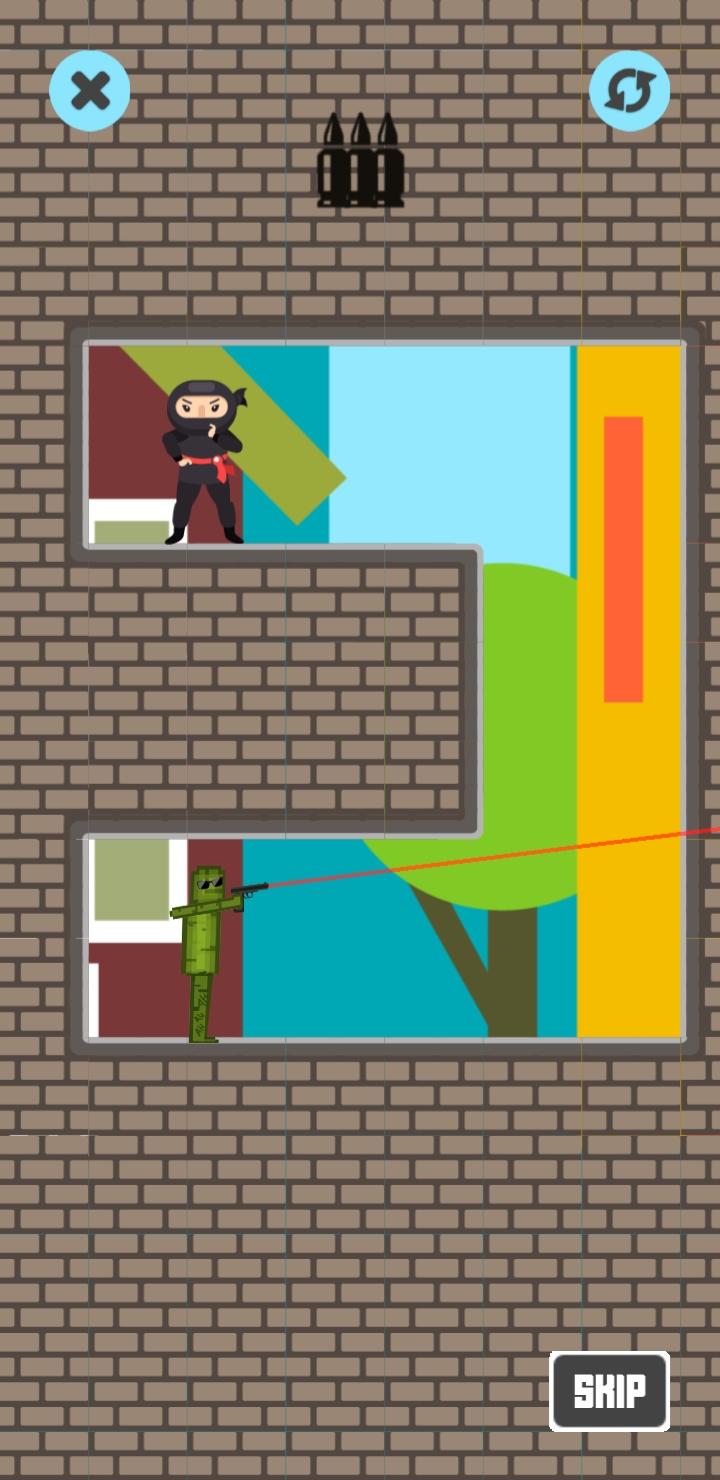
Melon Stick Playground is a new addictive game, try to play it., you'll face the NINJA evil side of your enemies. Try your best to beat them wit pressing in snipe modand help Melon Stick escape from the danger.
Features:
- New Mod Melon Stick Playground
- Smooth Performance
- Effects experience
- Buggy Ragdoll Playground
- Wuggy Ragdoll Playground
- People playground VS Zombie kill
- 50+ Levels to play People Stickman Playground.
- Stickman kill all the ragdoll to go to the next level.
- New design and HD graphics which stickman funs will definitely like!
DOWNLOAD FOR FREE NOW! Let the Melon Stick Playground : brain you insane Mod!!!
पूर्वावलोकन
टैग
हल्के-फुल्केजानकारी
डेवलपर
Rocket_Games
नवीनतम संस्करण
0.1
आखरी अपडेट
2022-07-30
श्रेणी
पहेली
पर उपलब्ध
Google Play
और दिखाओ
पीसी पर गेमलूप के साथ Melon Stick Playground Bullets कैसे खेलें
1. आधिकारिक वेबसाइट से GameLoop डाउनलोड करें, फिर GameLoop को स्थापित करने के लिए exe फ़ाइल चलाएँ।
2. गेमलूप खोलें और "Melon Stick Playground Bullets" खोजें, खोज परिणामों में Melon Stick Playground Bullets खोजें और "इंस्टॉल करें" पर क्लिक करें।
3. GameLoop पर Melon Stick Playground Bullets खेलने का आनंद लें।
Minimum requirements
OS
Windows 8.1 64-bit or Windows 10 64-bit
GPU
GTX 1050
CPU
i3-8300
Memory
8GB RAM
Storage
1GB available space
Recommended requirements
OS
Windows 8.1 64-bit or Windows 10 64-bit
GPU
GTX 1050
CPU
i3-9320
Memory
16GB RAM
Storage
1GB available space